
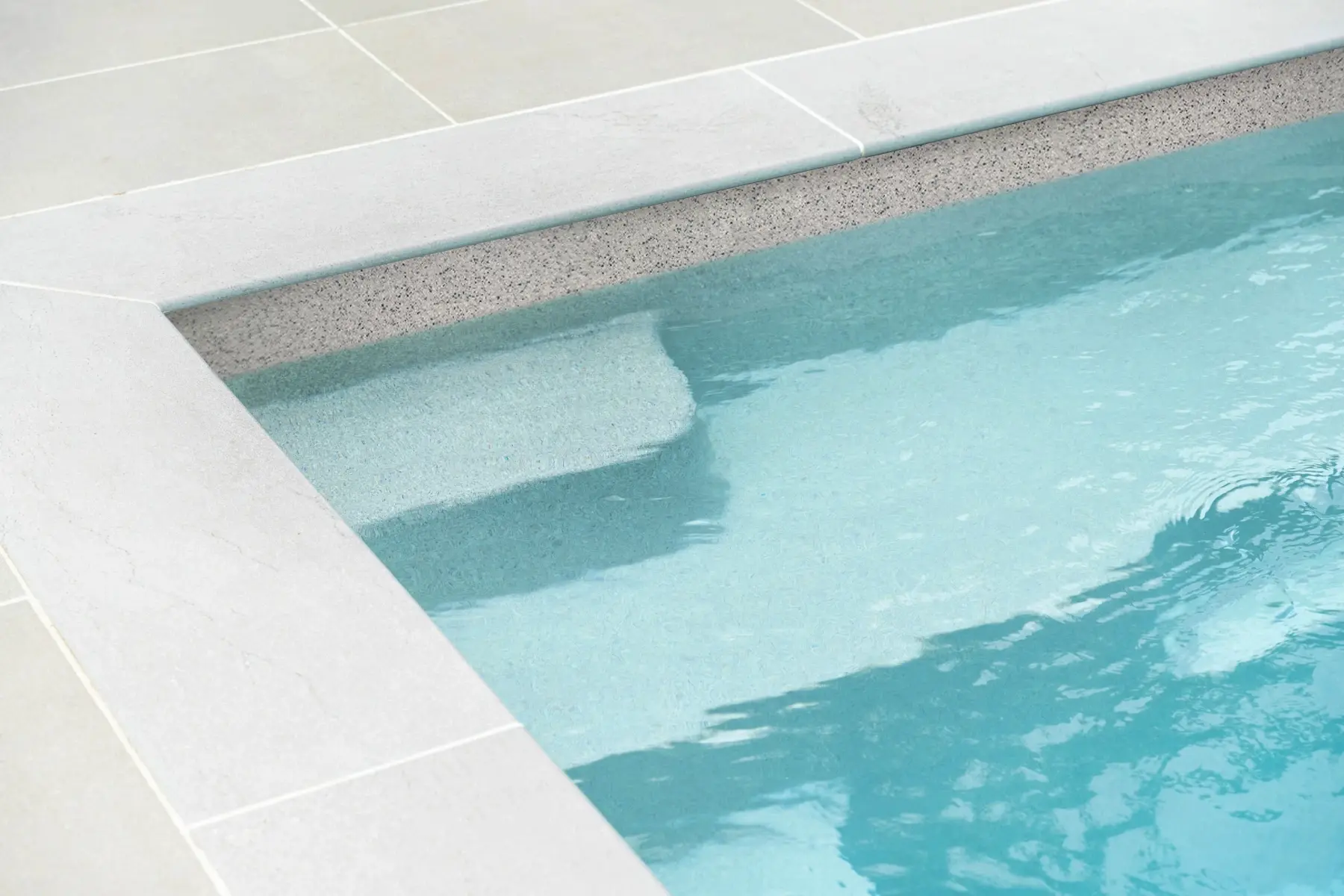
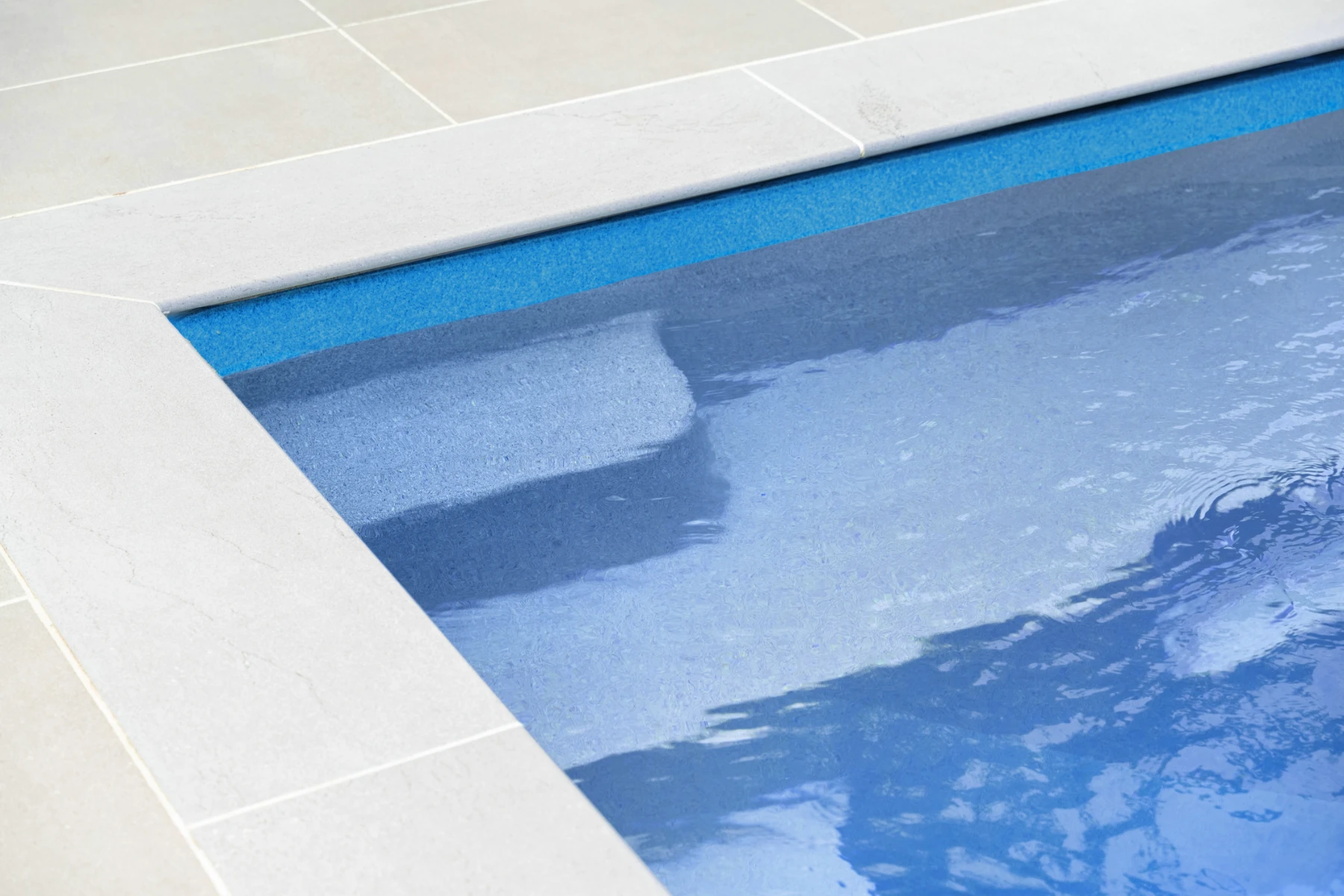
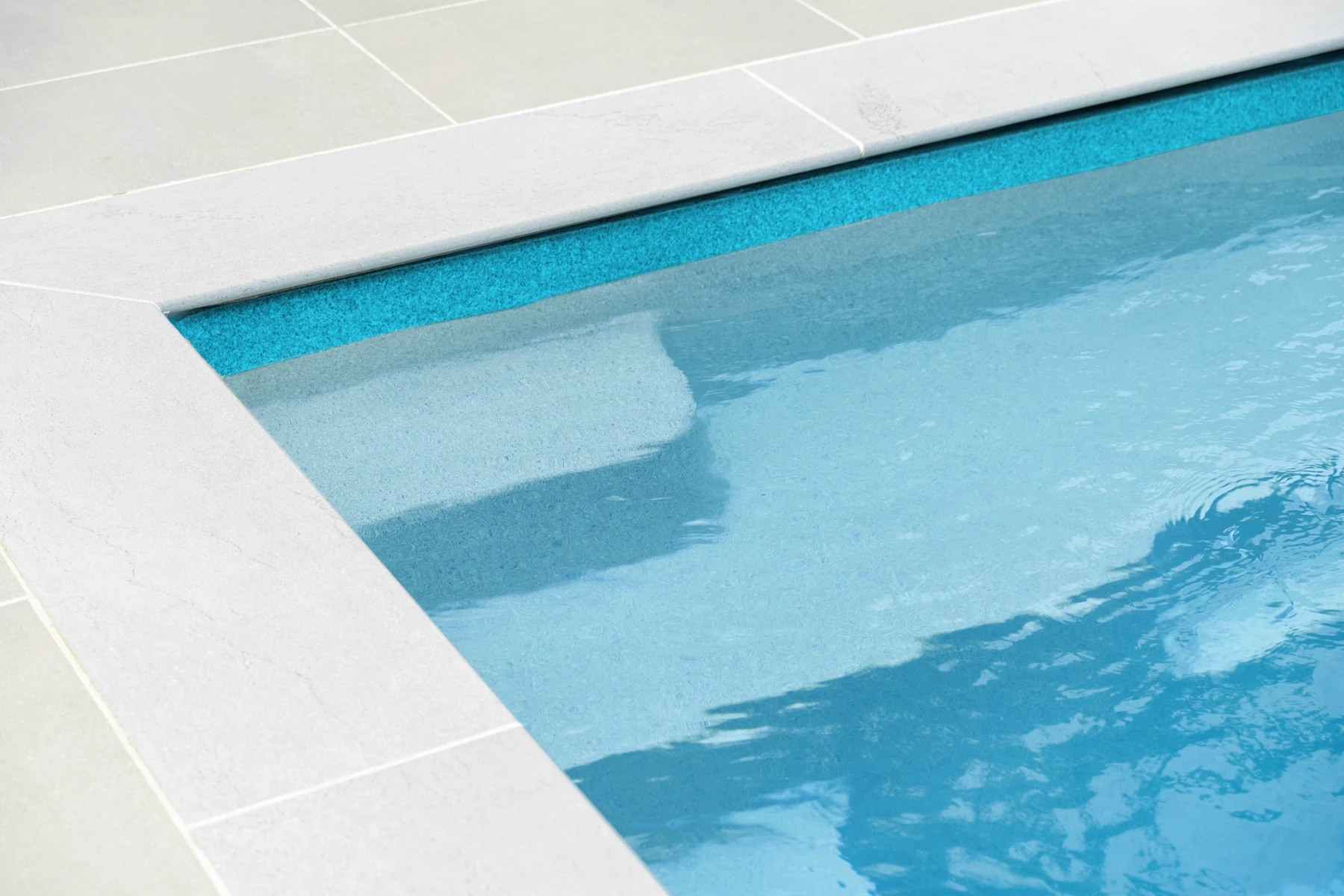
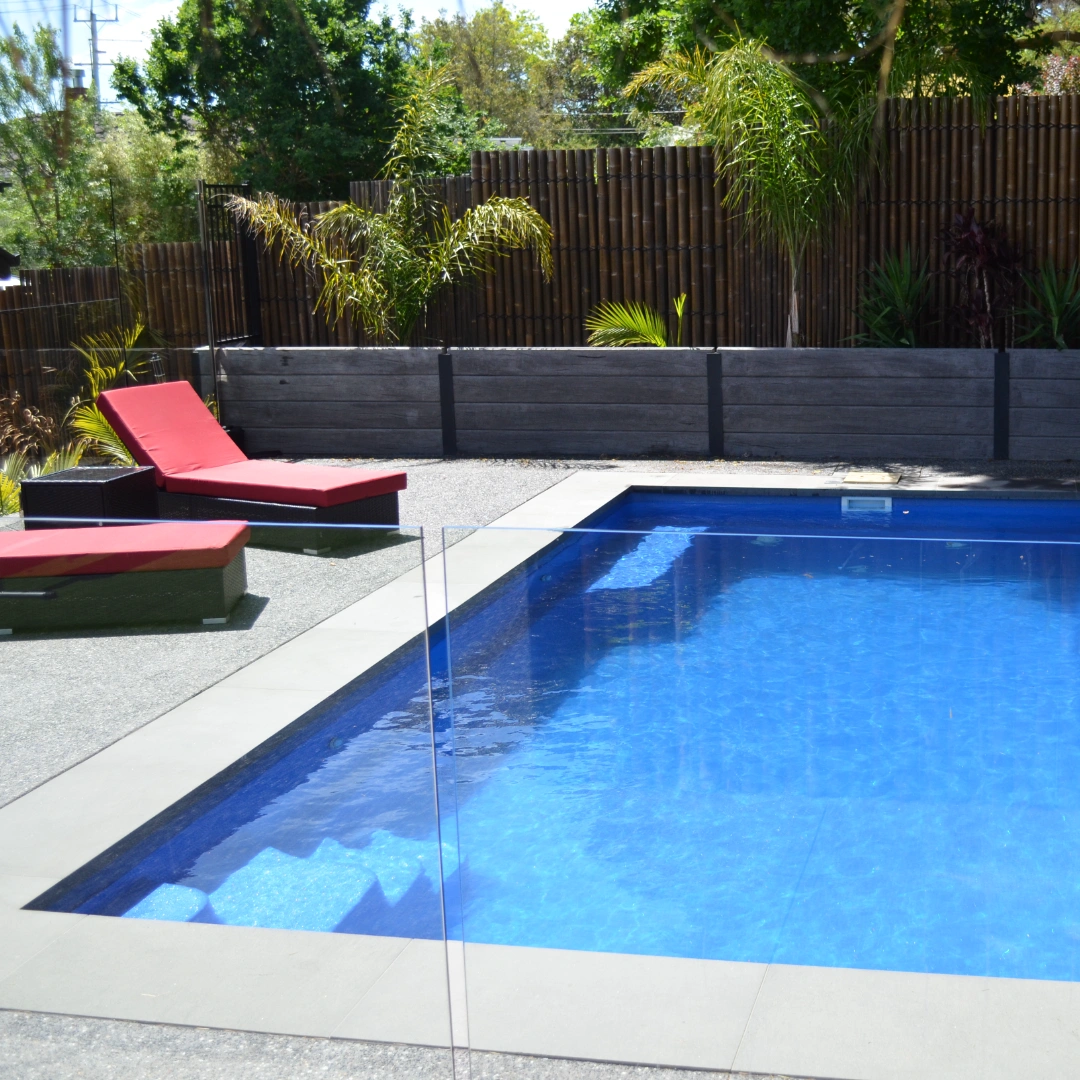
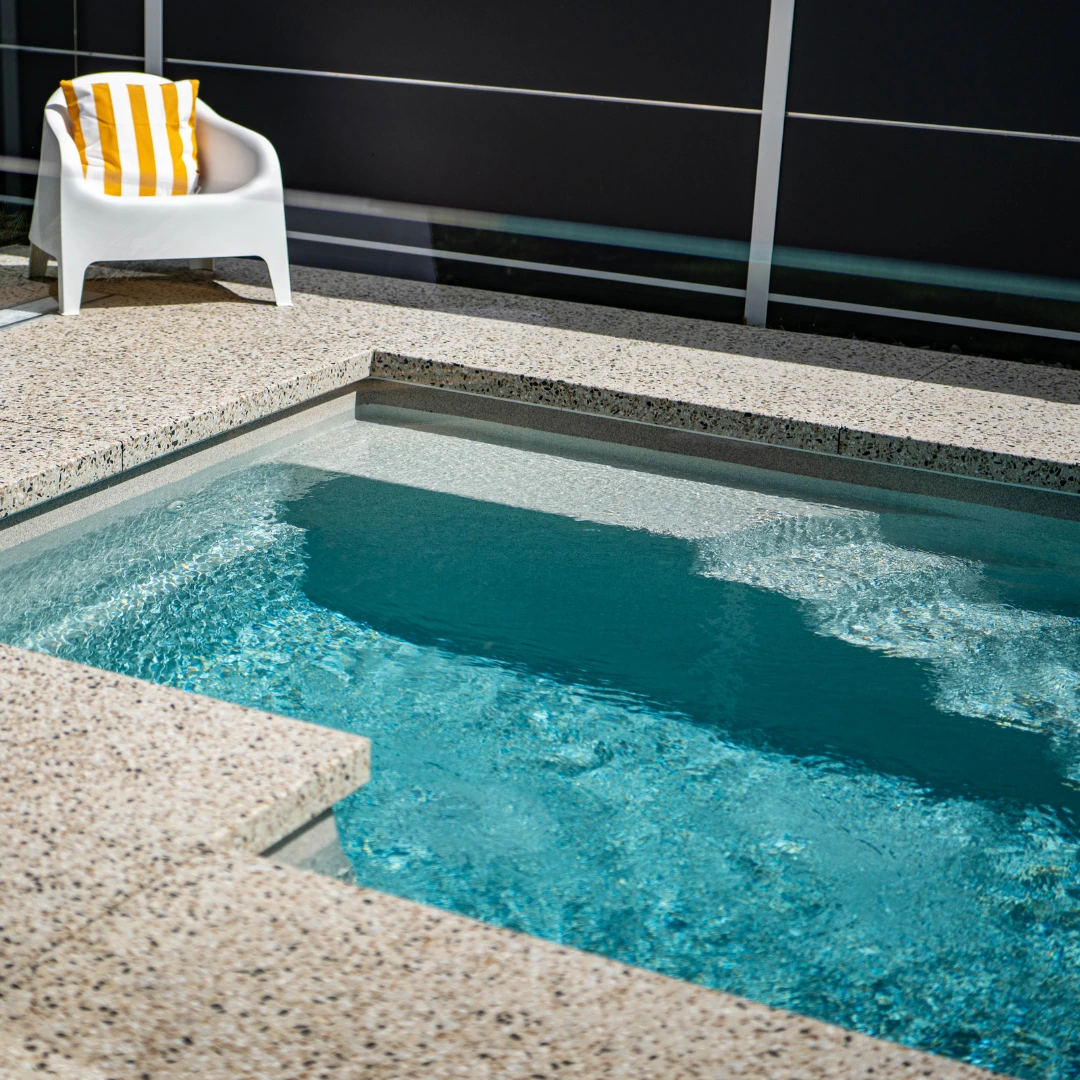
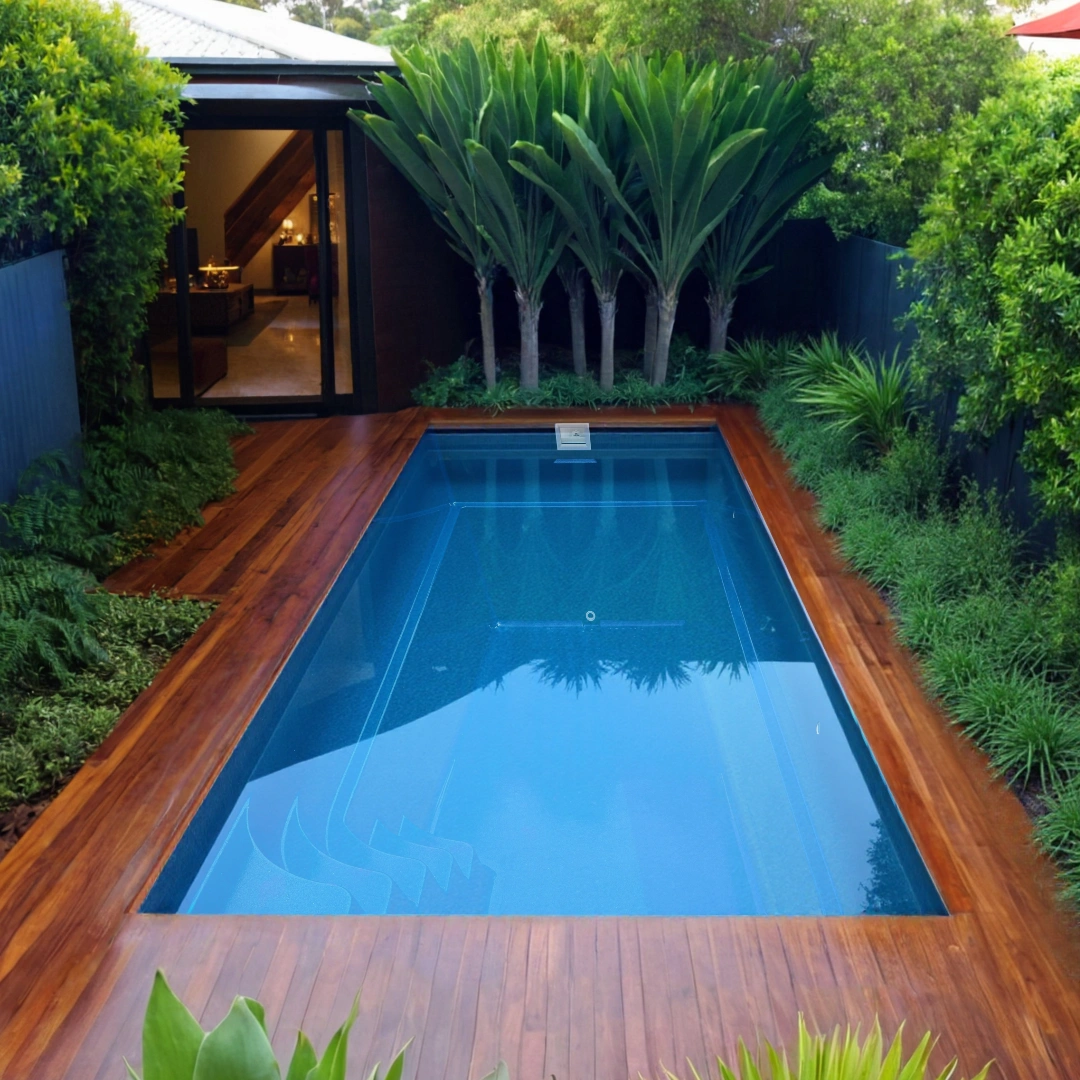
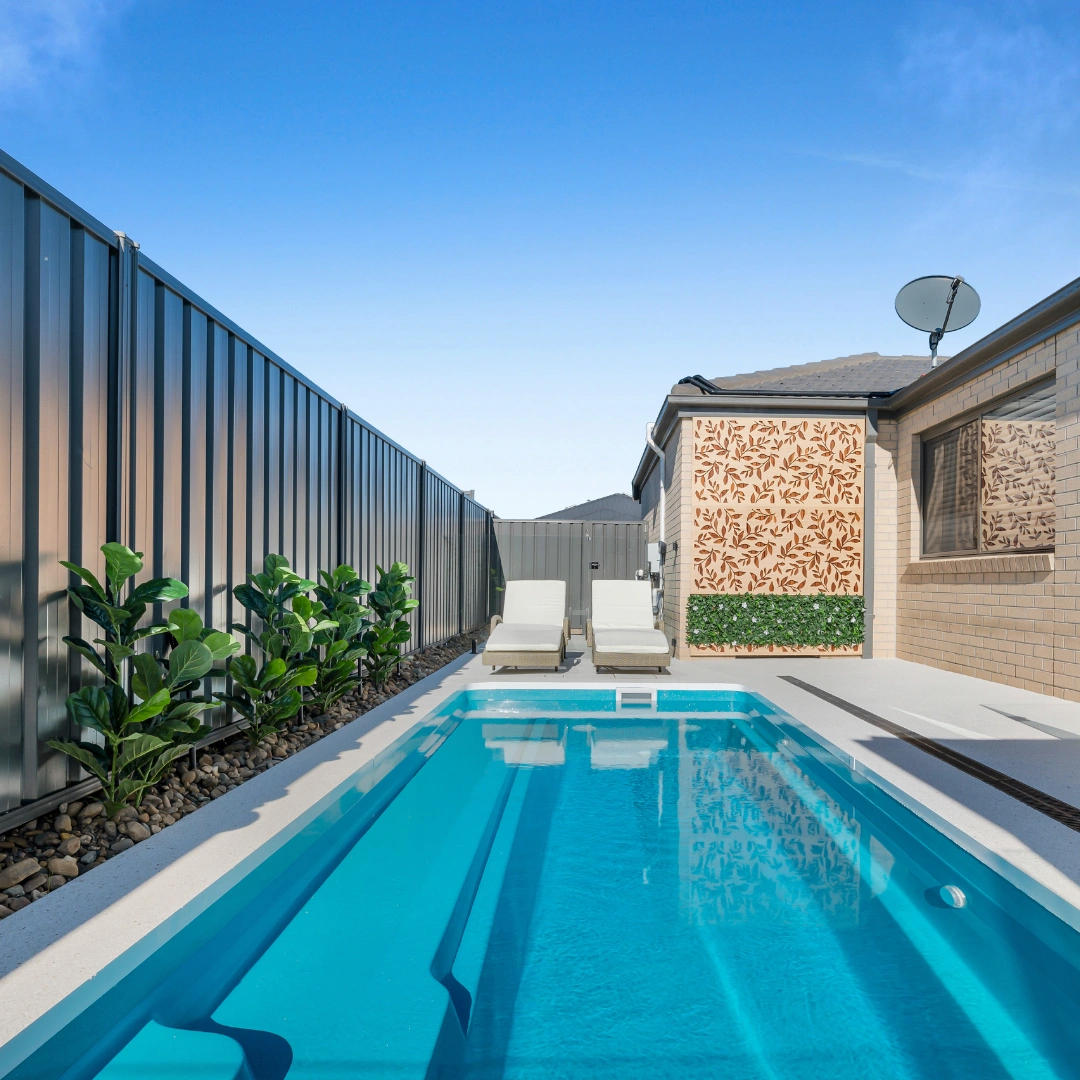
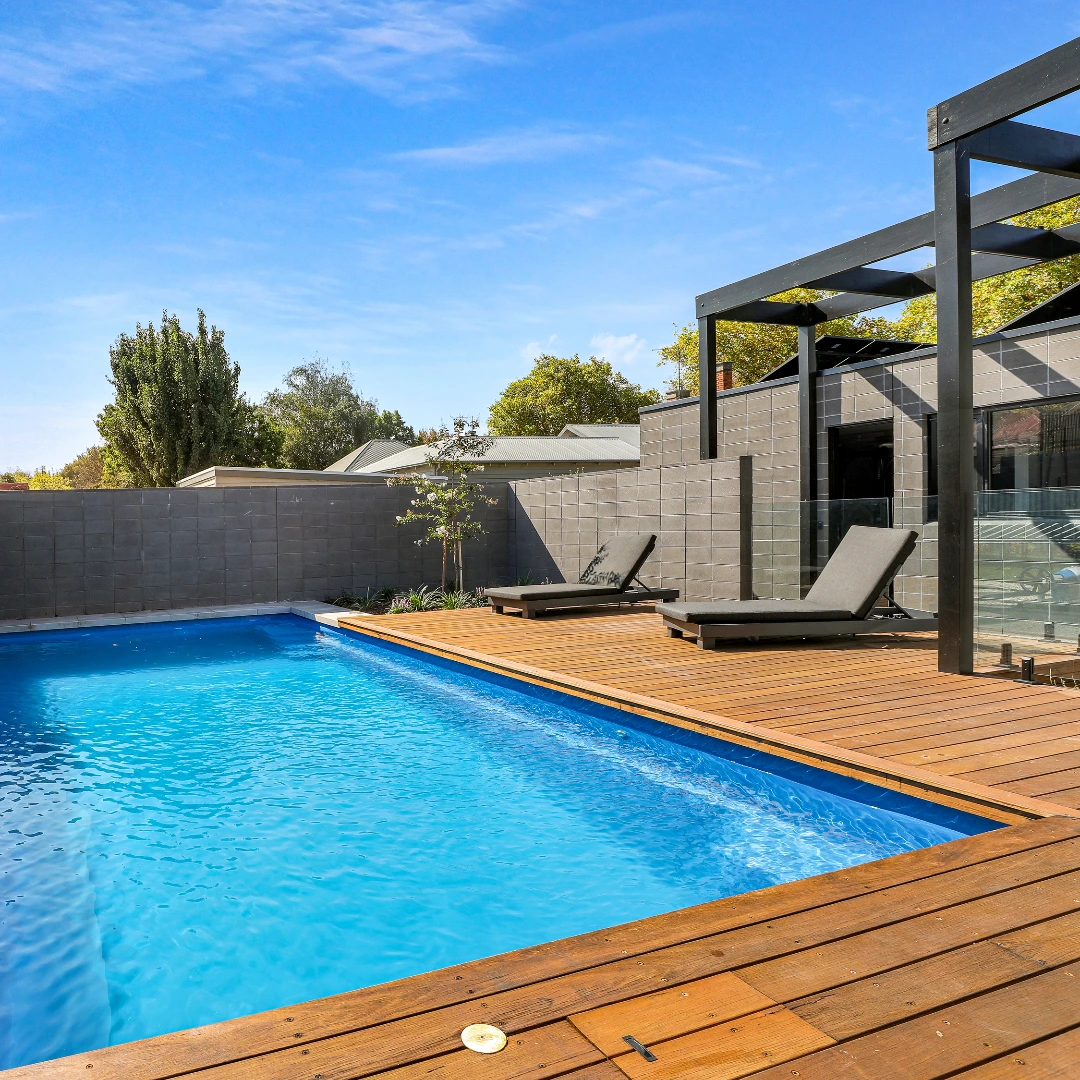
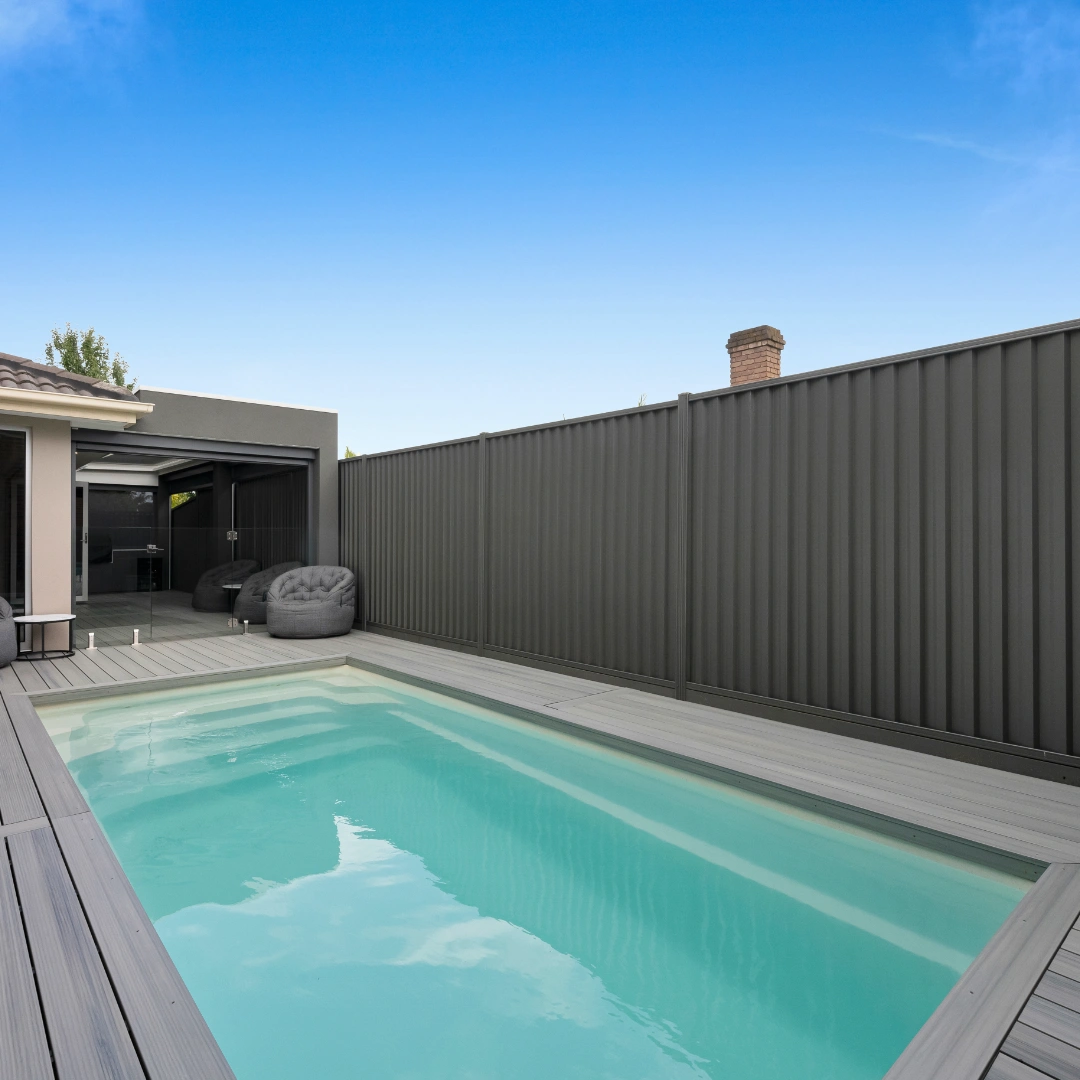
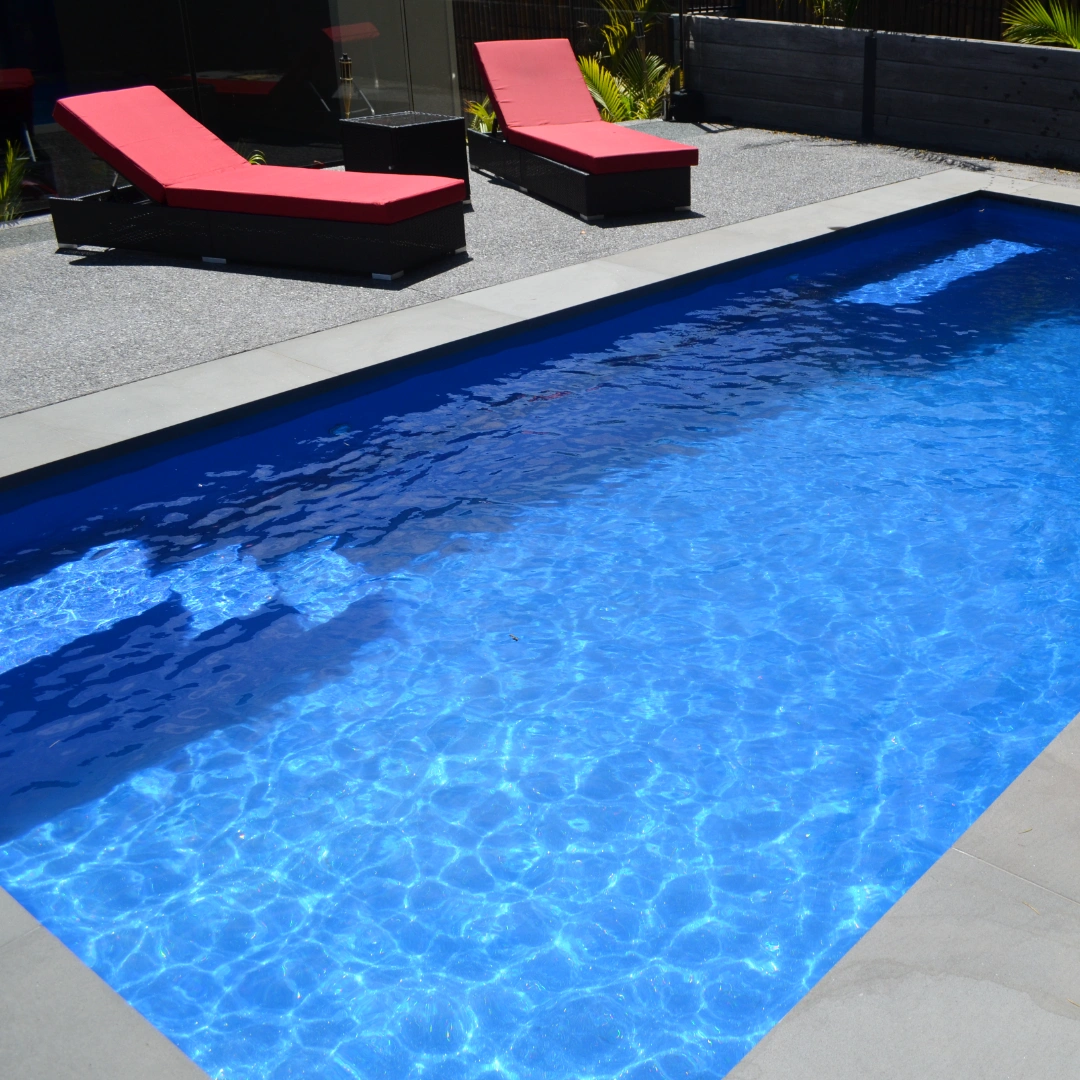
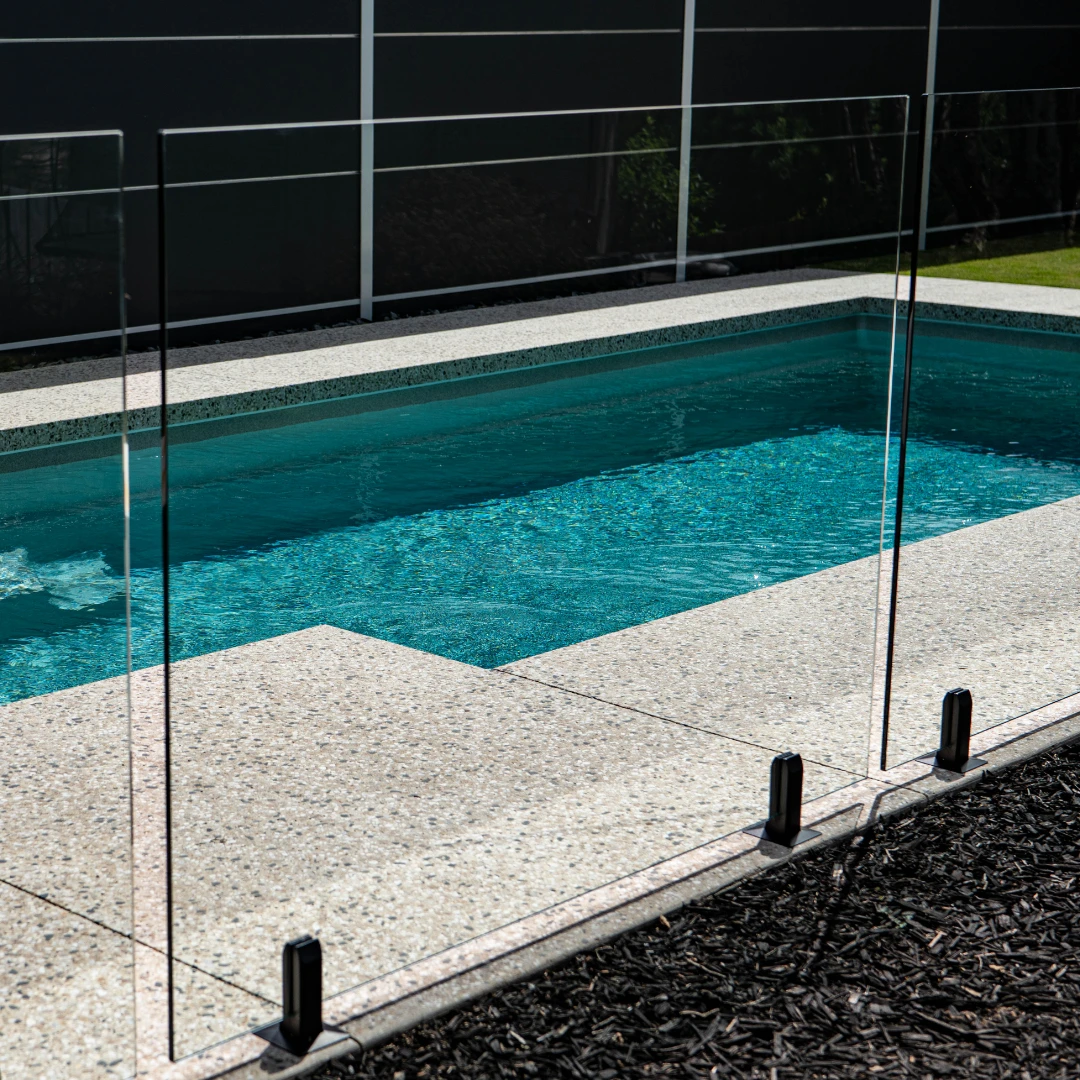
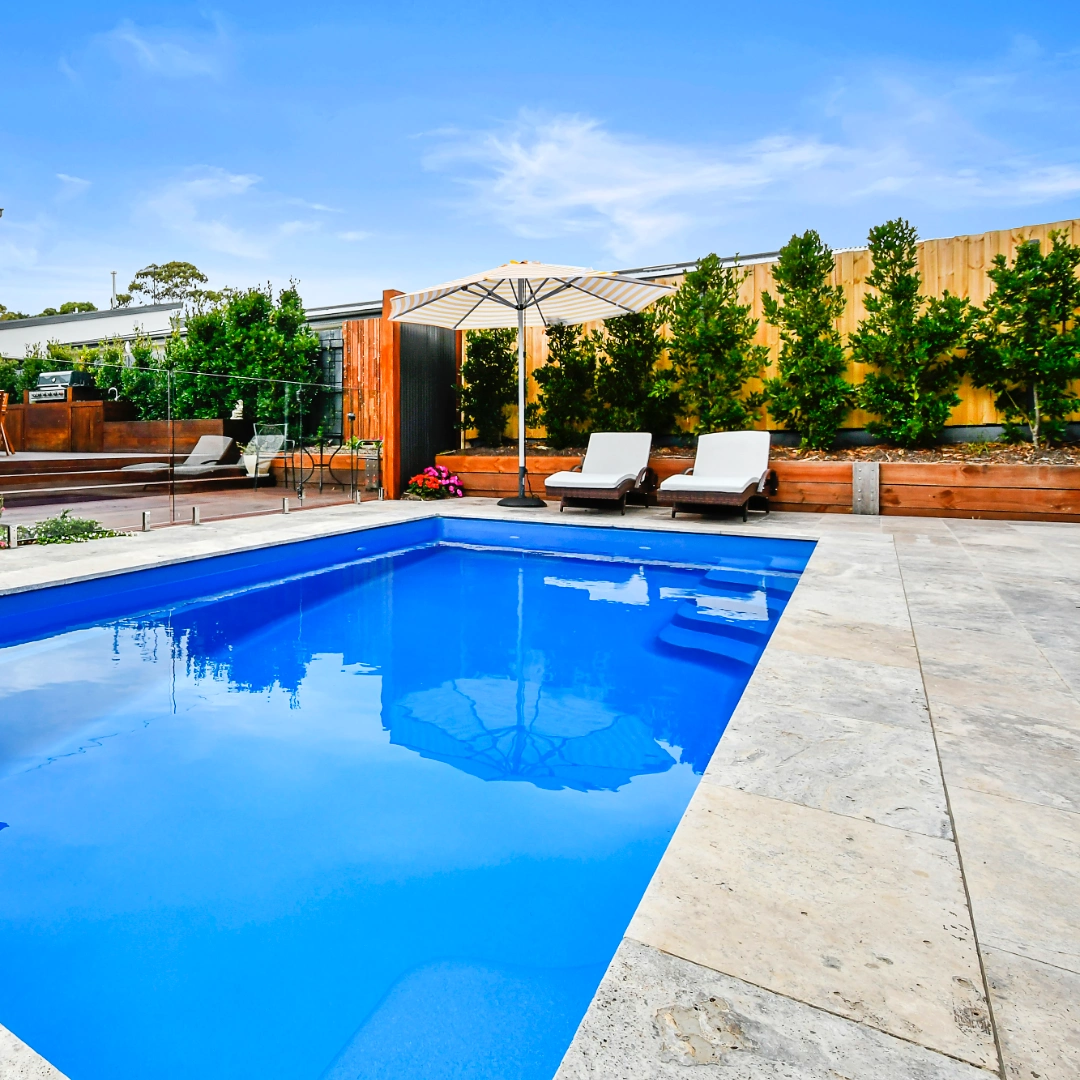
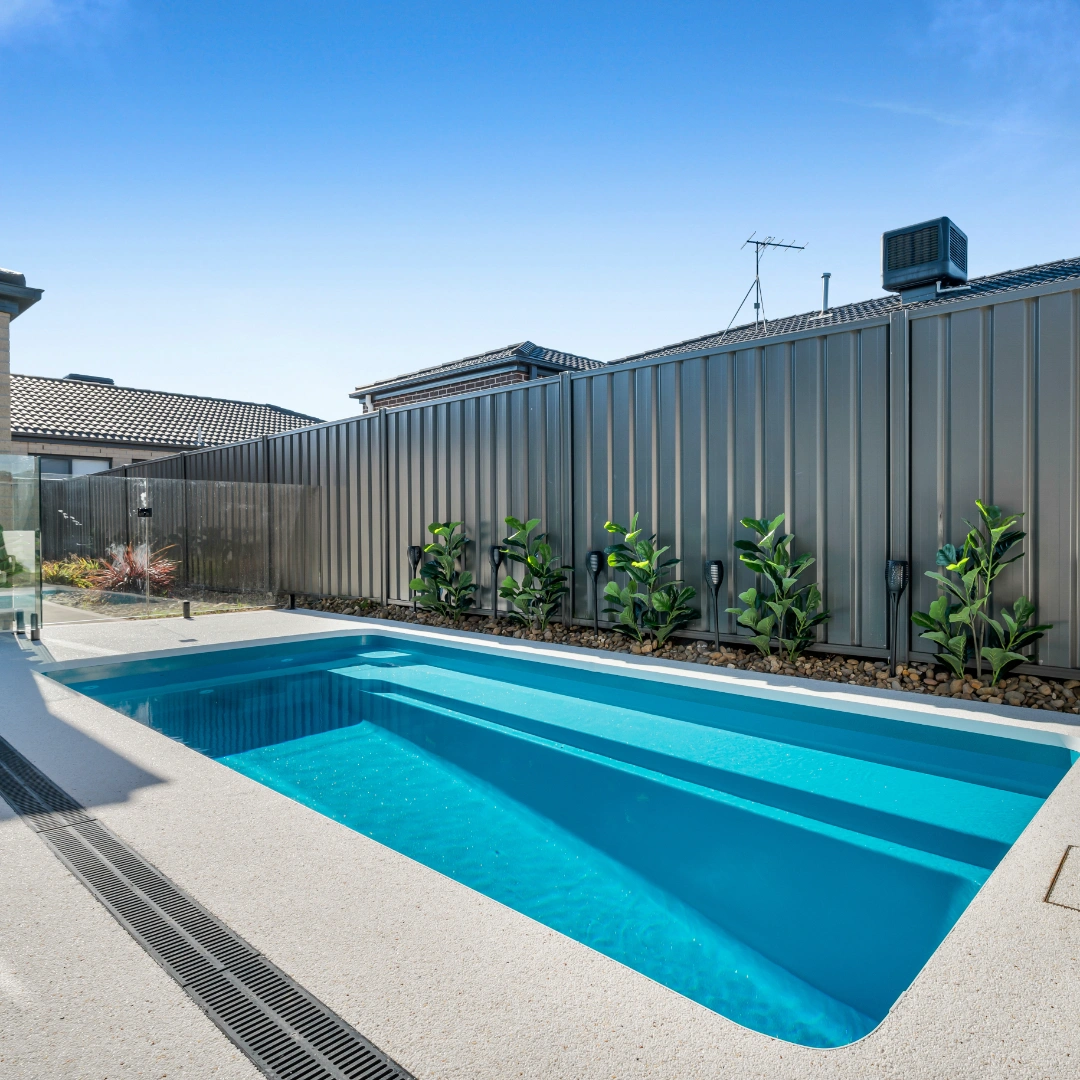
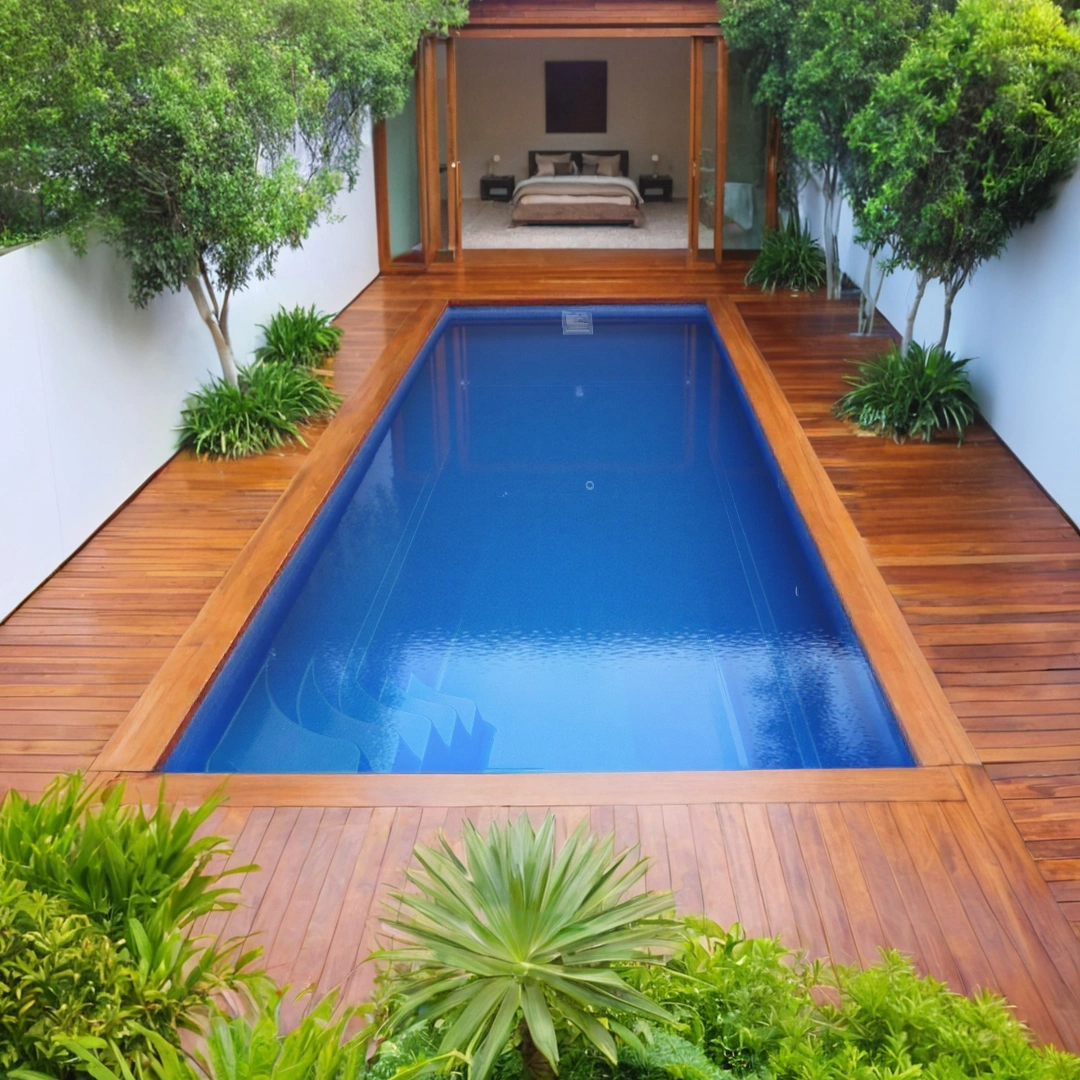
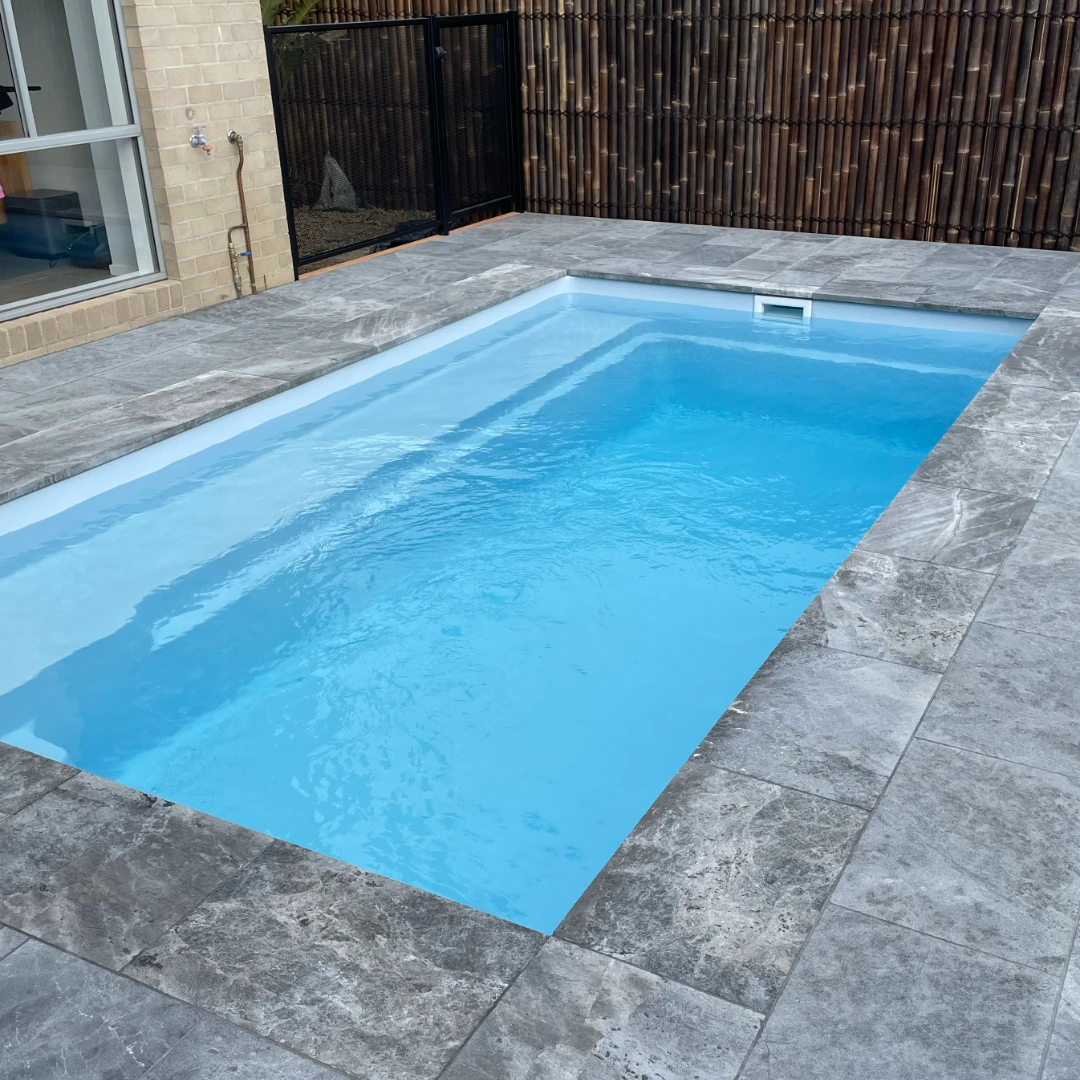
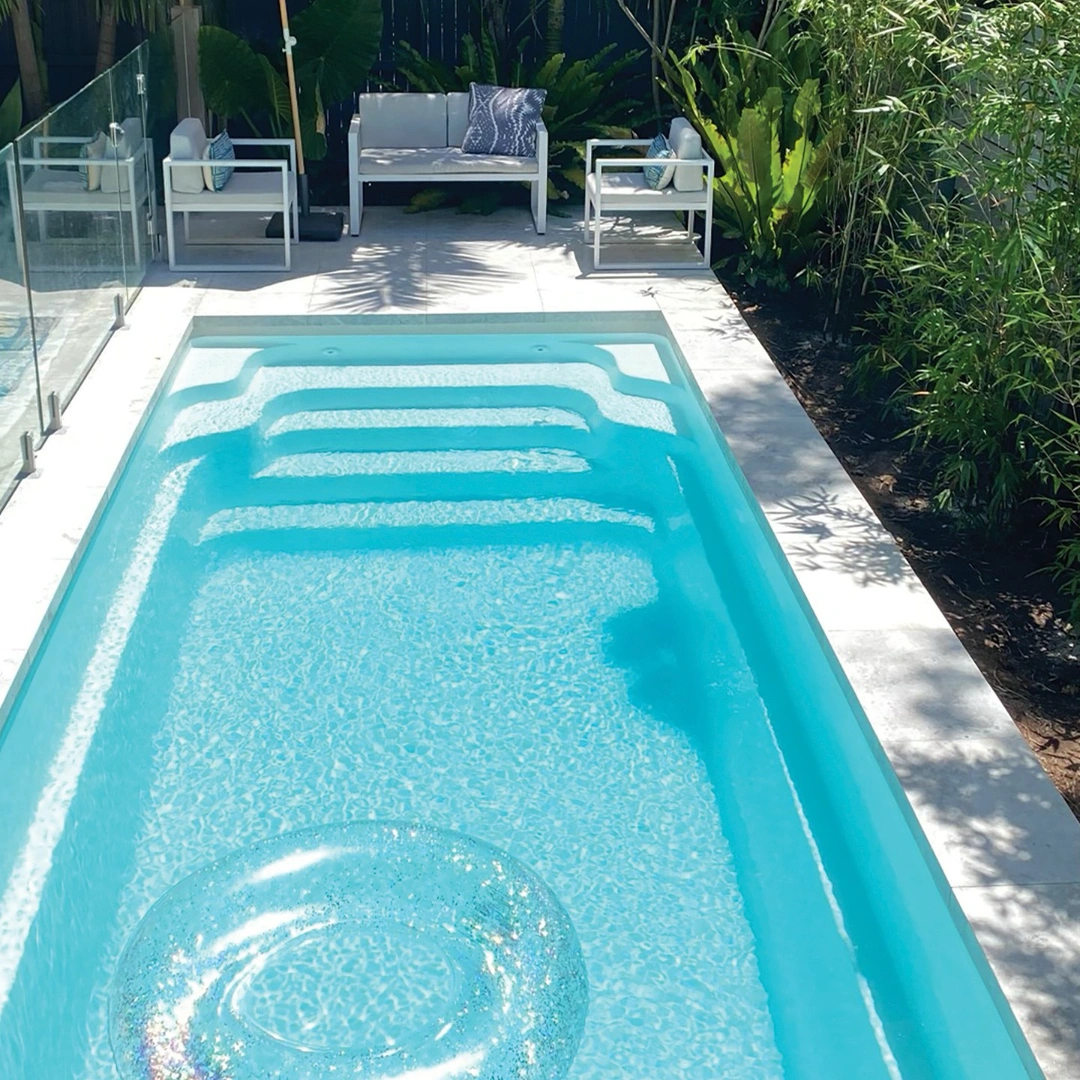
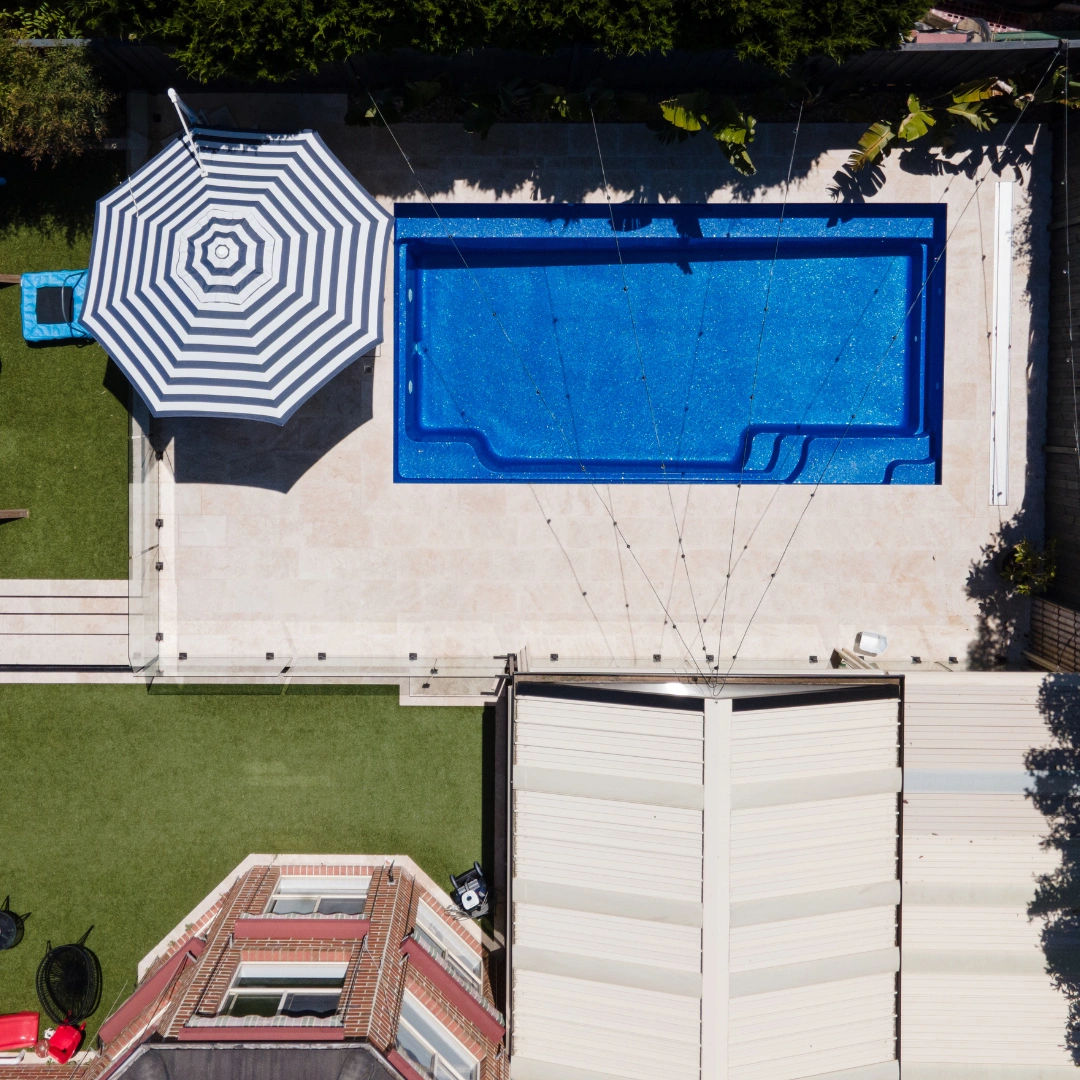
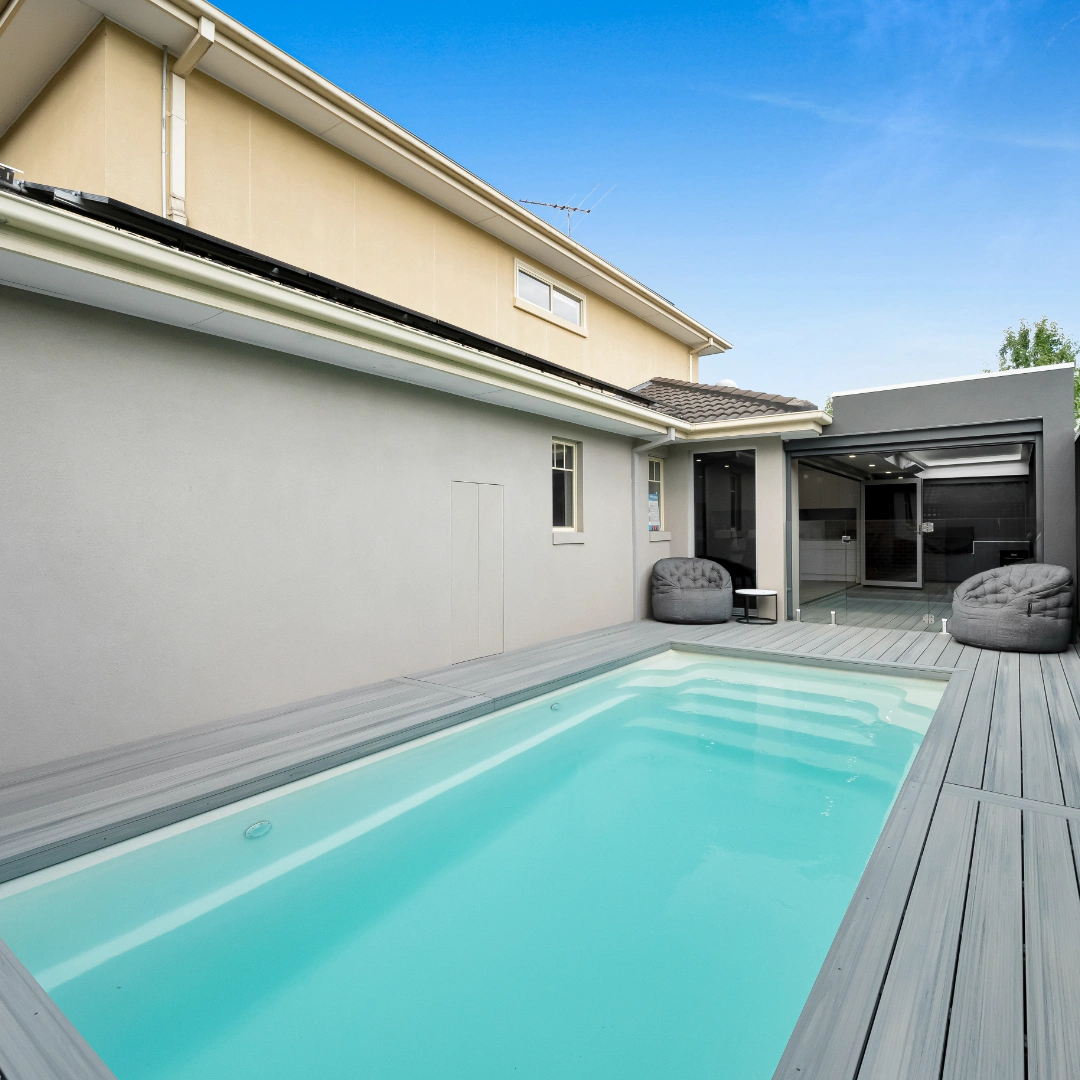
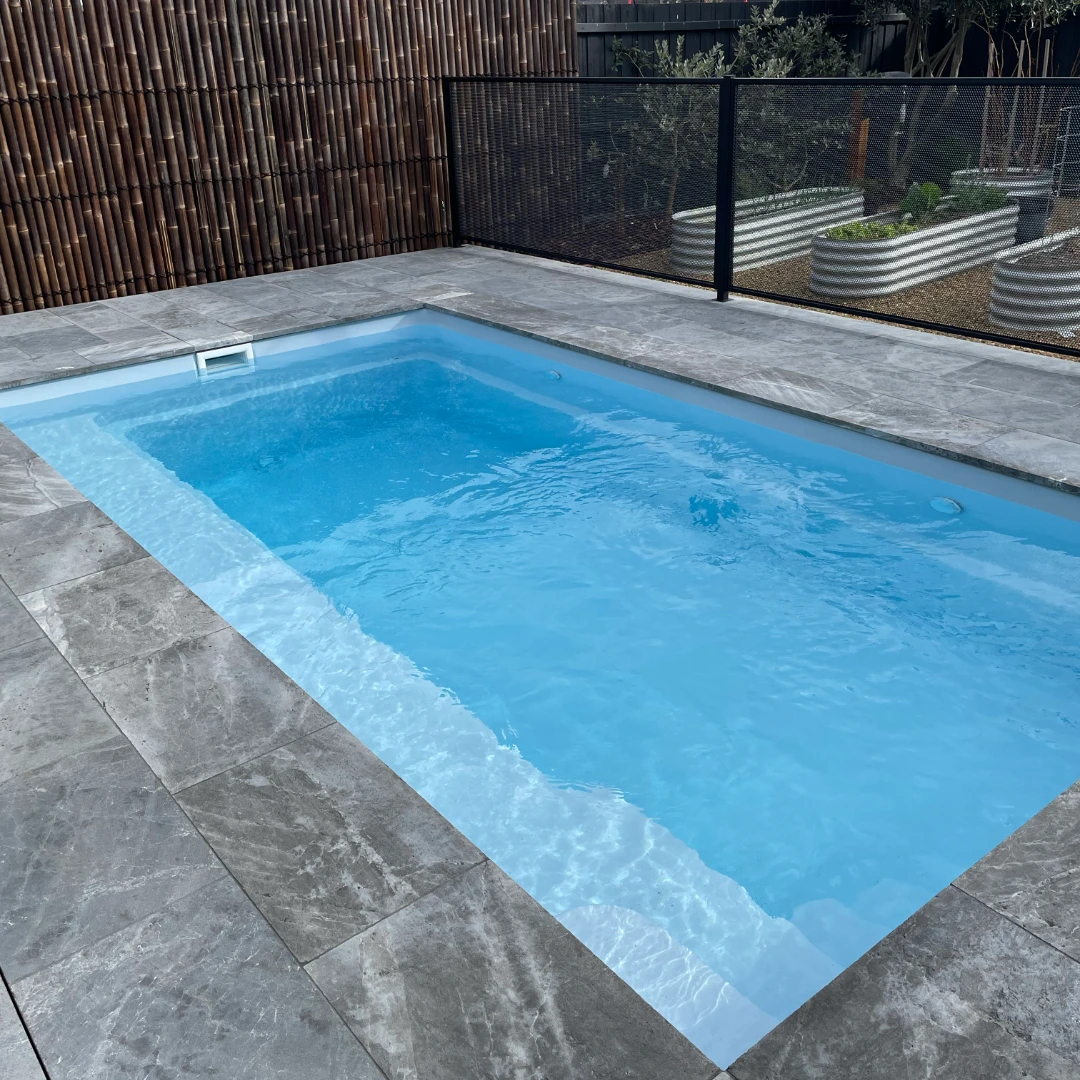
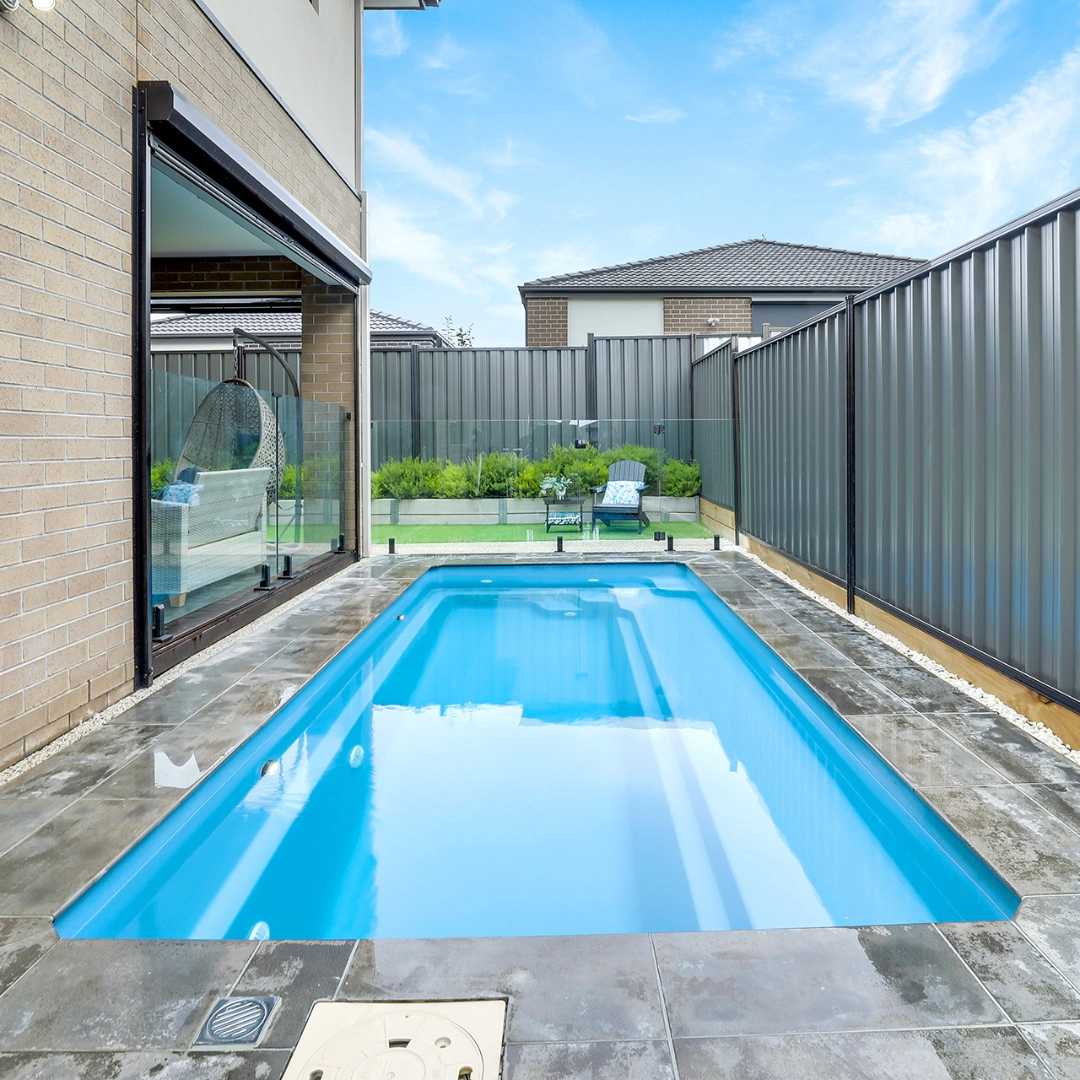
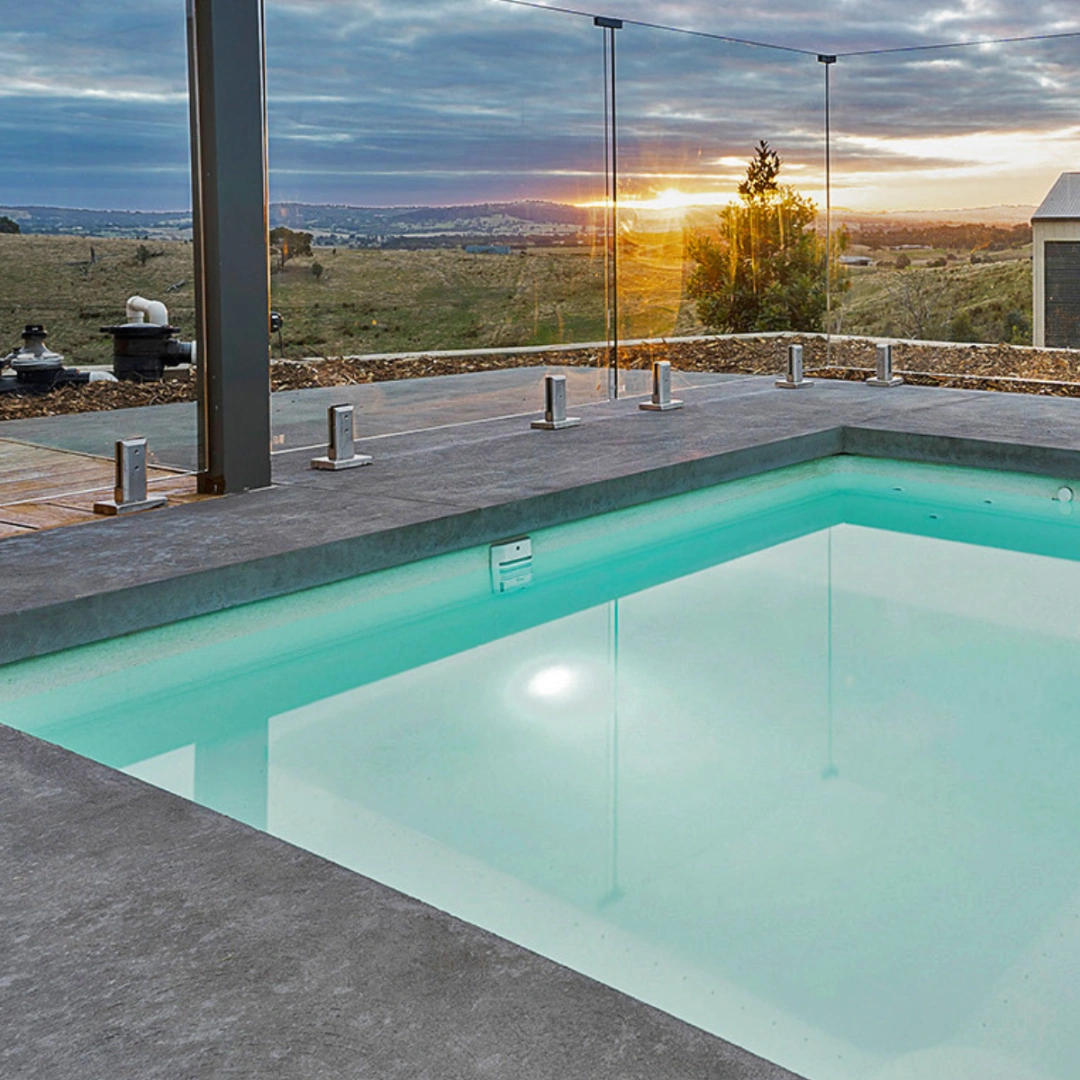
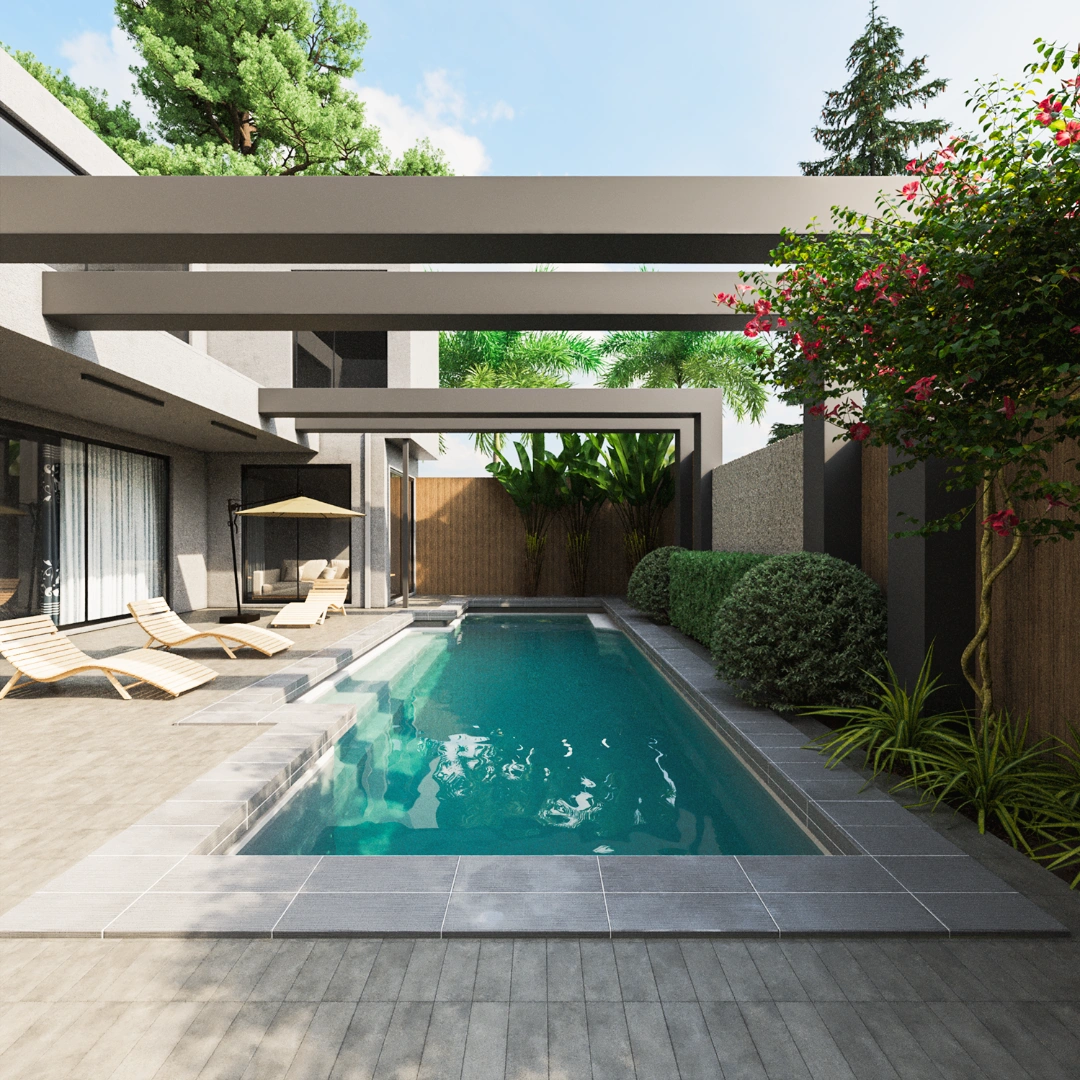
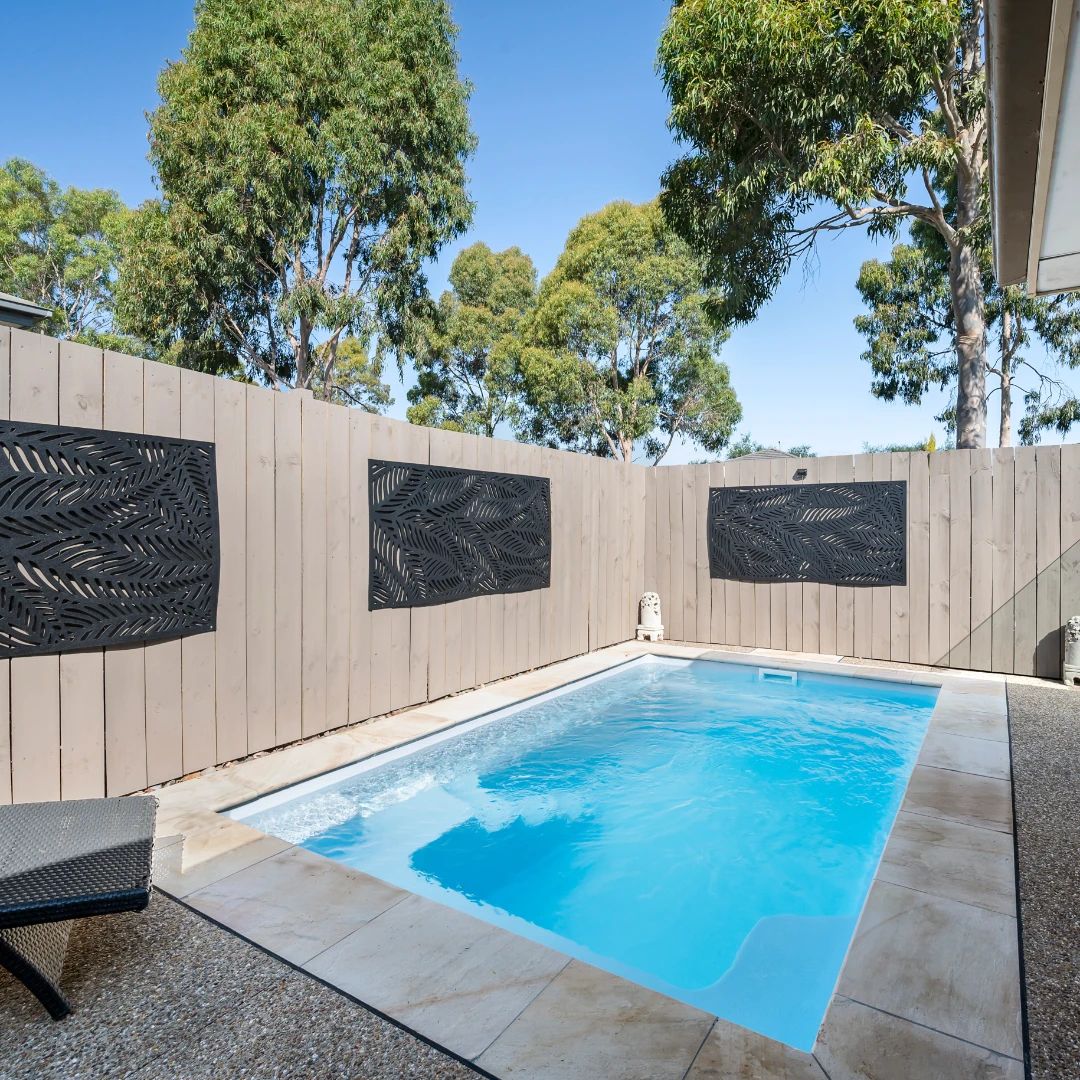
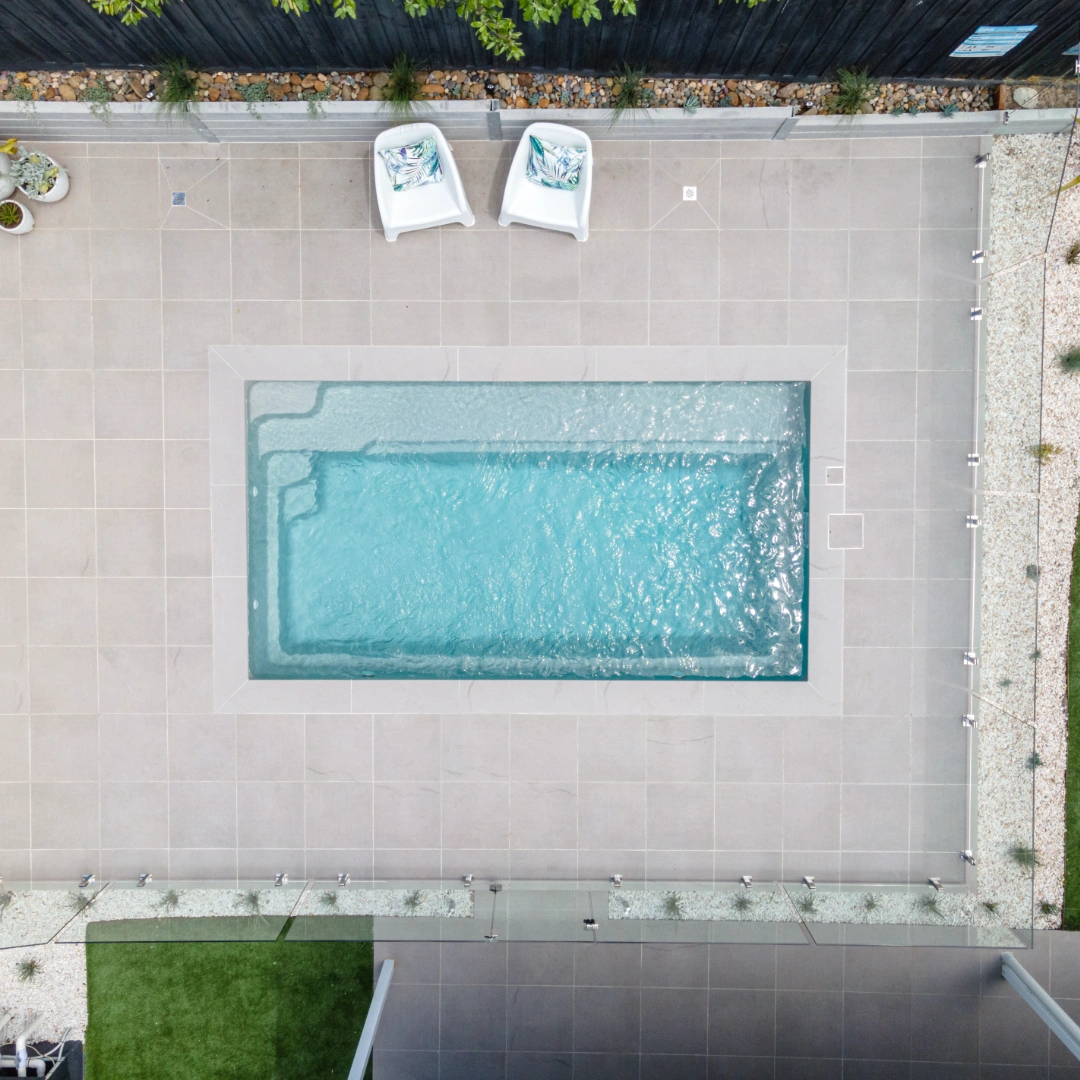
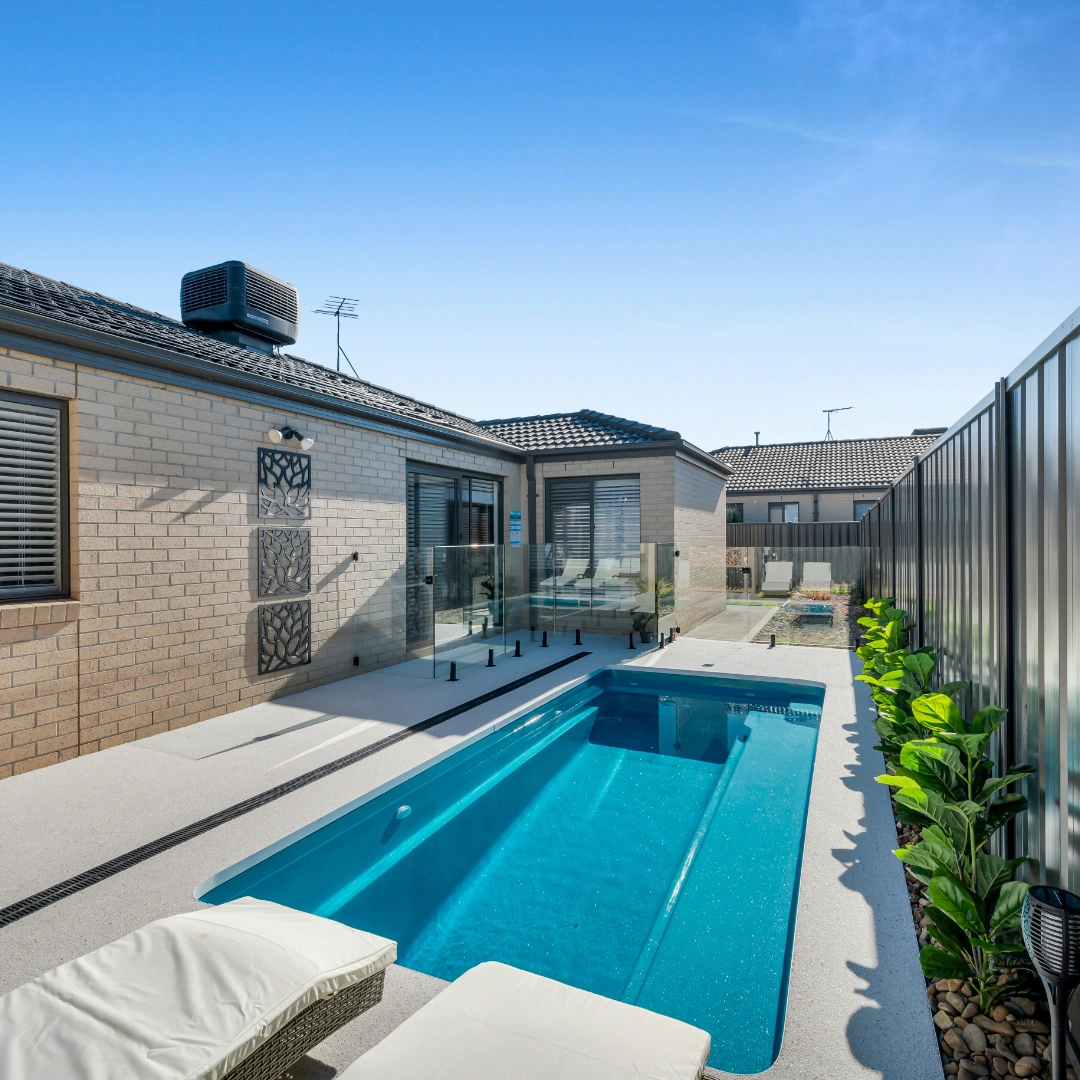
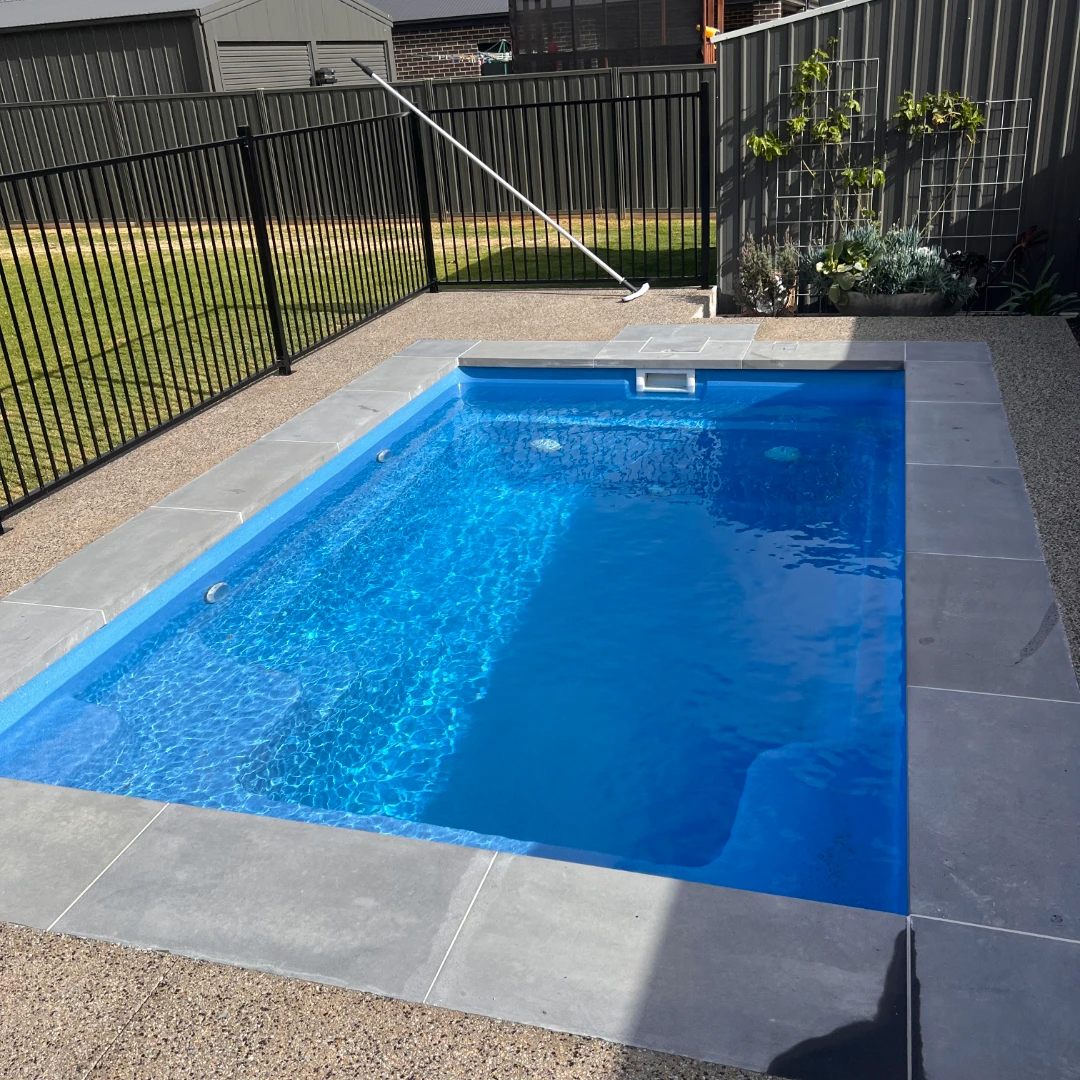
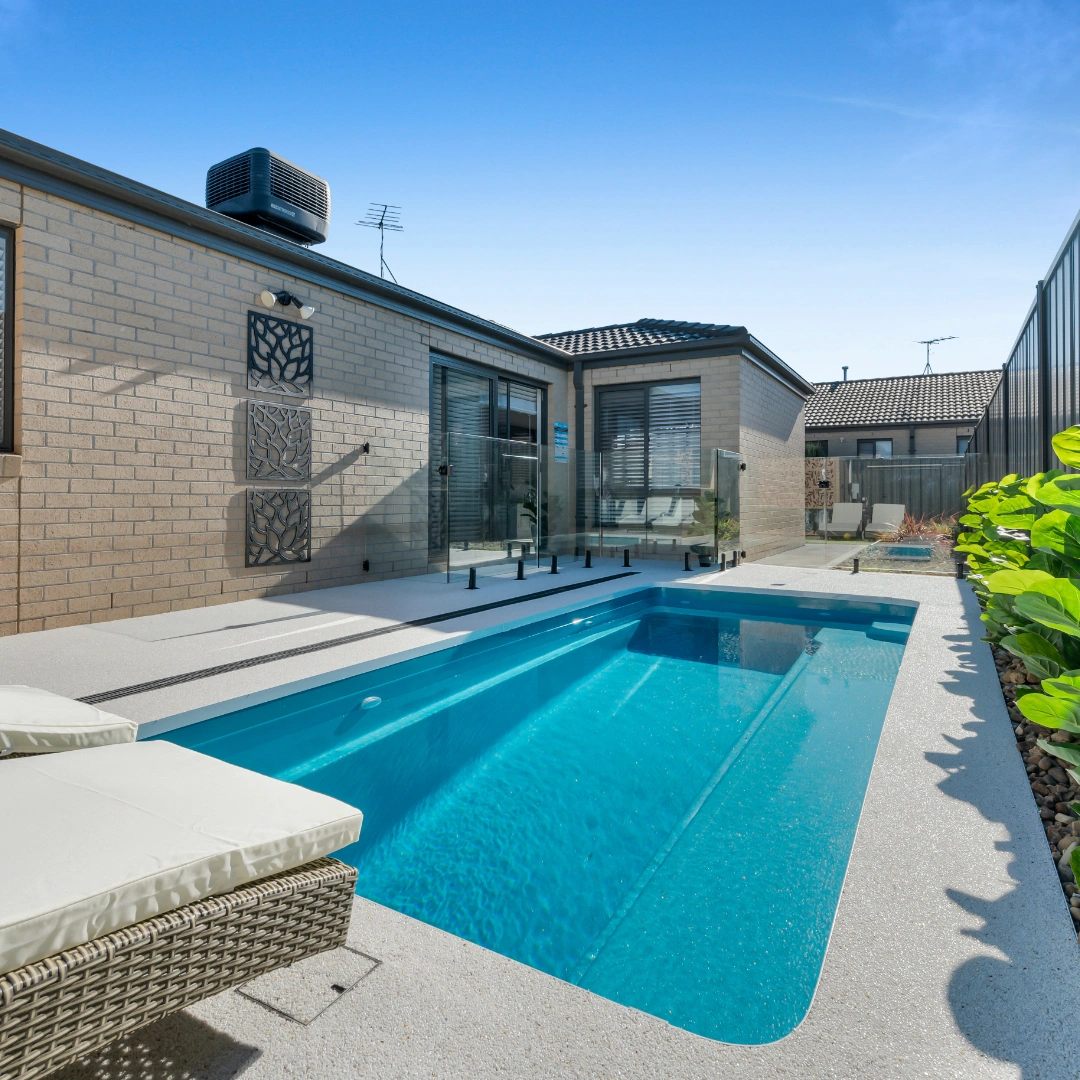
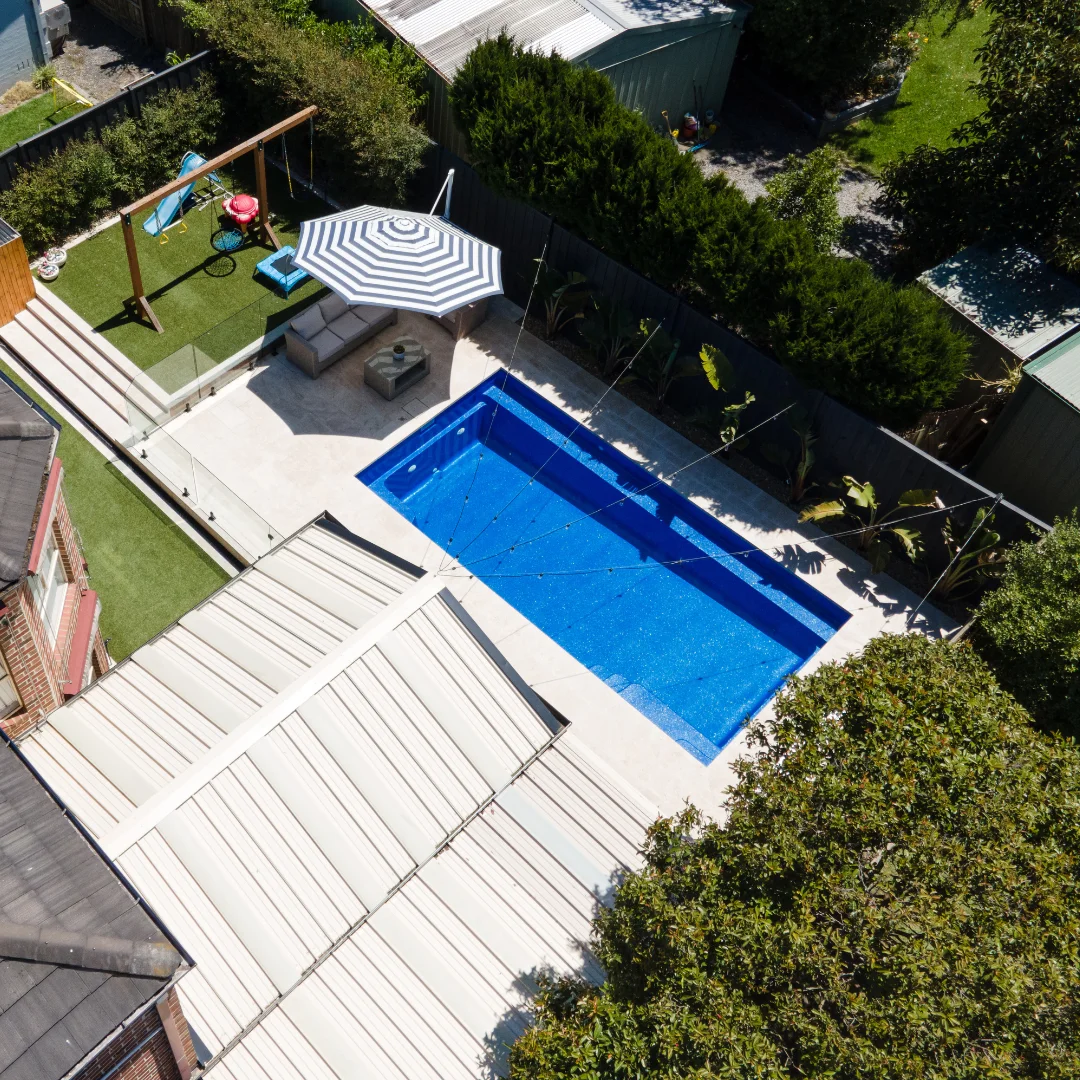
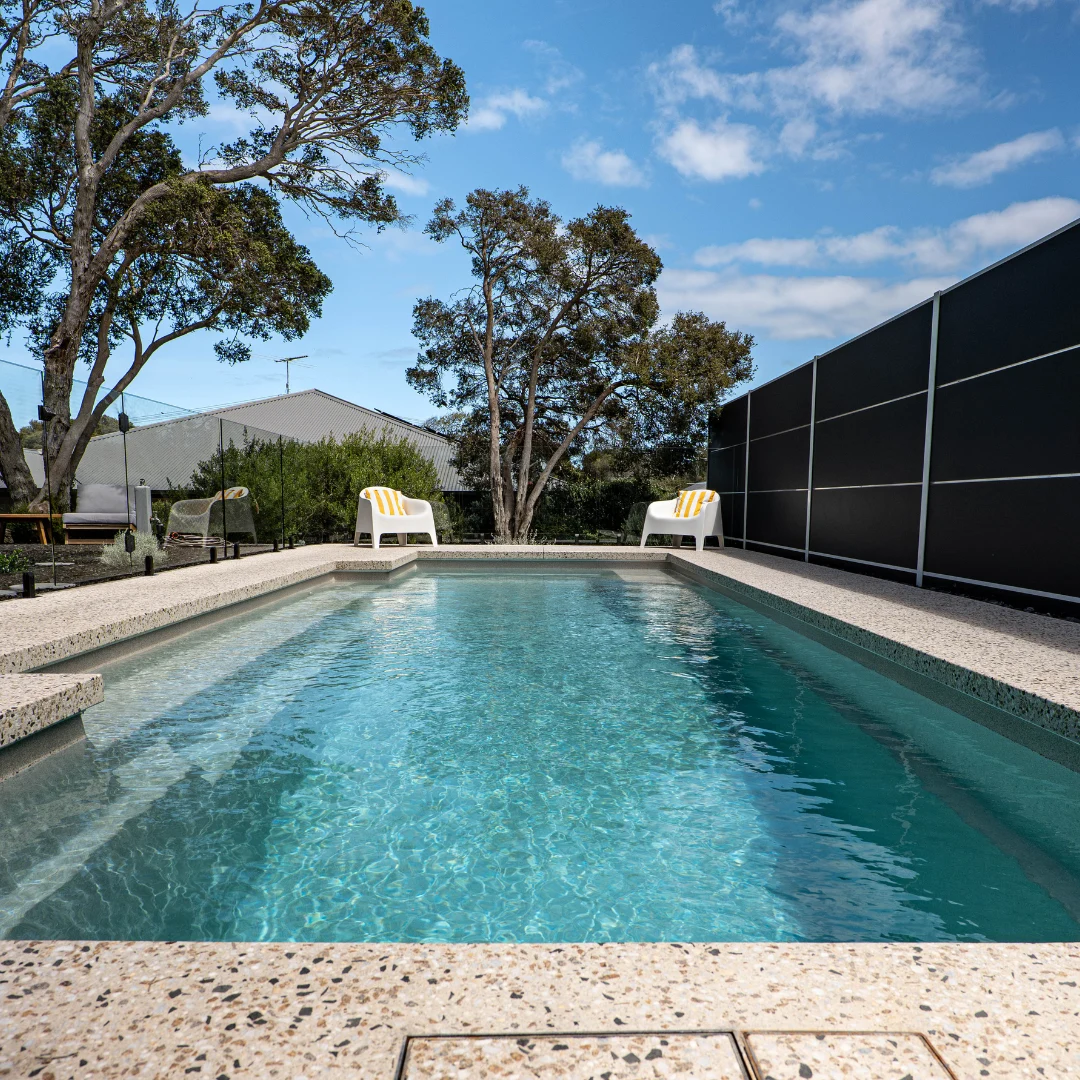
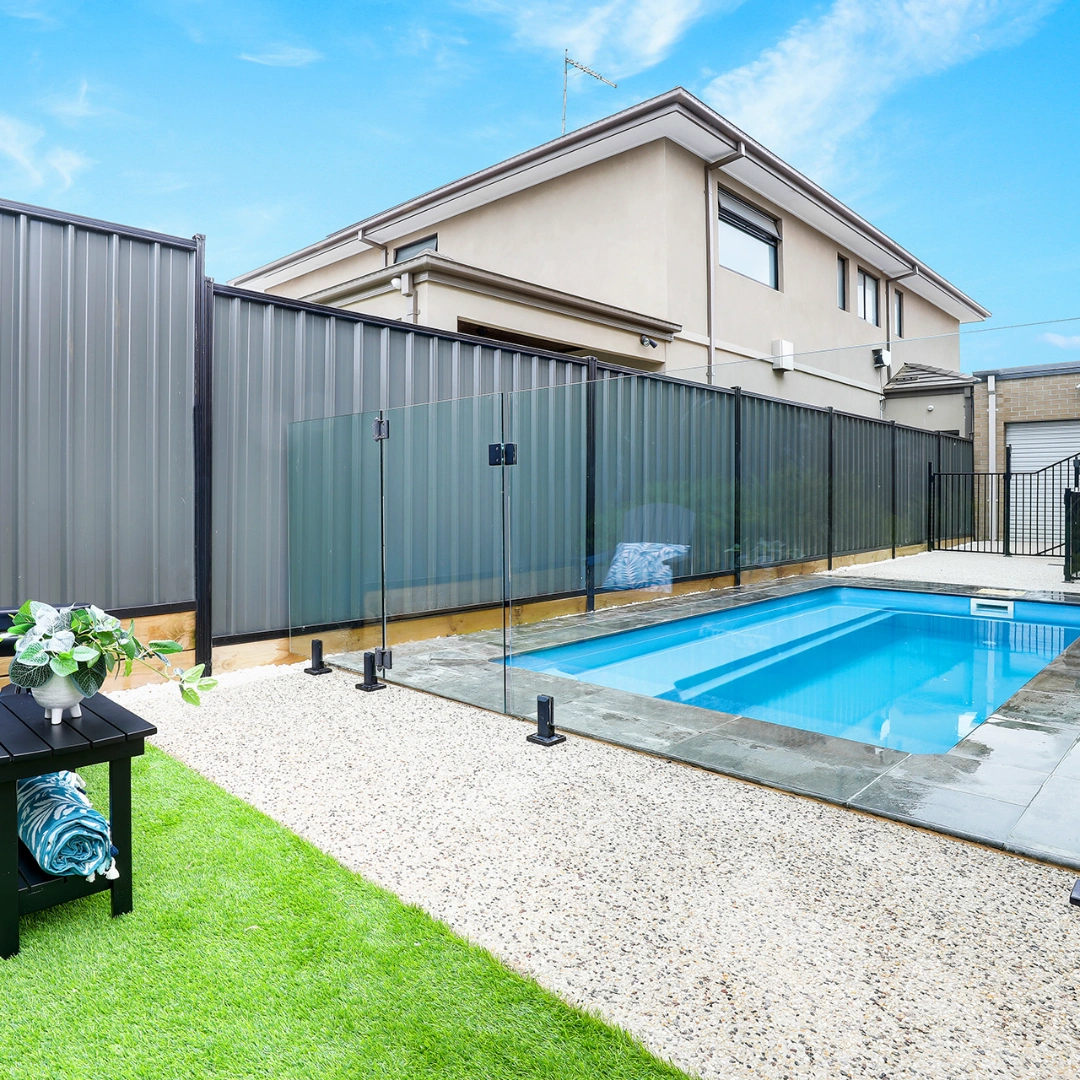
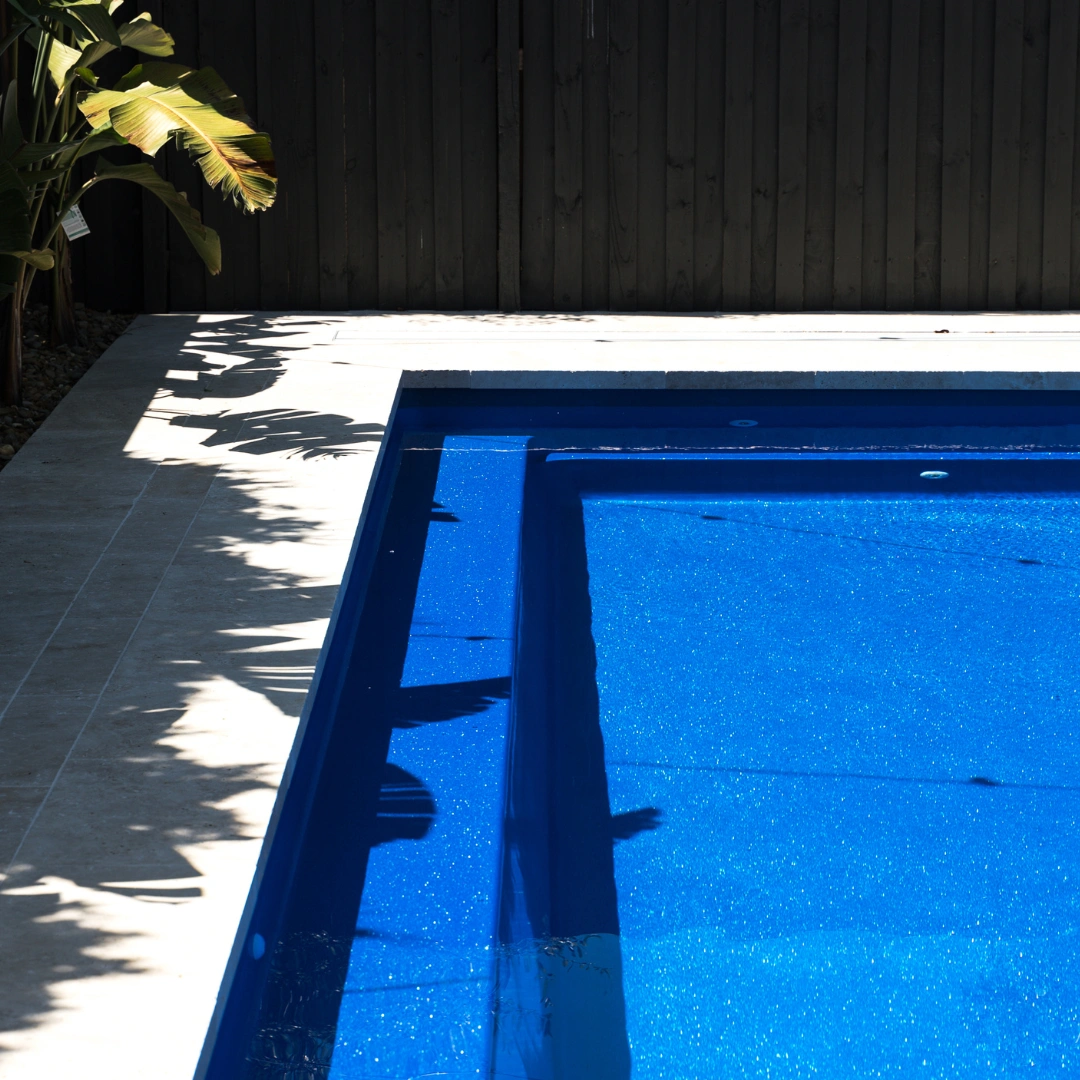
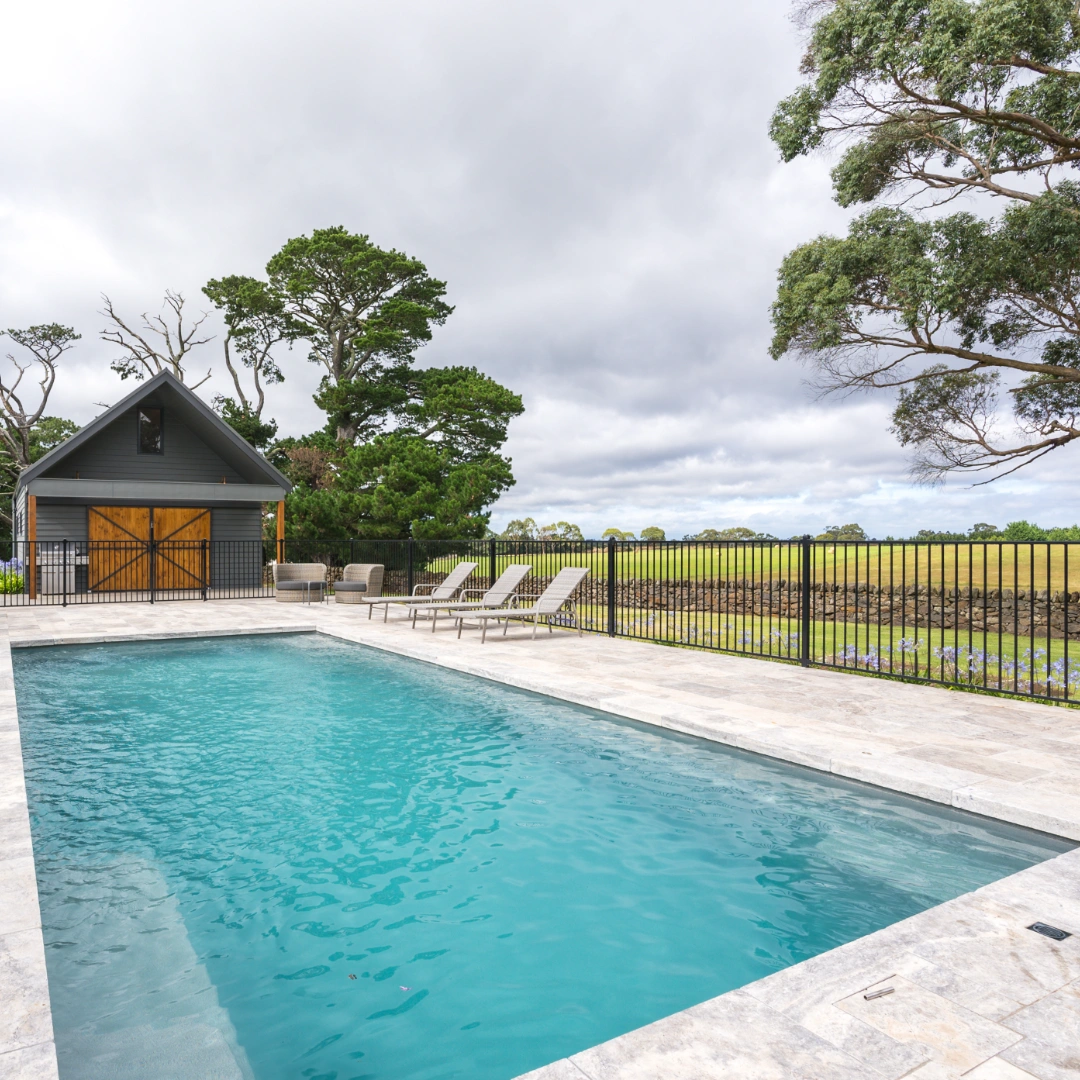
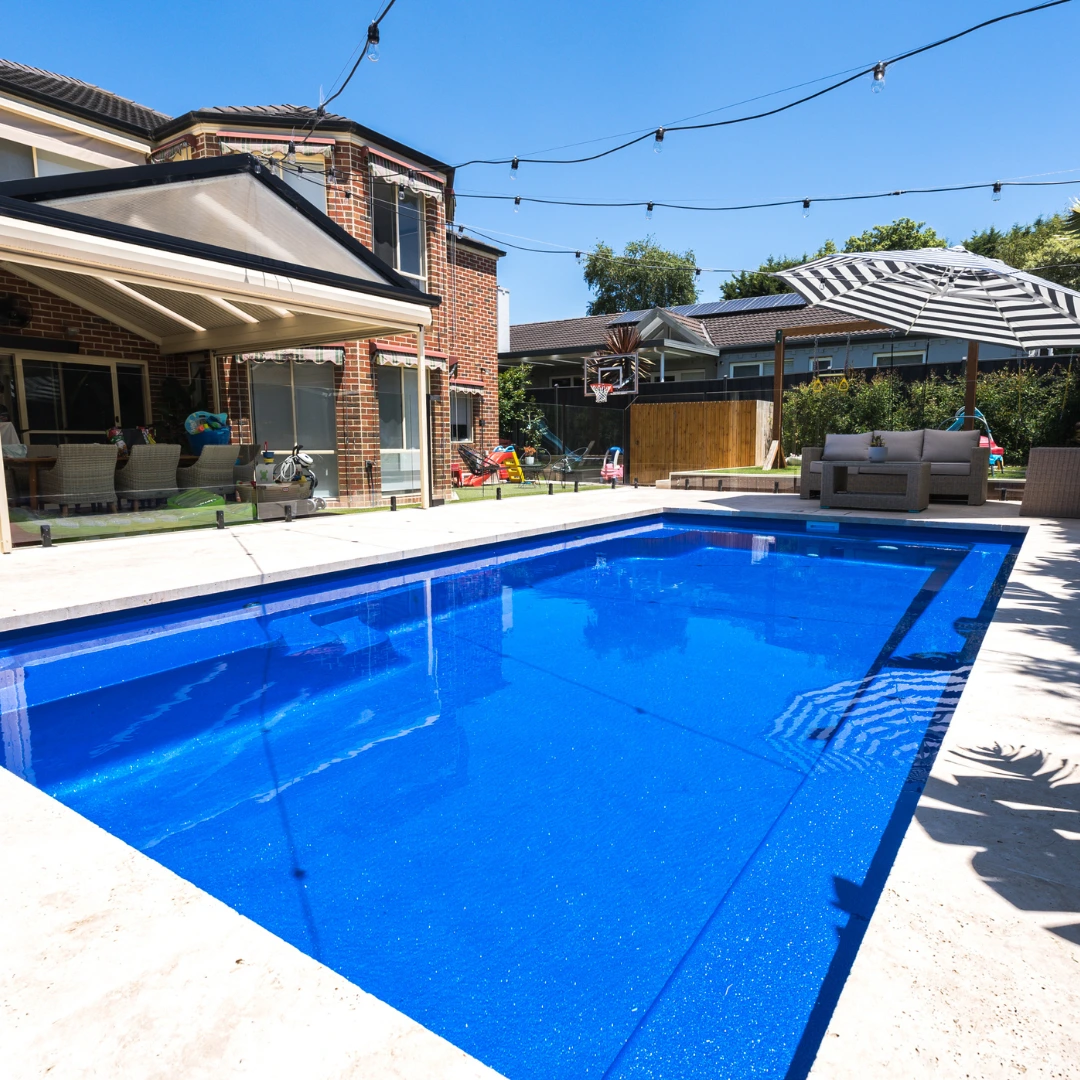
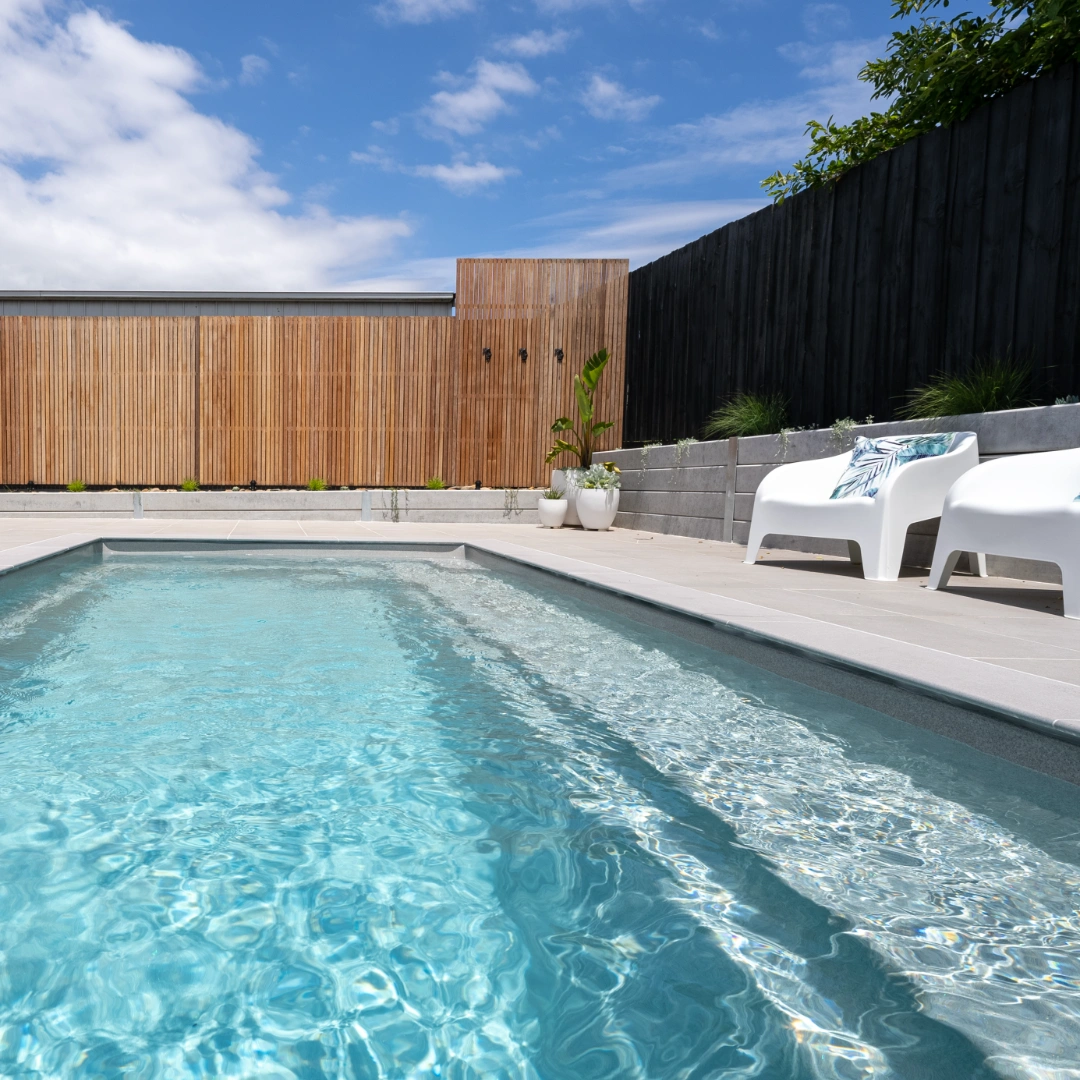
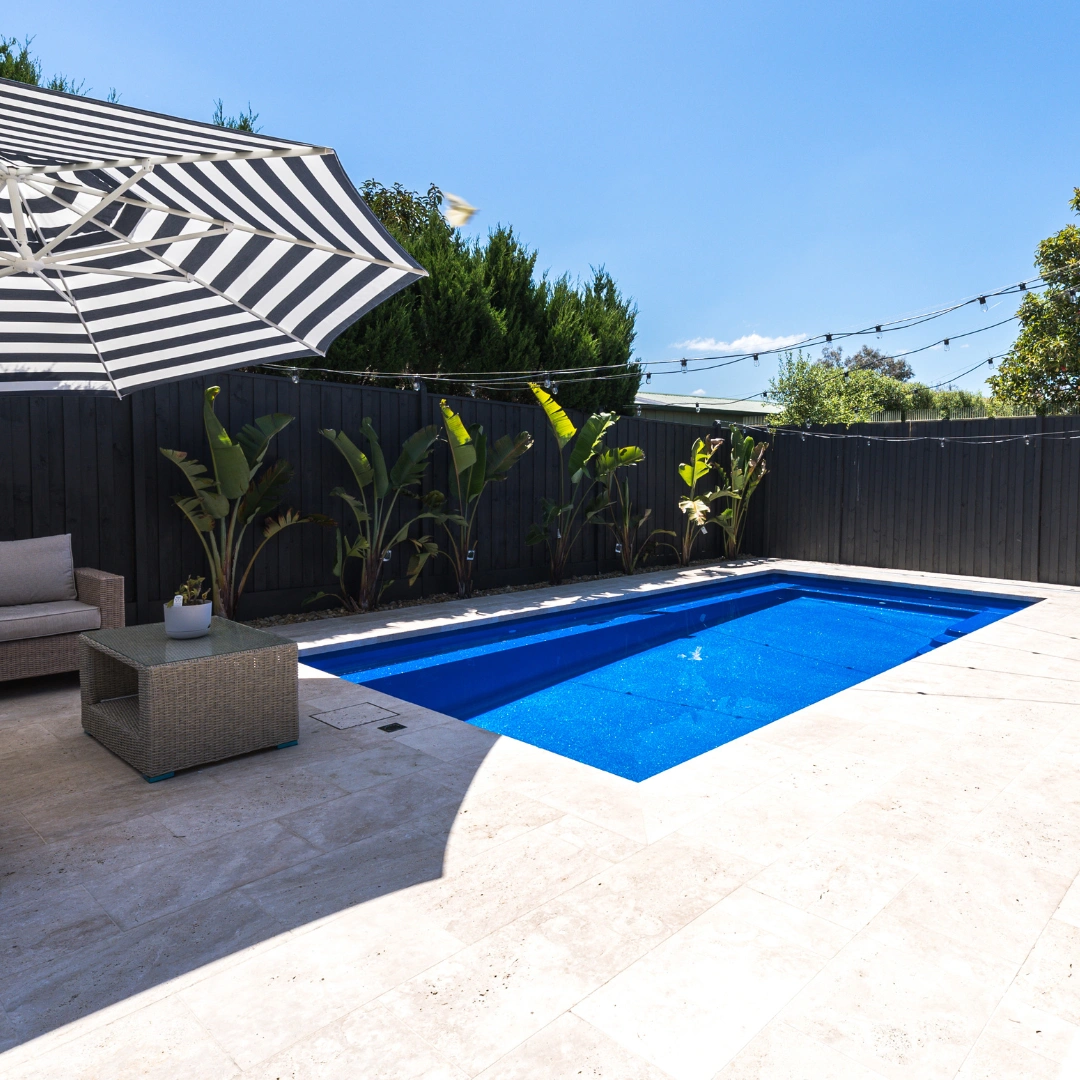
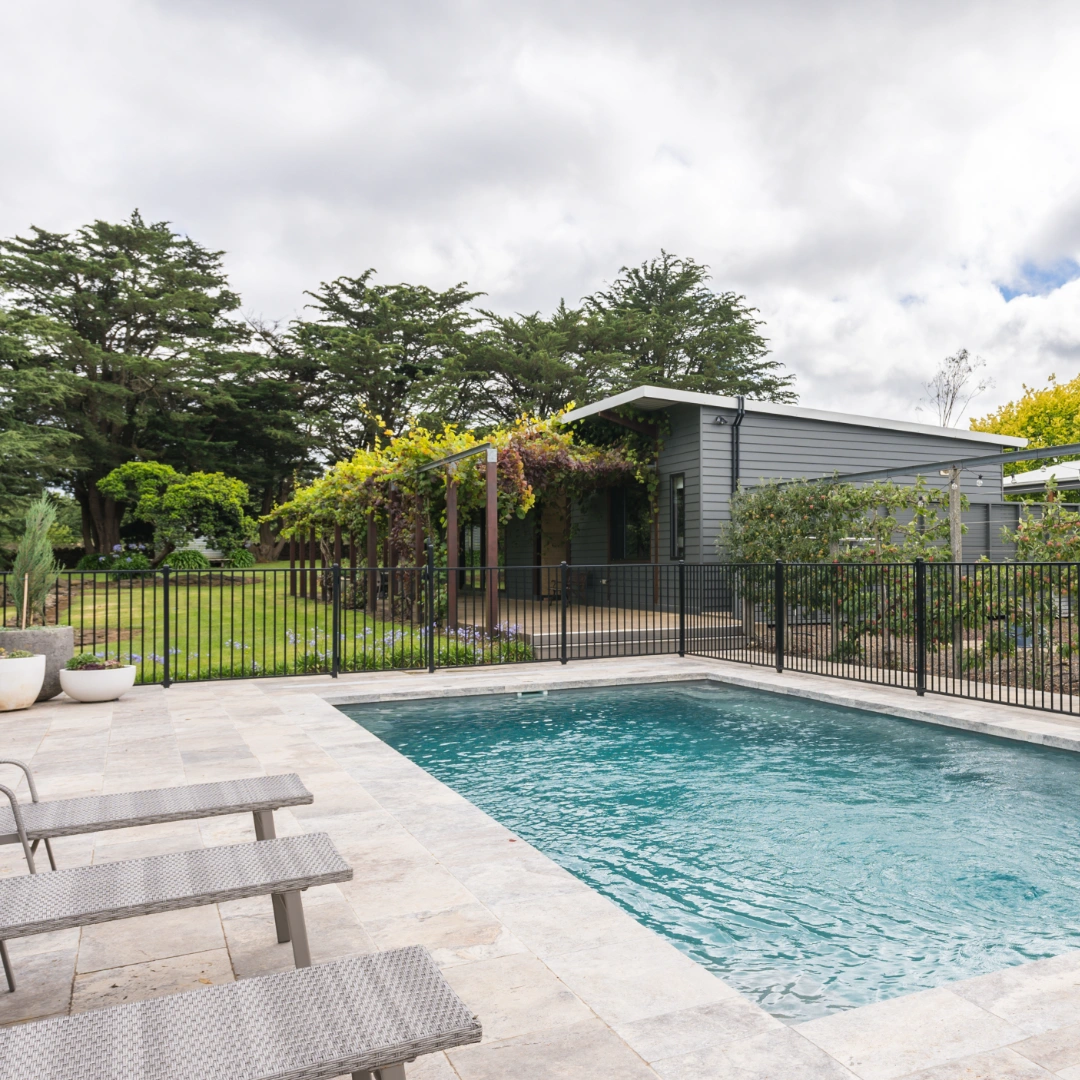
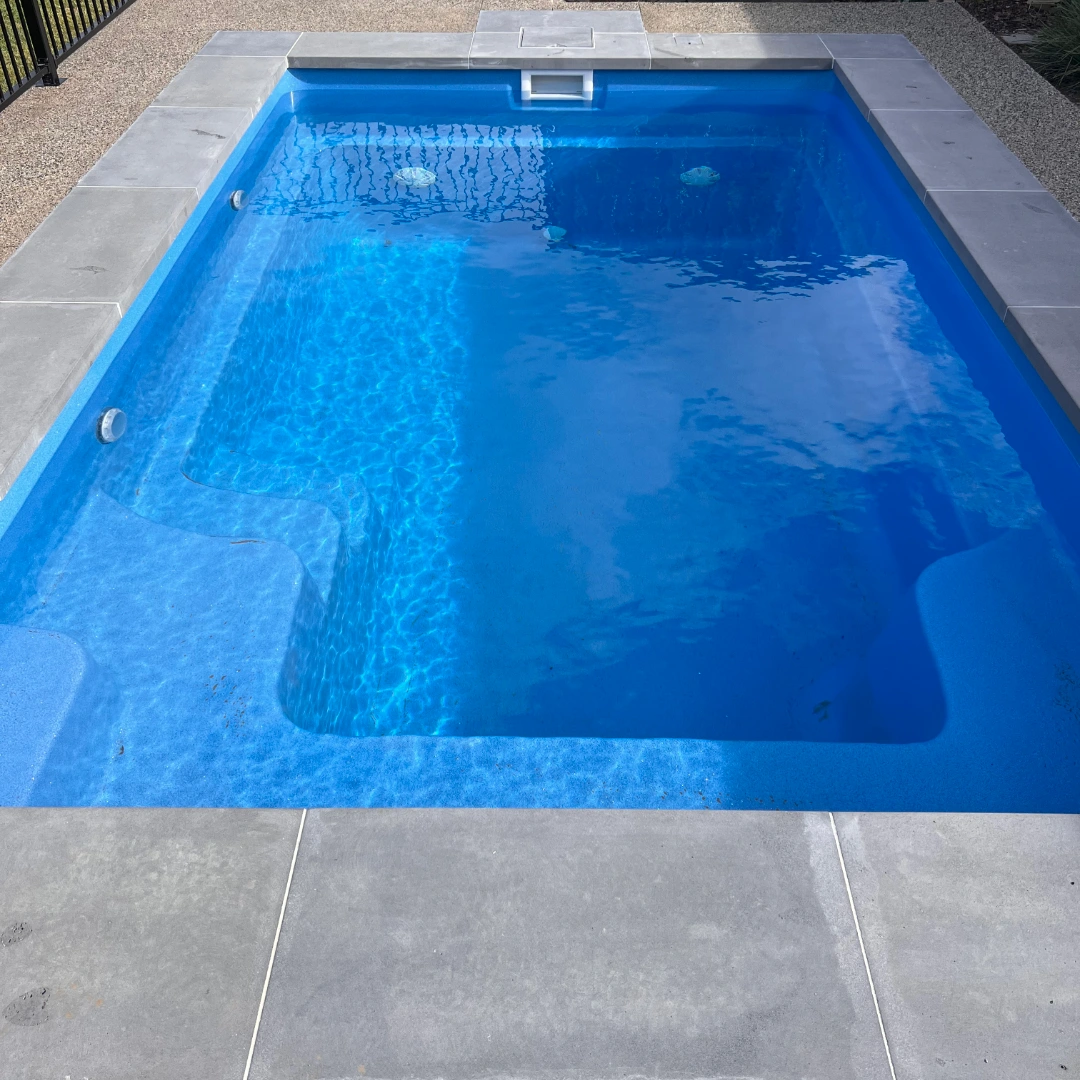
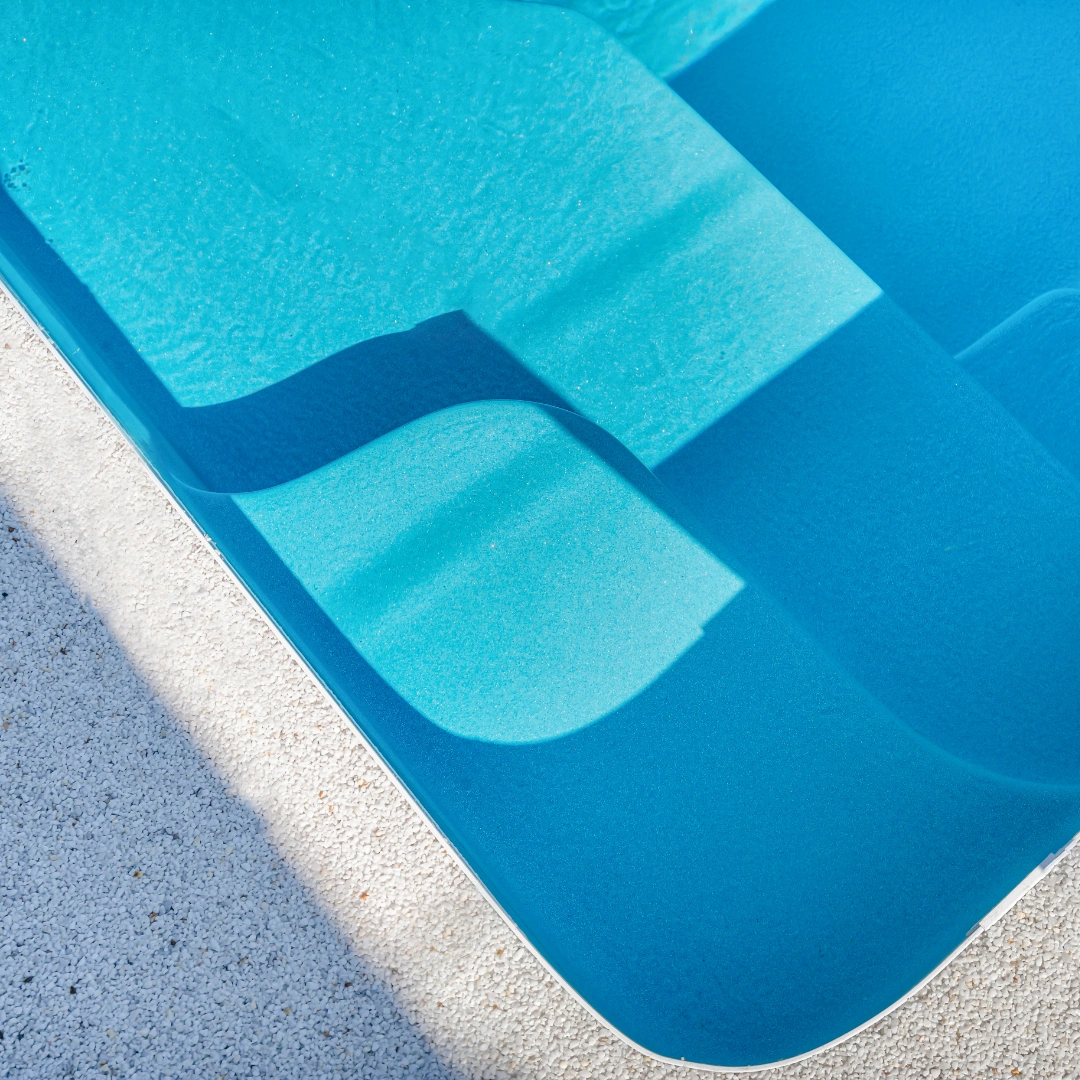
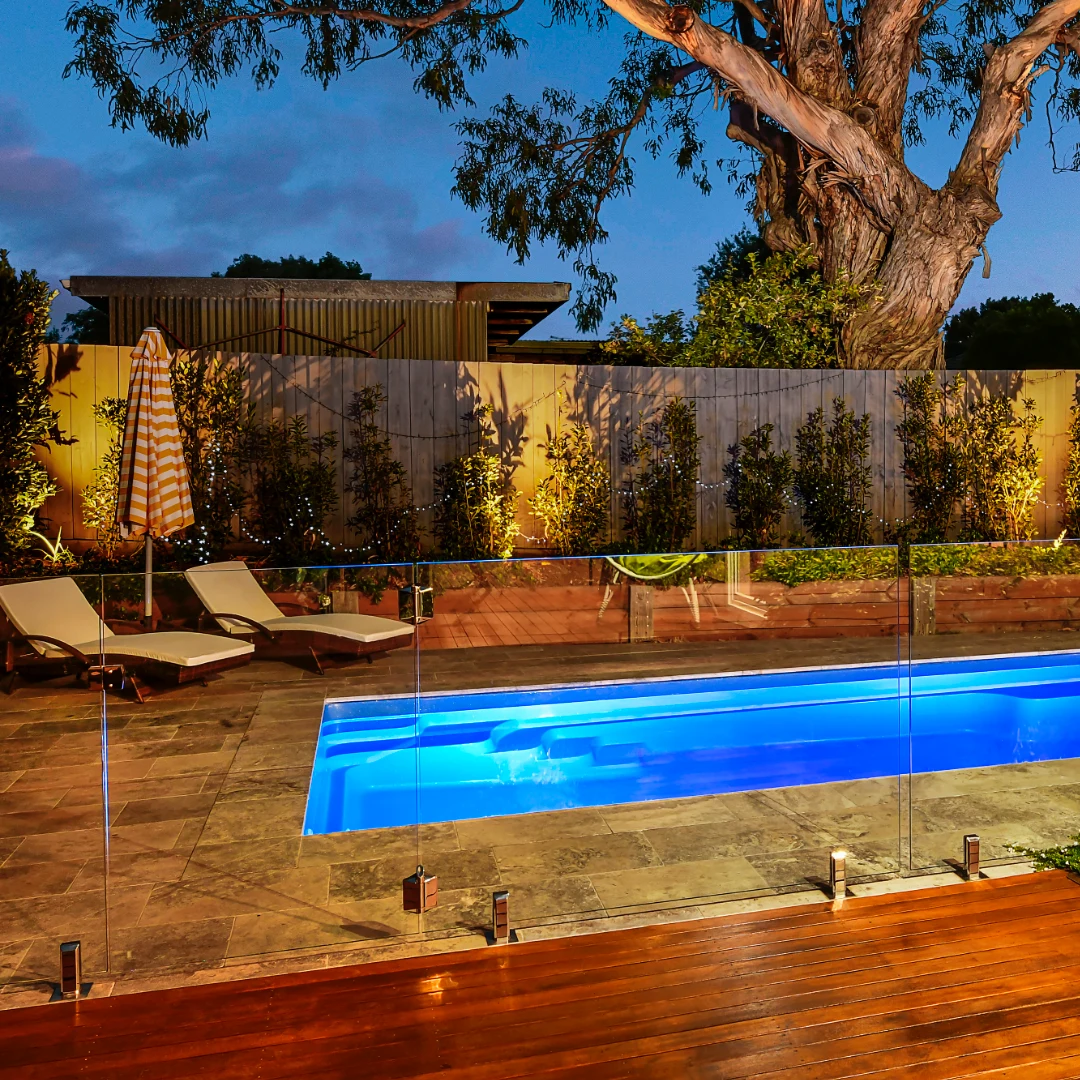
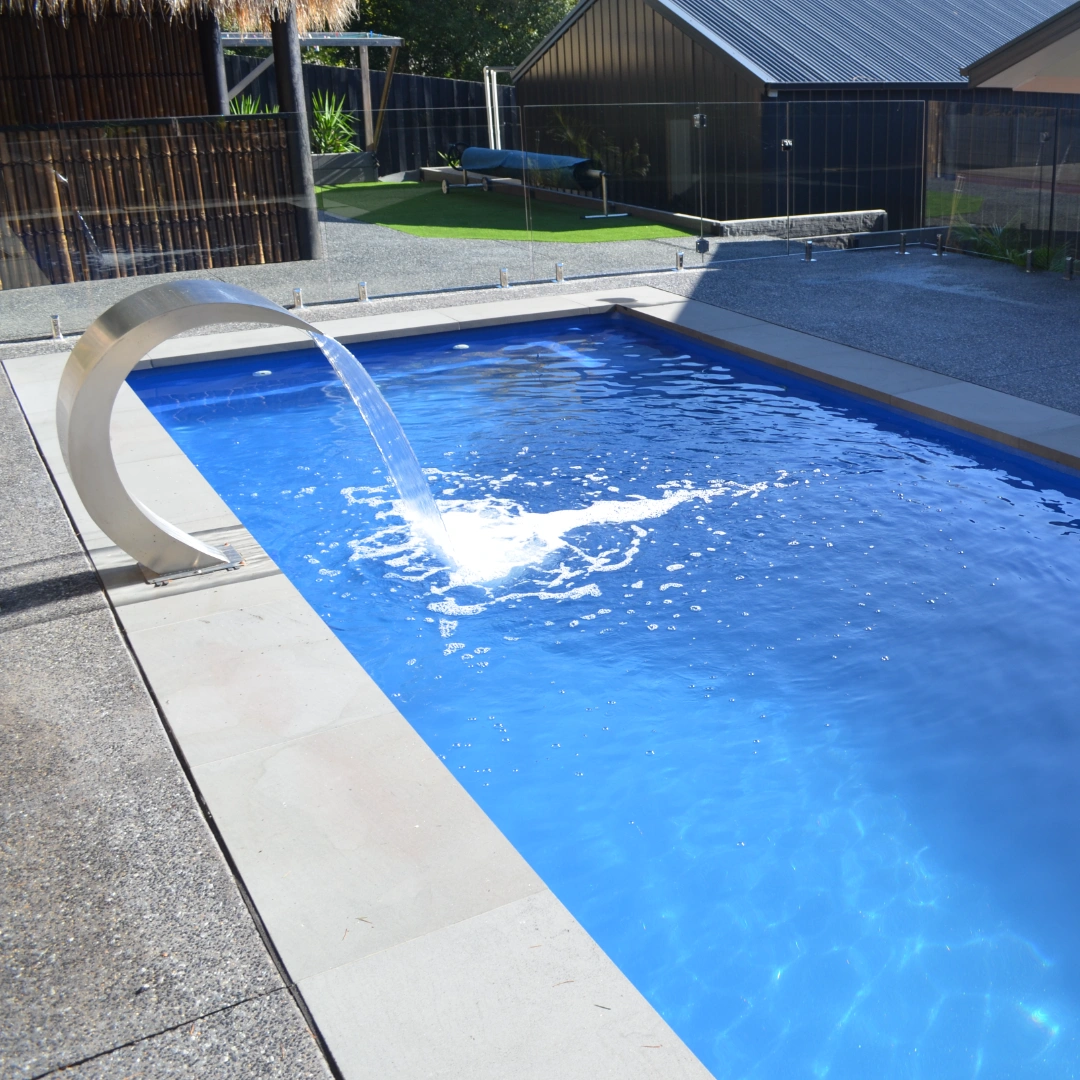
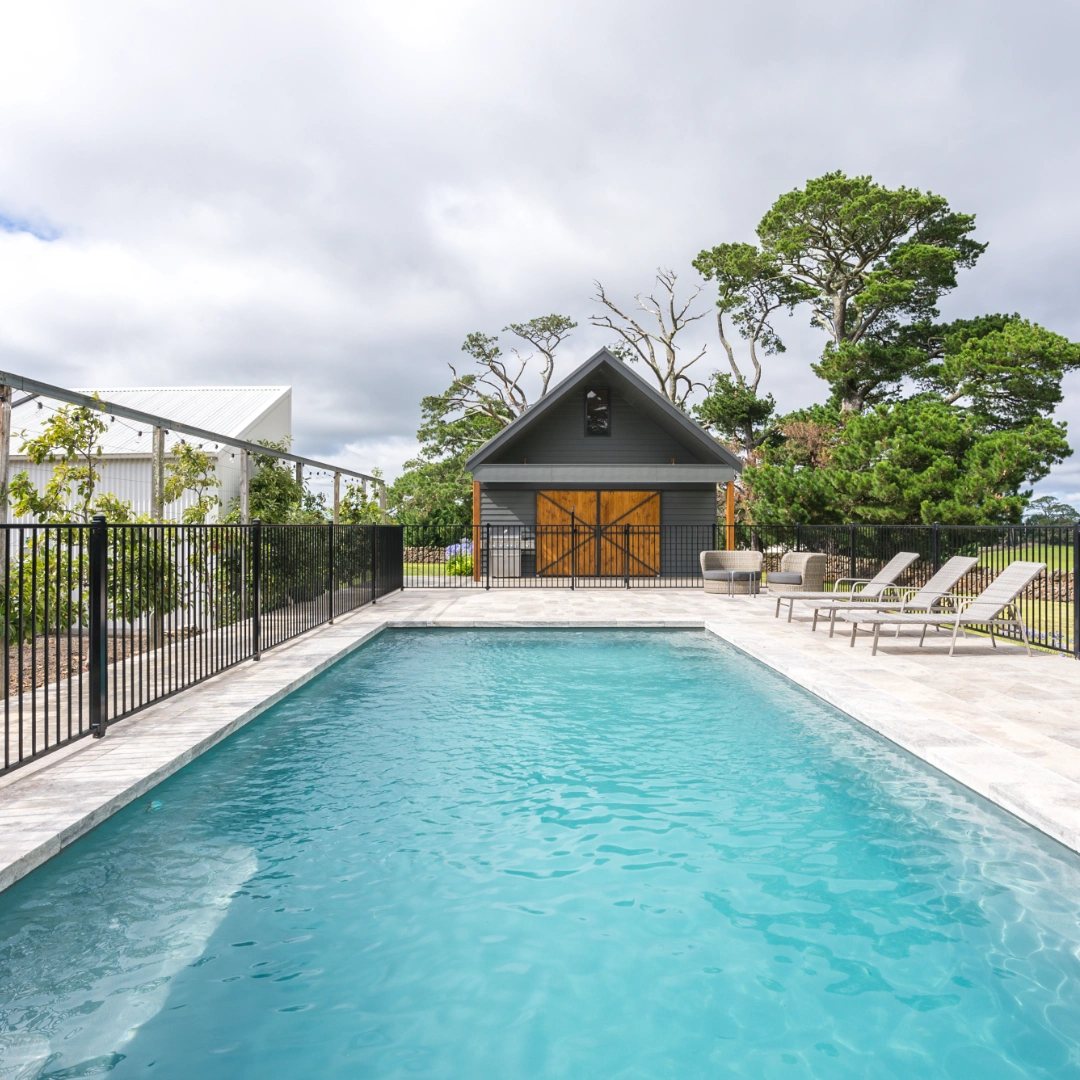
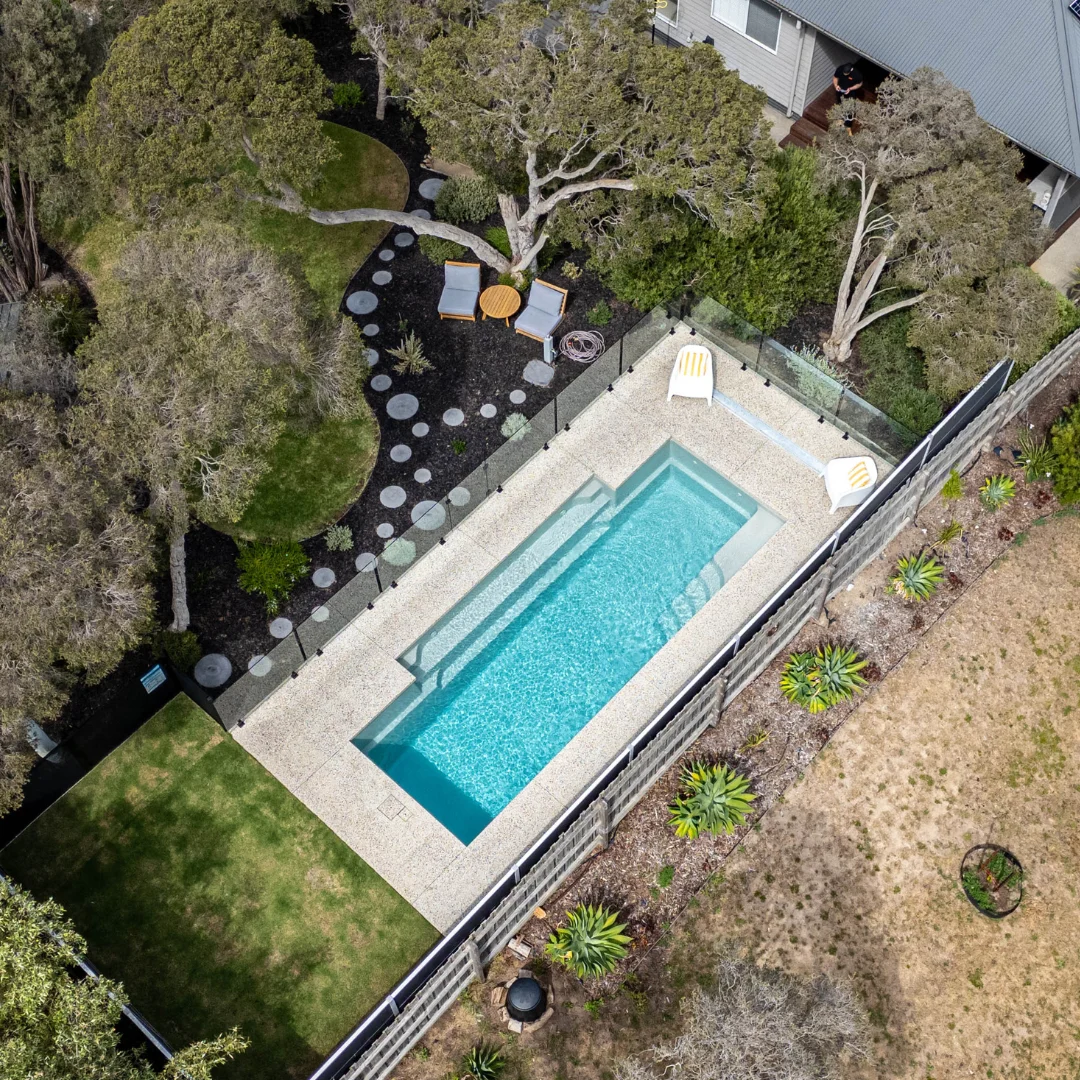
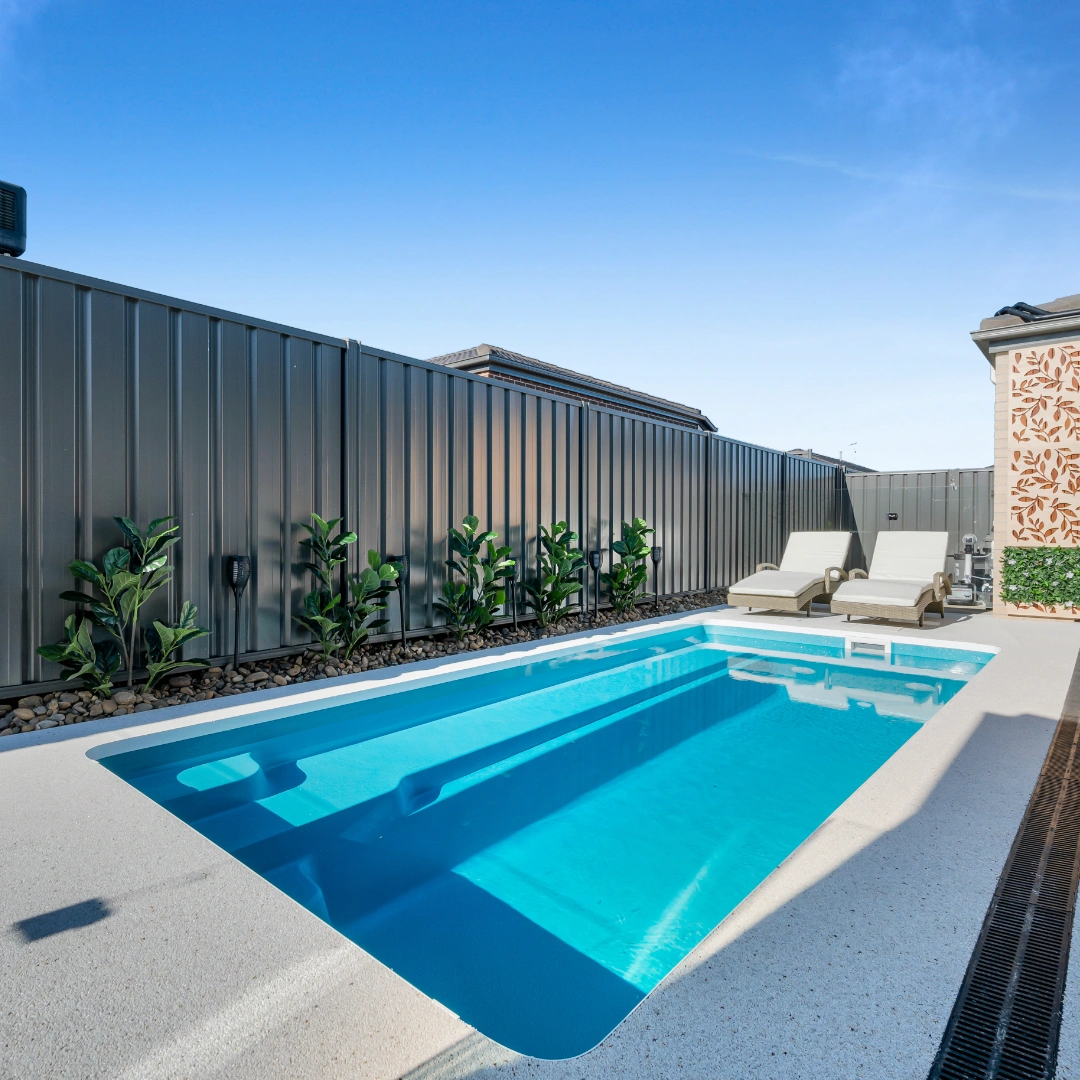
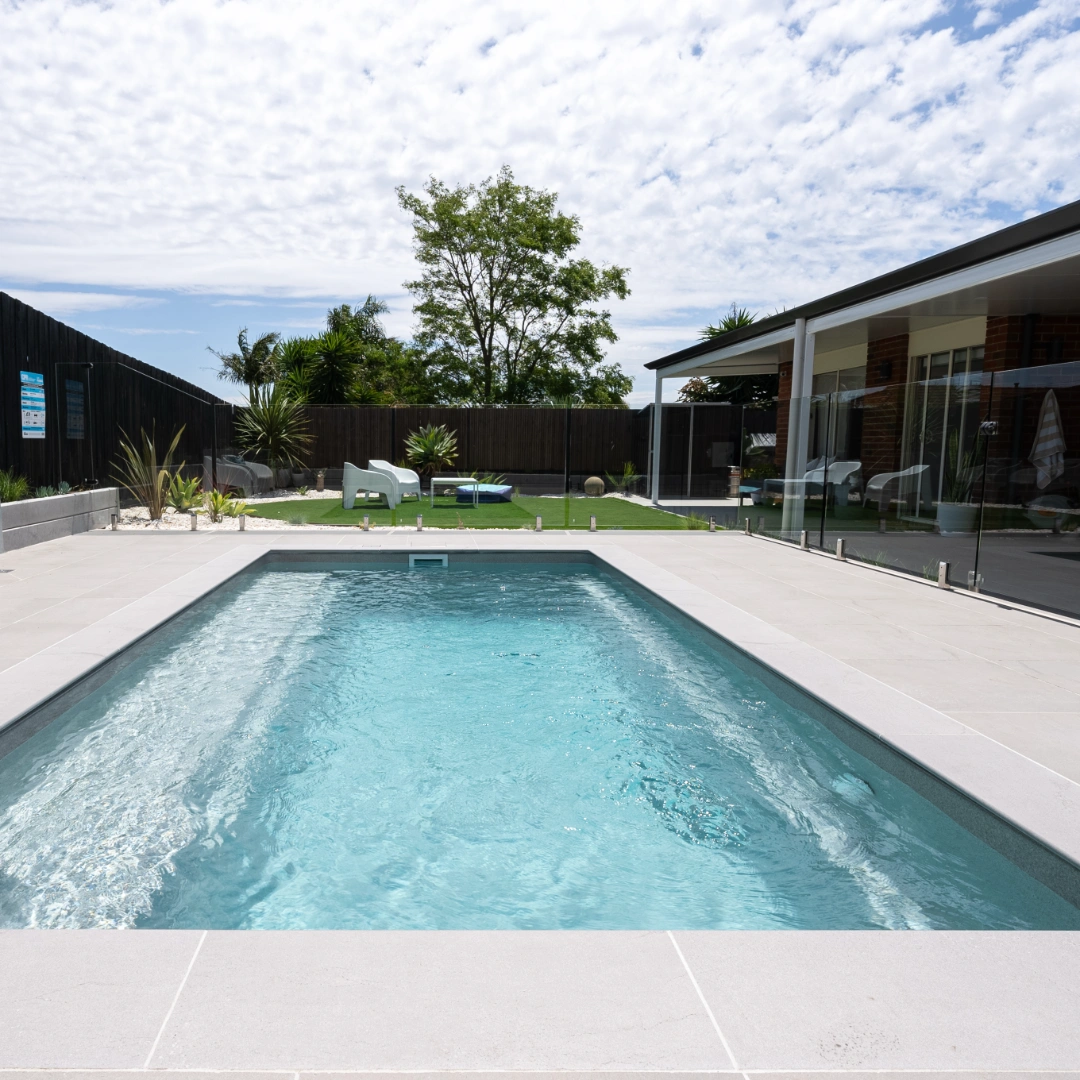
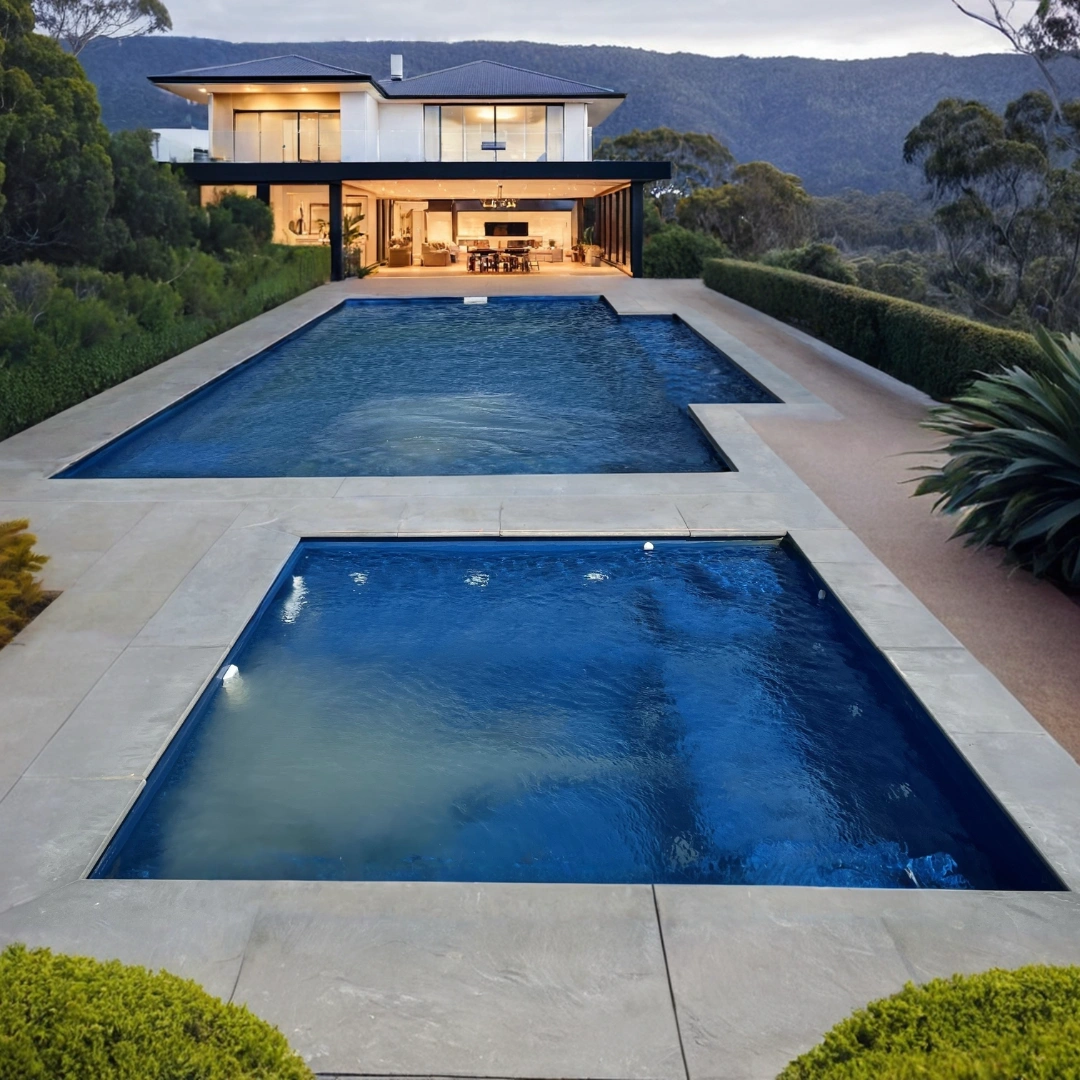
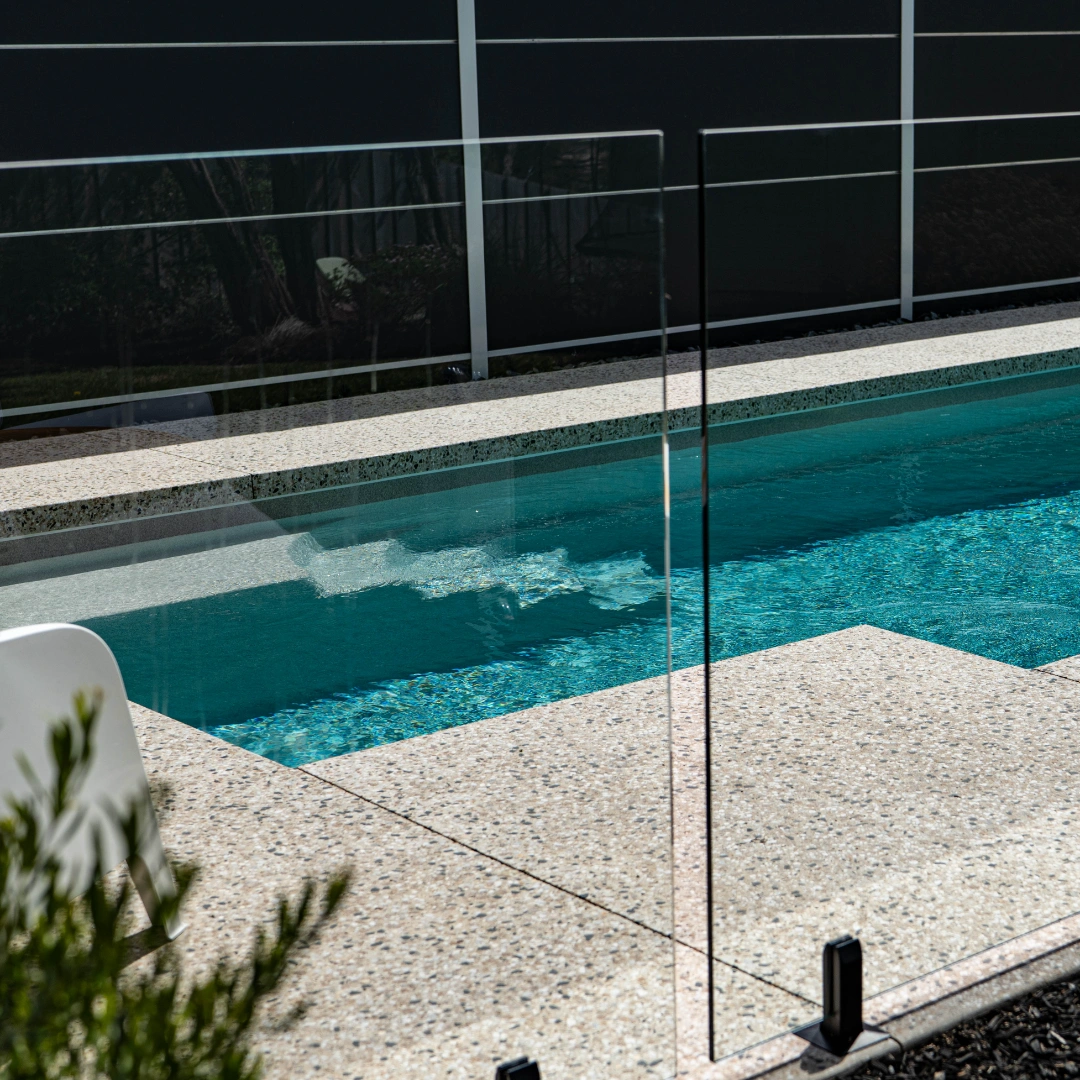
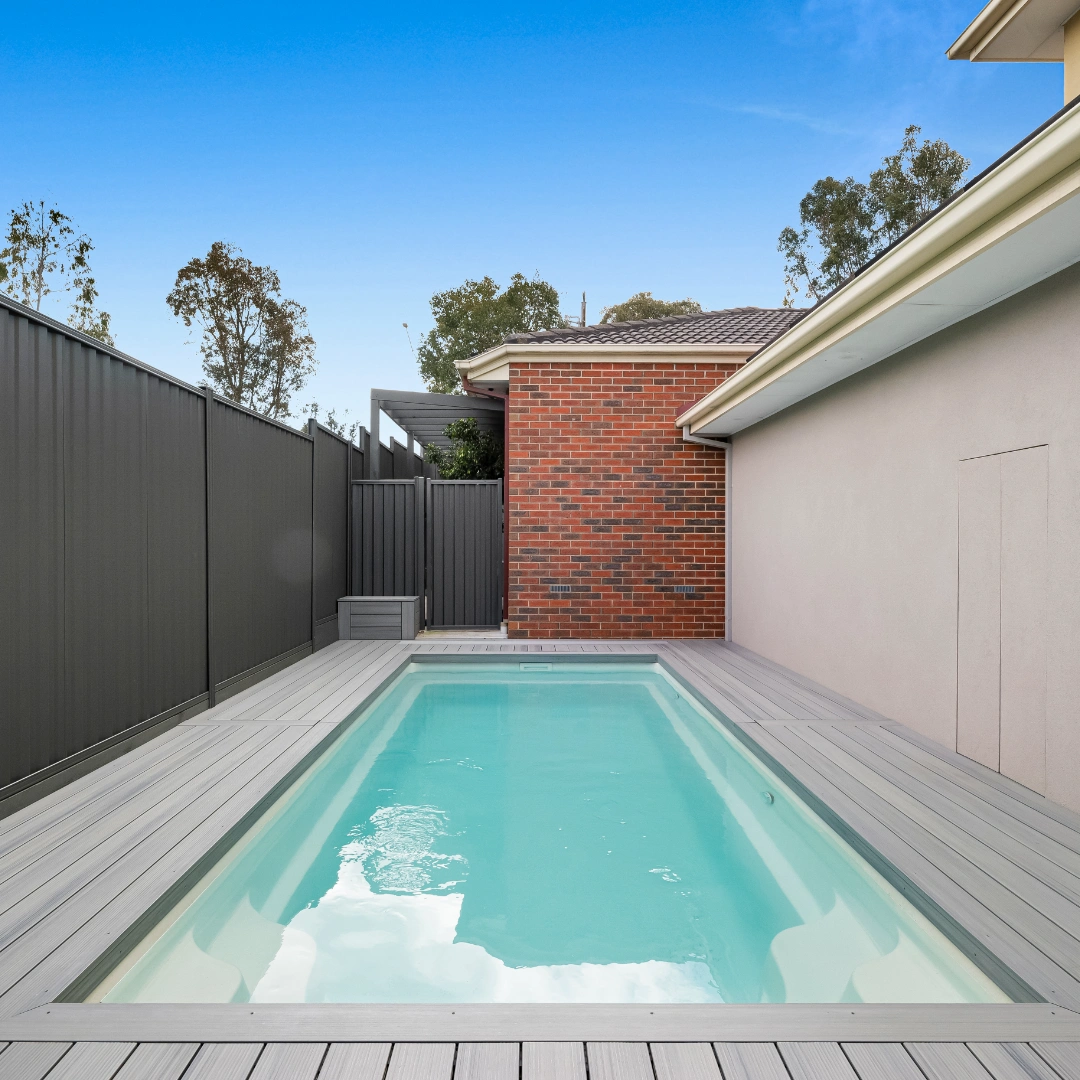
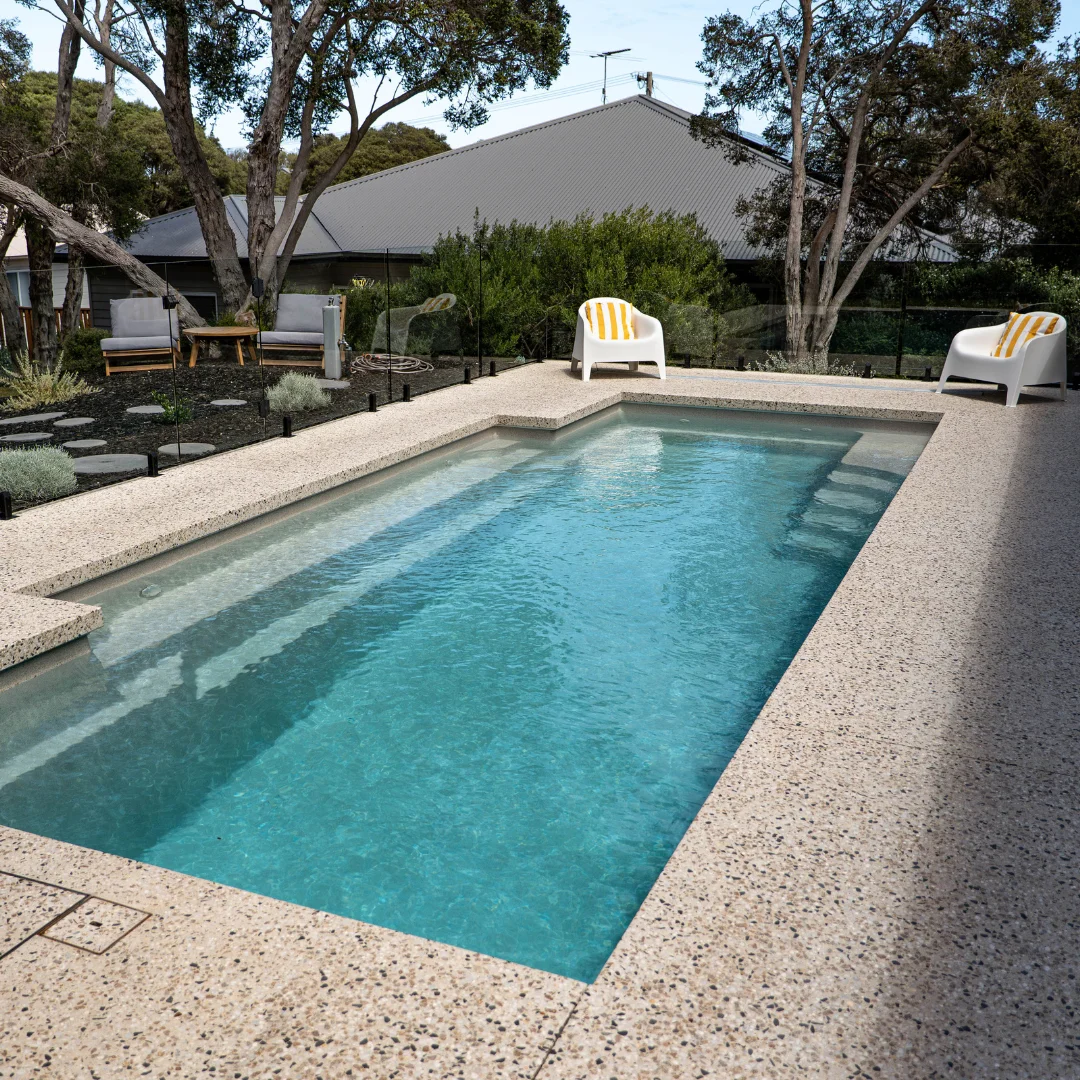
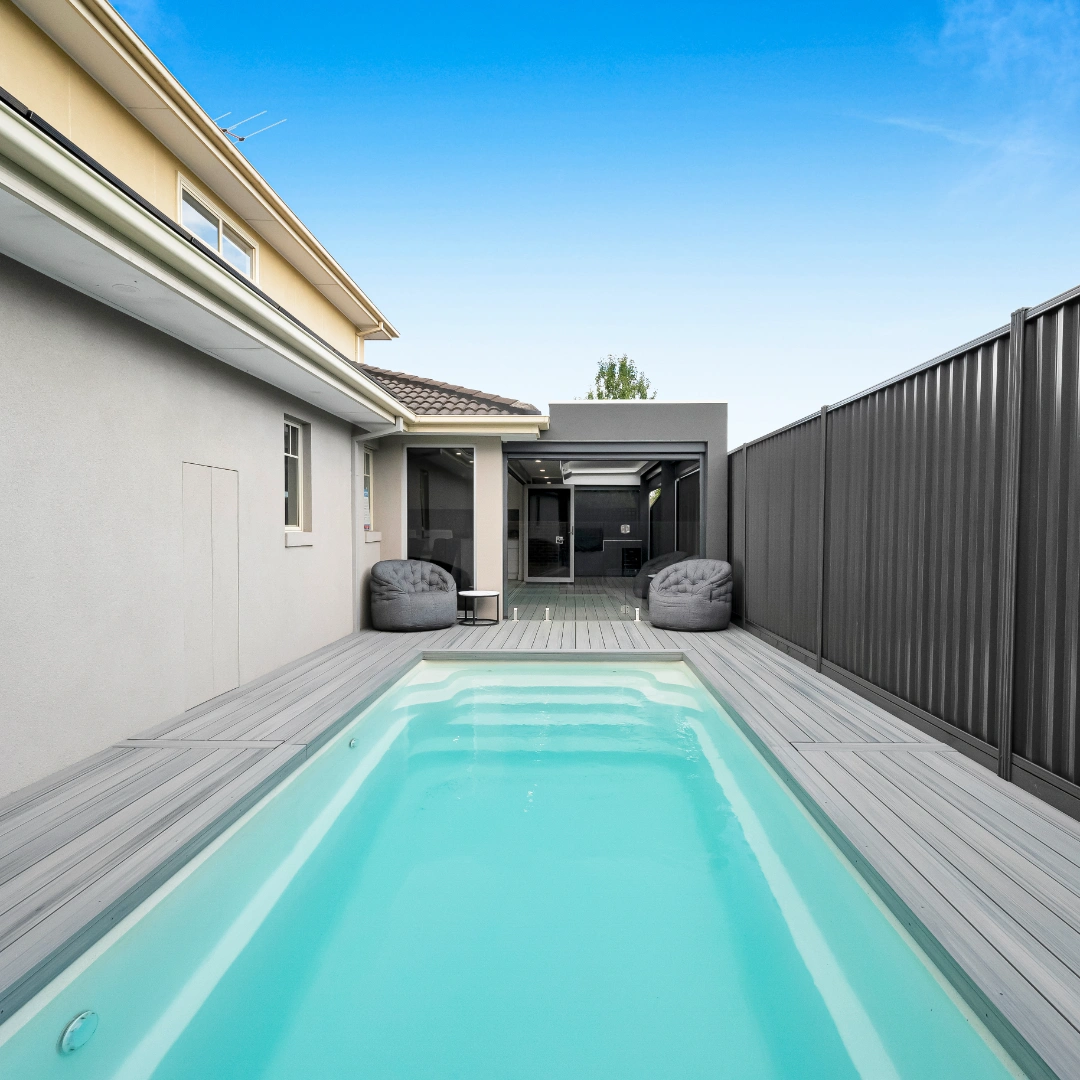
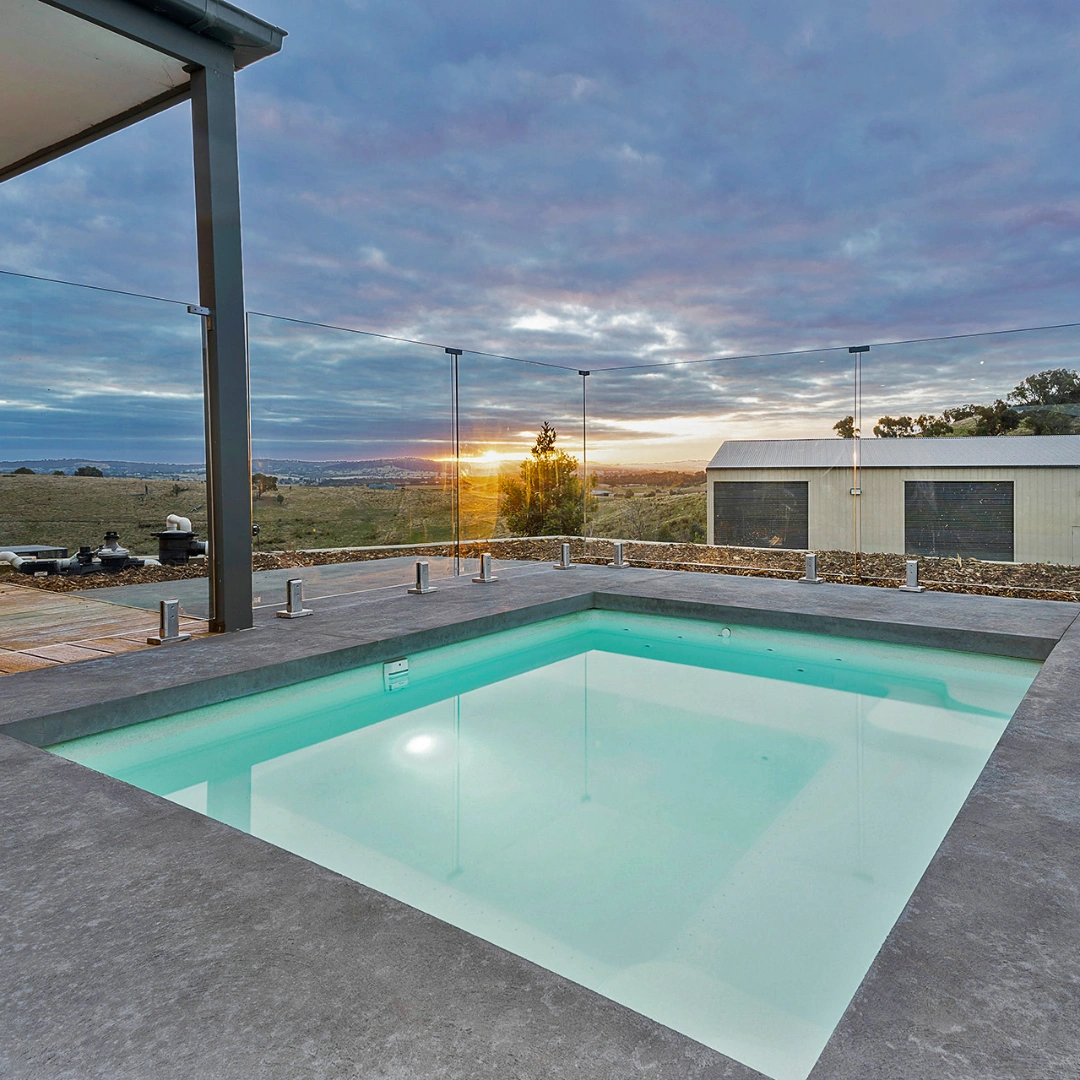
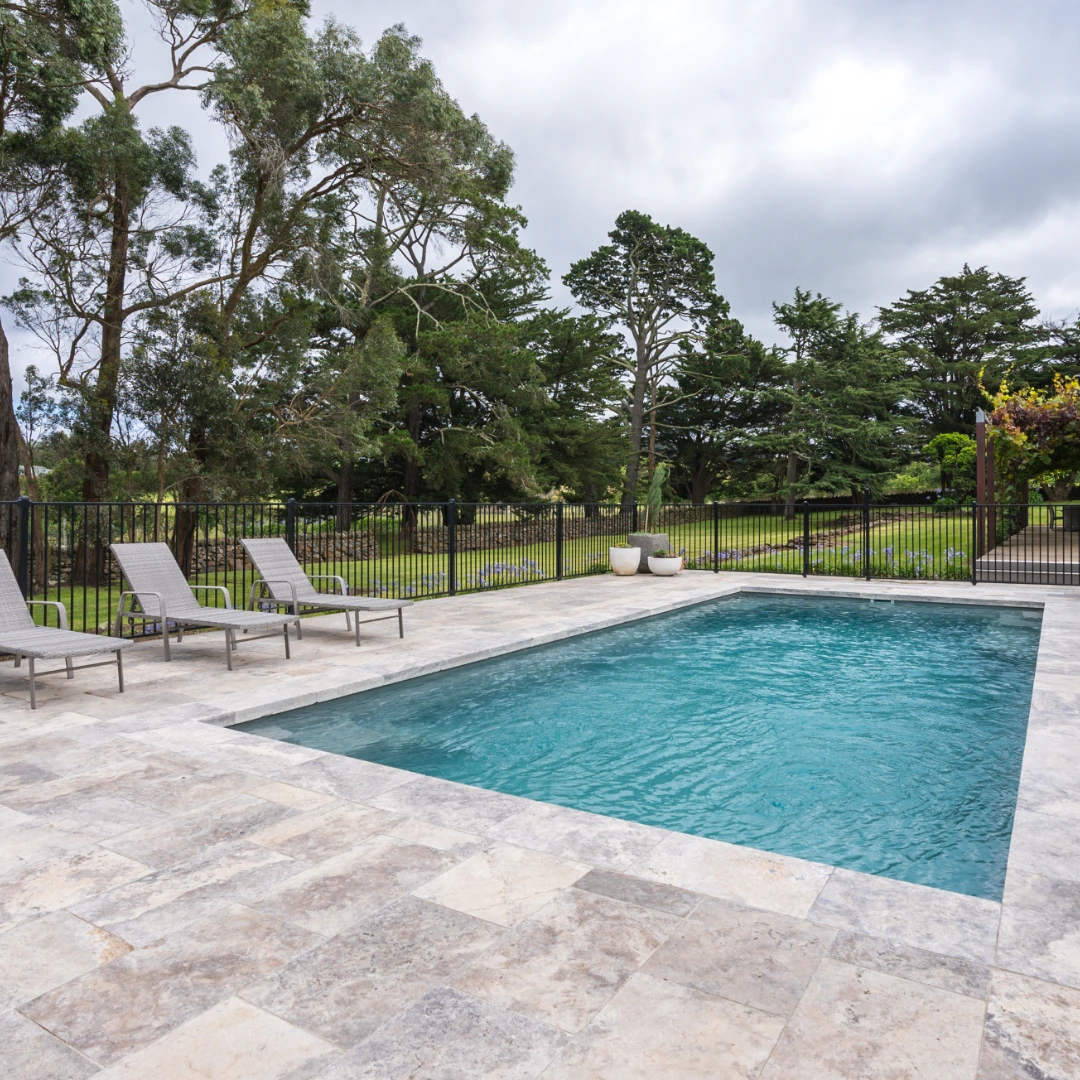
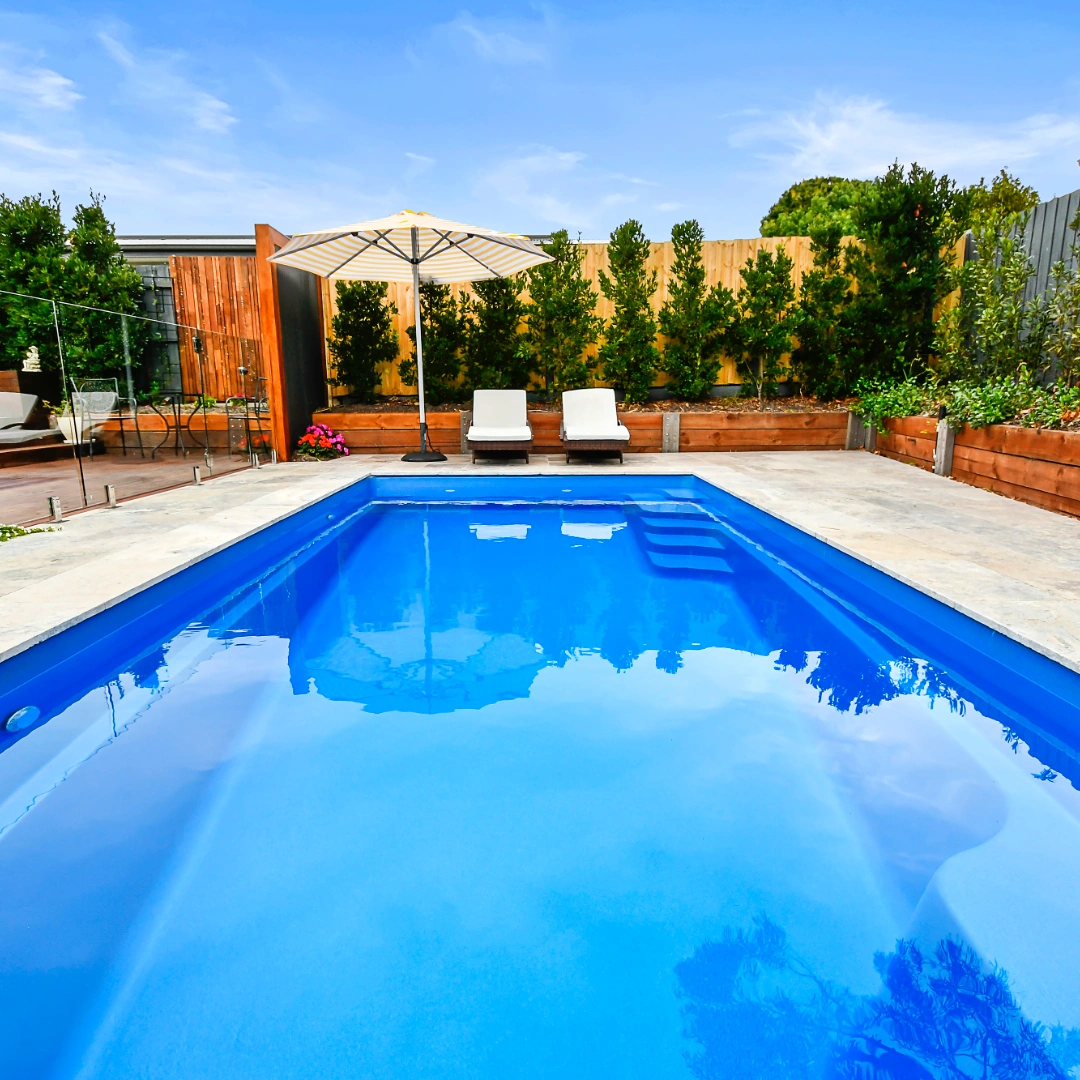
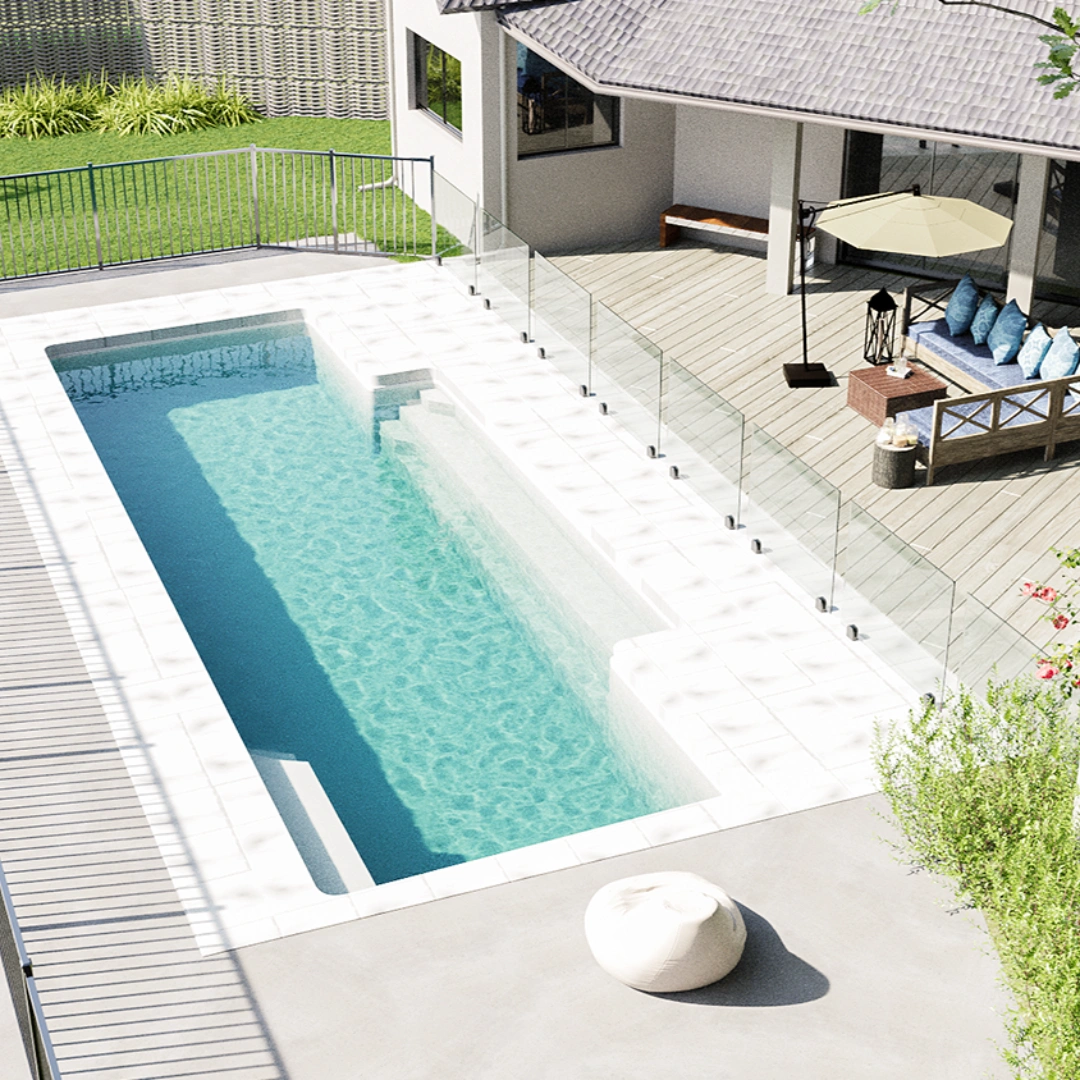
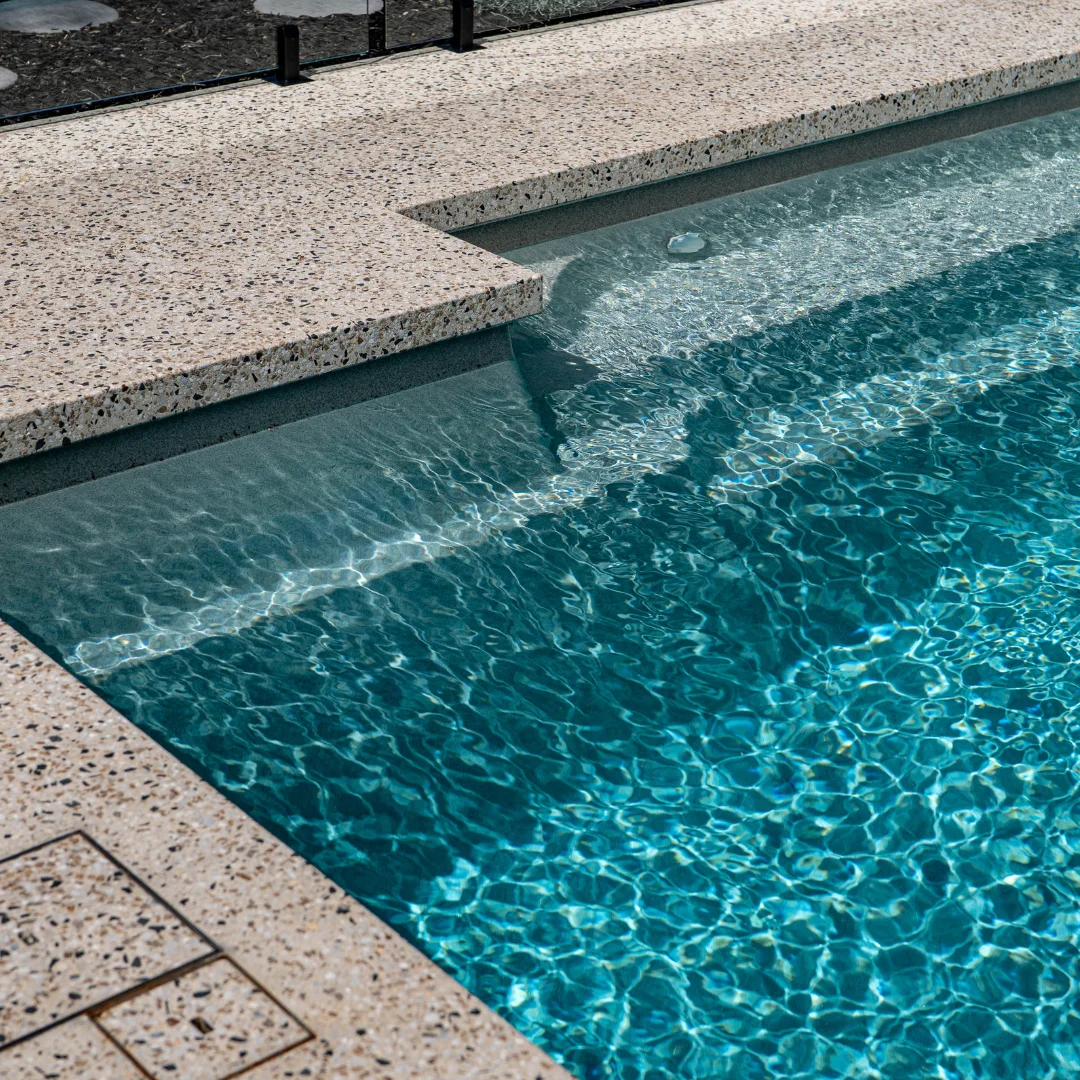
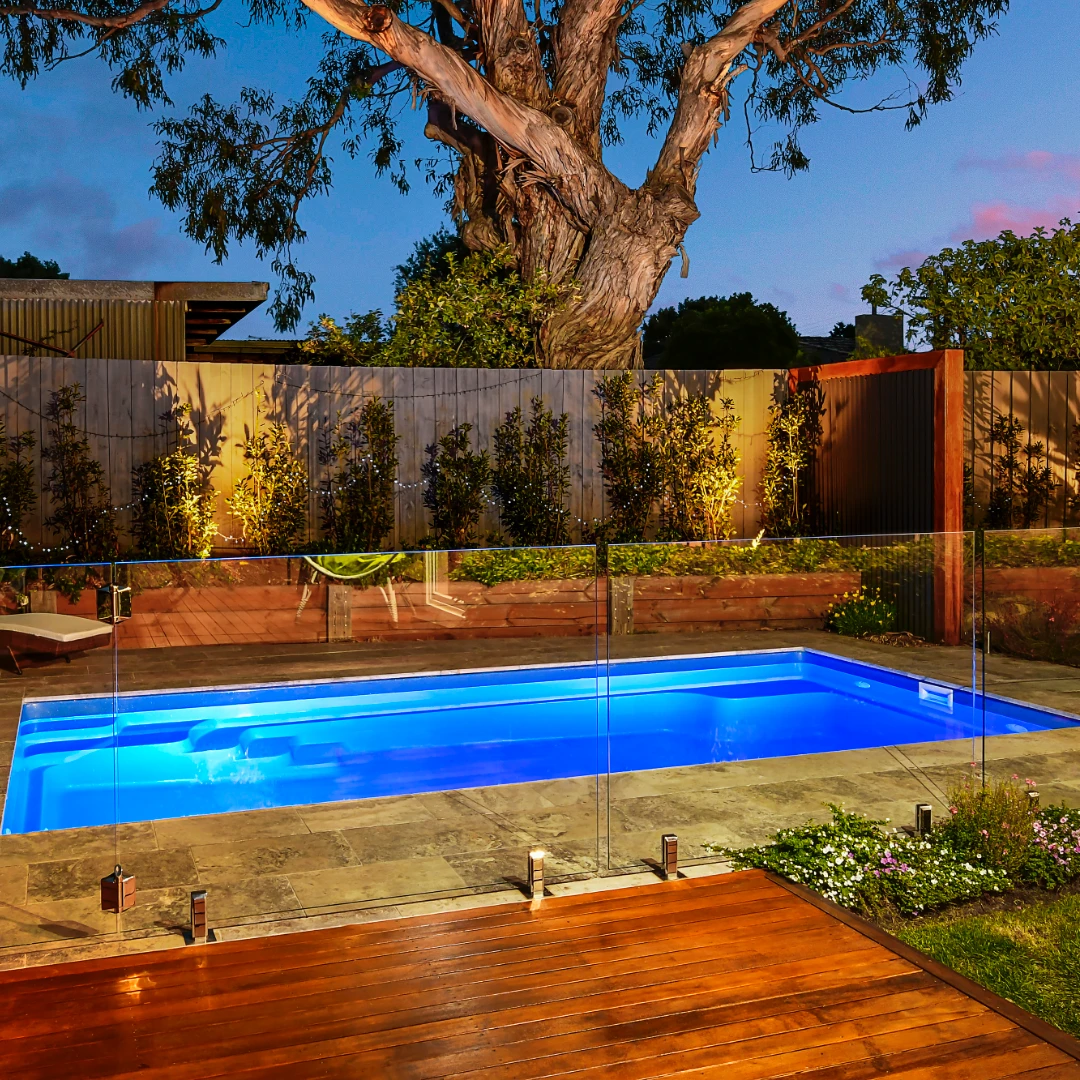
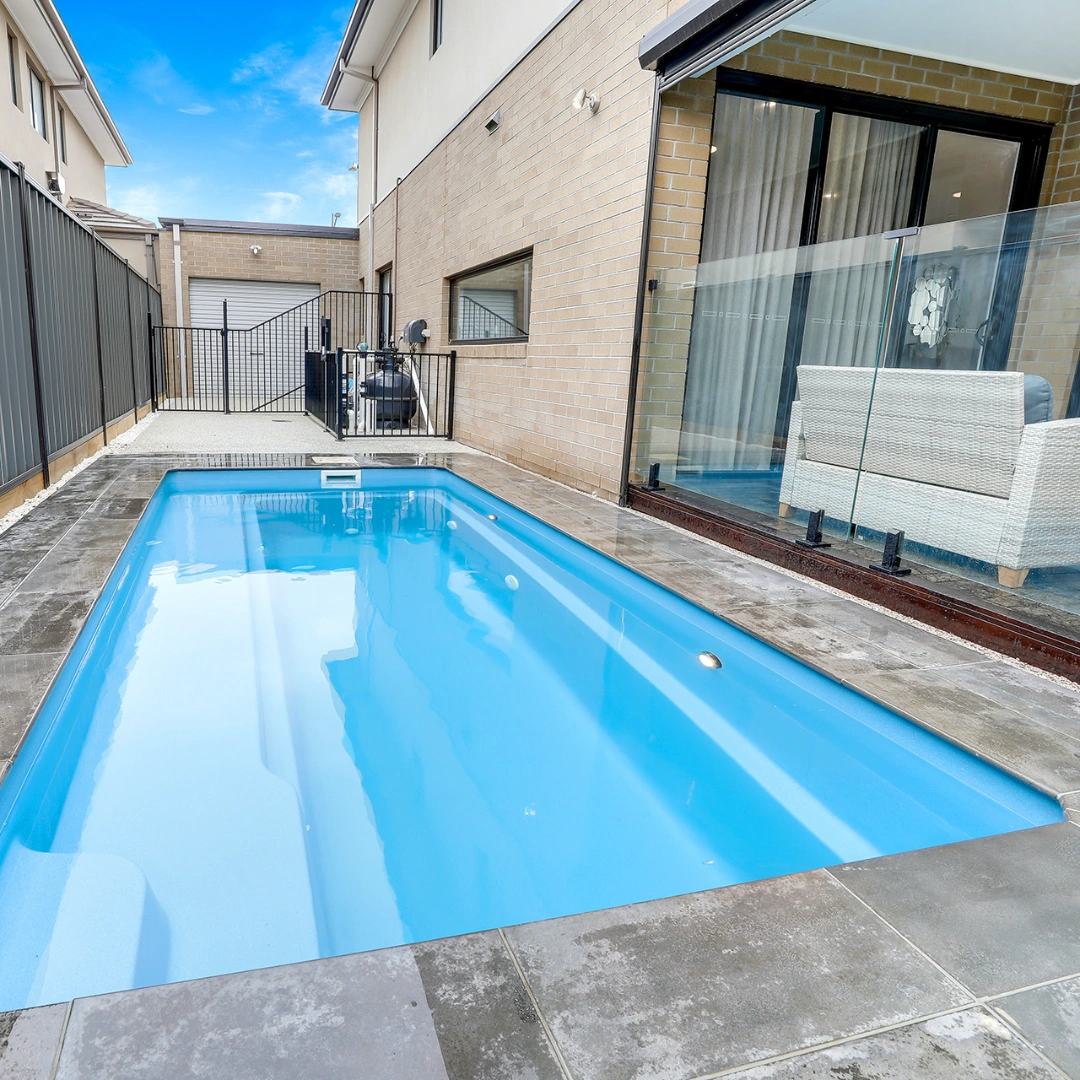
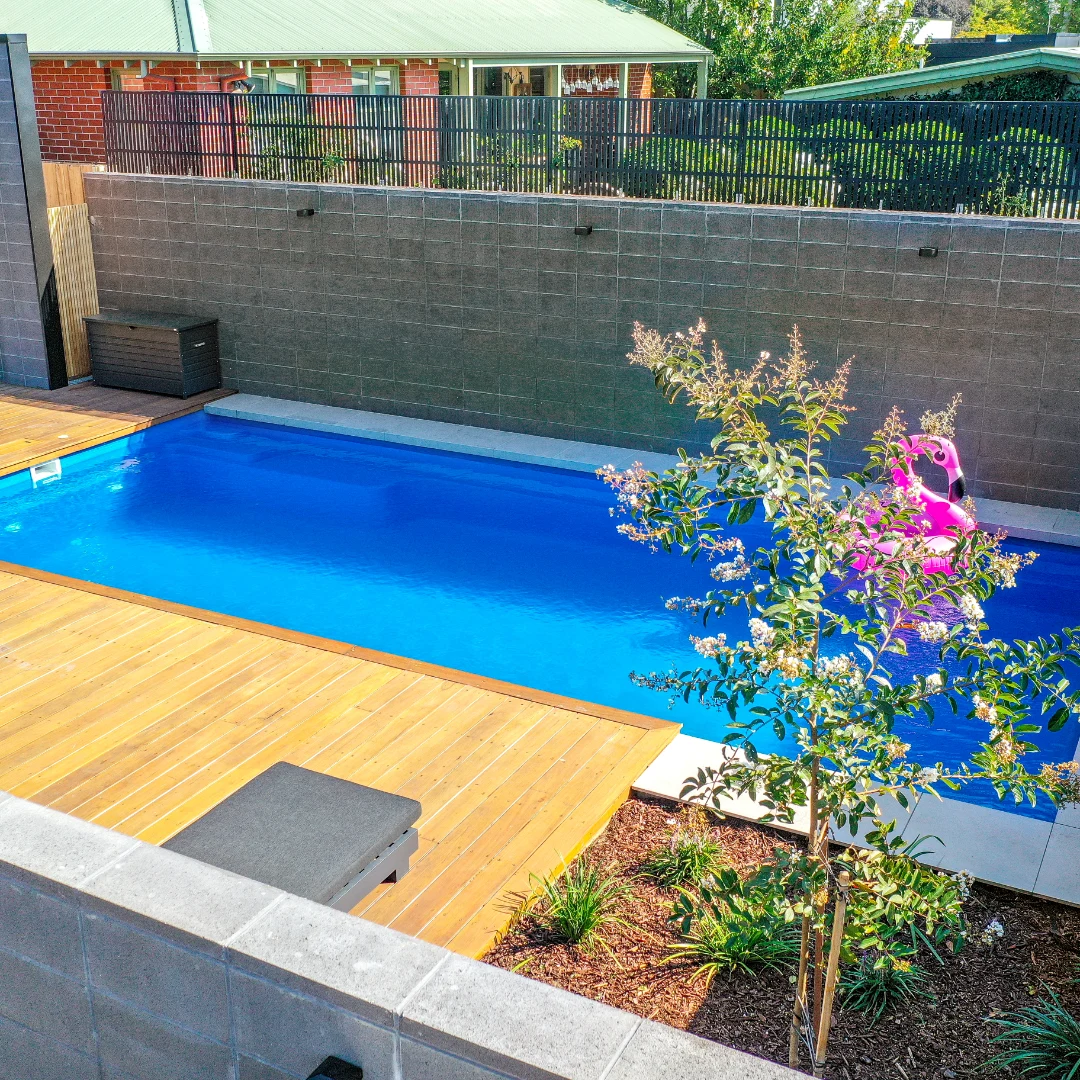
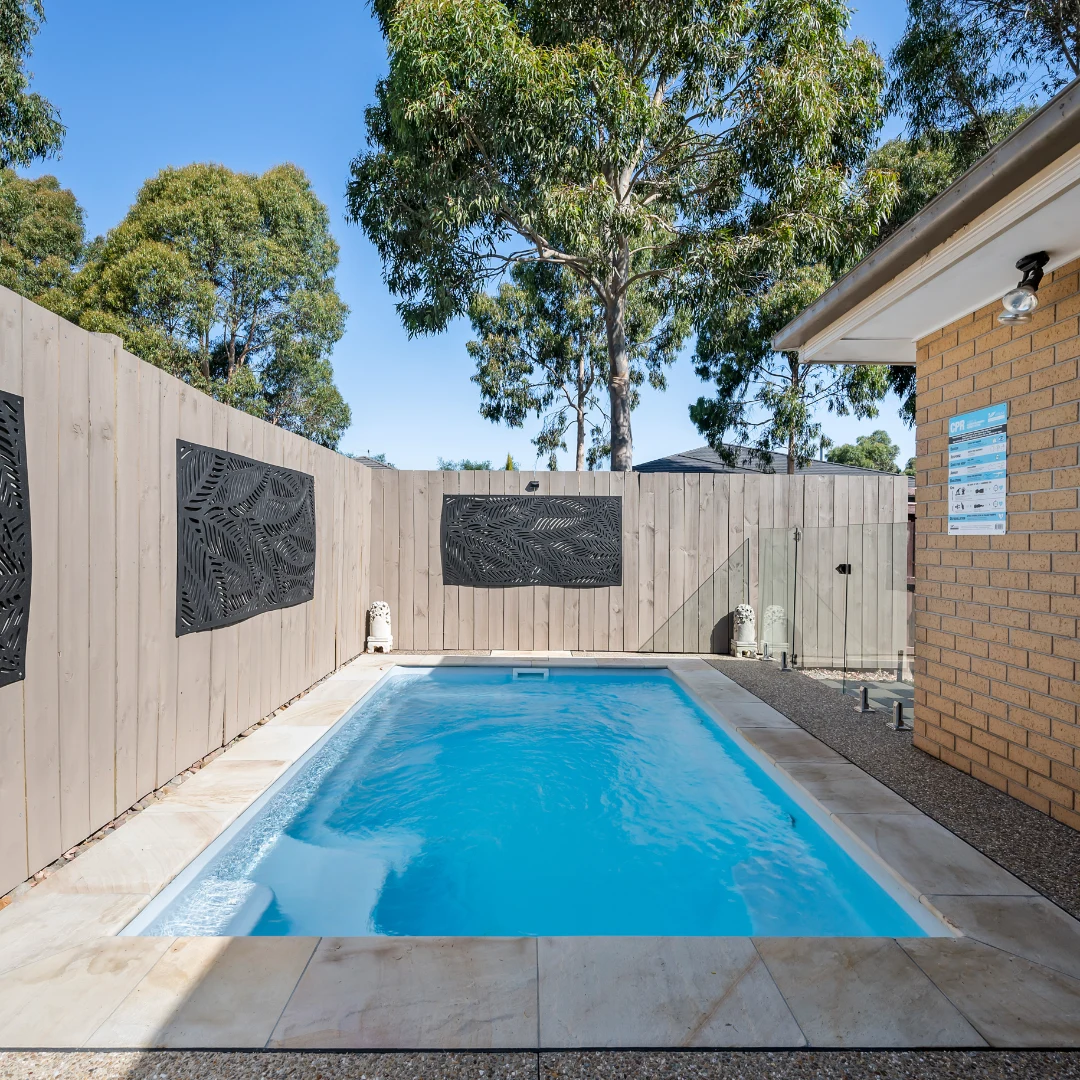
See how the finish changes the water.
Pick two colours, then drag the line across the pool.
This is some text inside of a div block.
This is some text inside of a div block.
This is some text inside of a div block.
This is some text inside of a div block.
This is some text inside of a div block.
This is some text inside of a div block.
Choose a colour for the left side
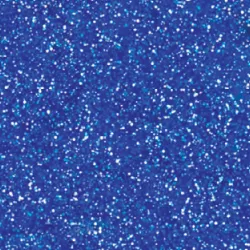
Cobalt Blue
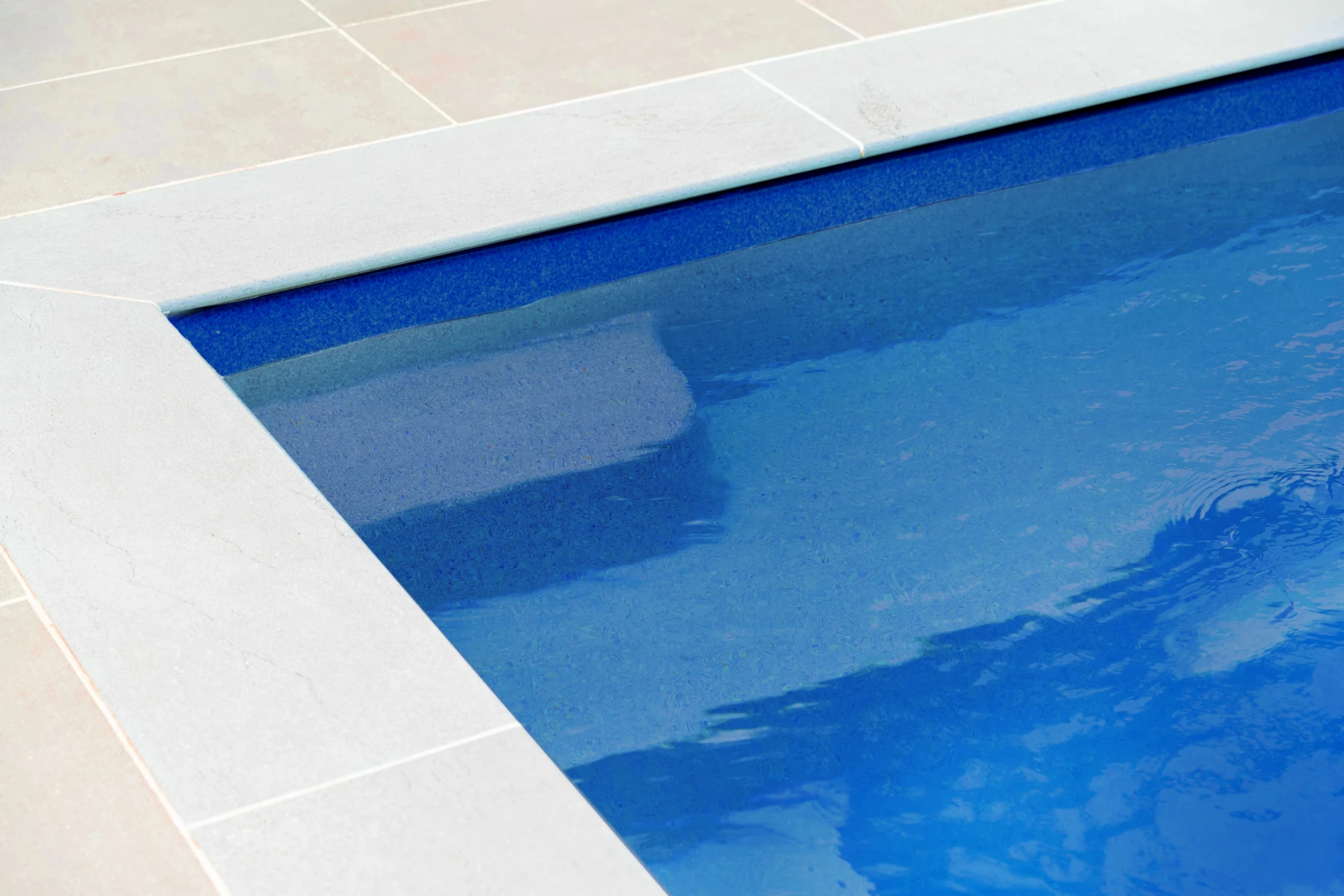

Bermuda Blue
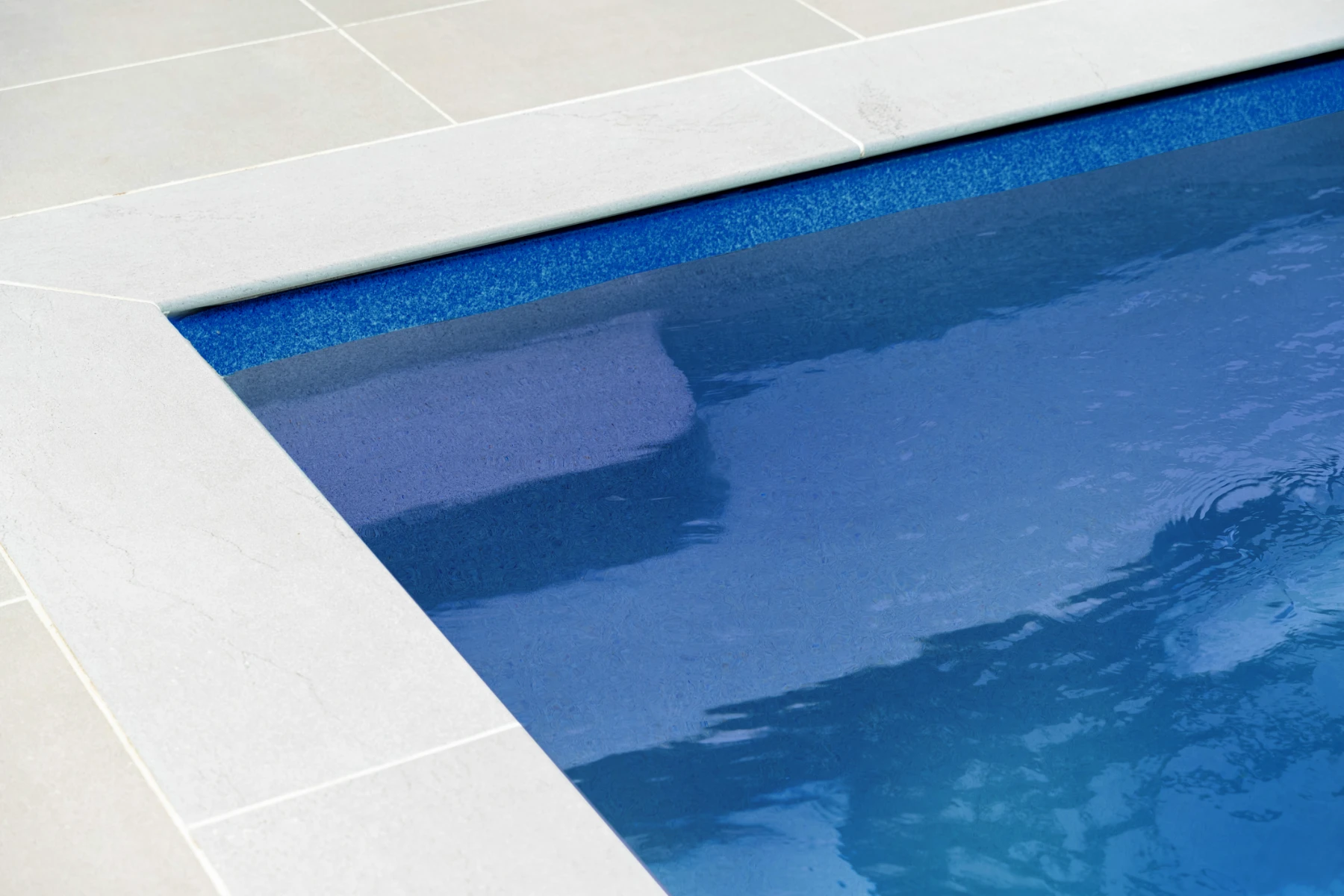
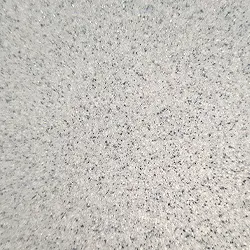
Sparkling Grey

Pale Blue

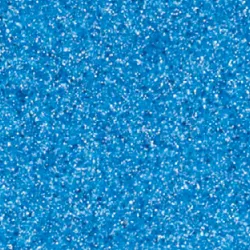
Mid Blue

Sandstone

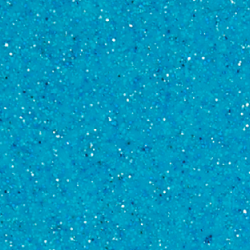
Aurora
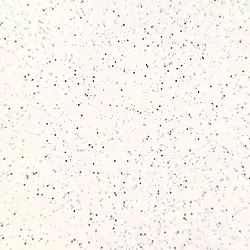
Glacier
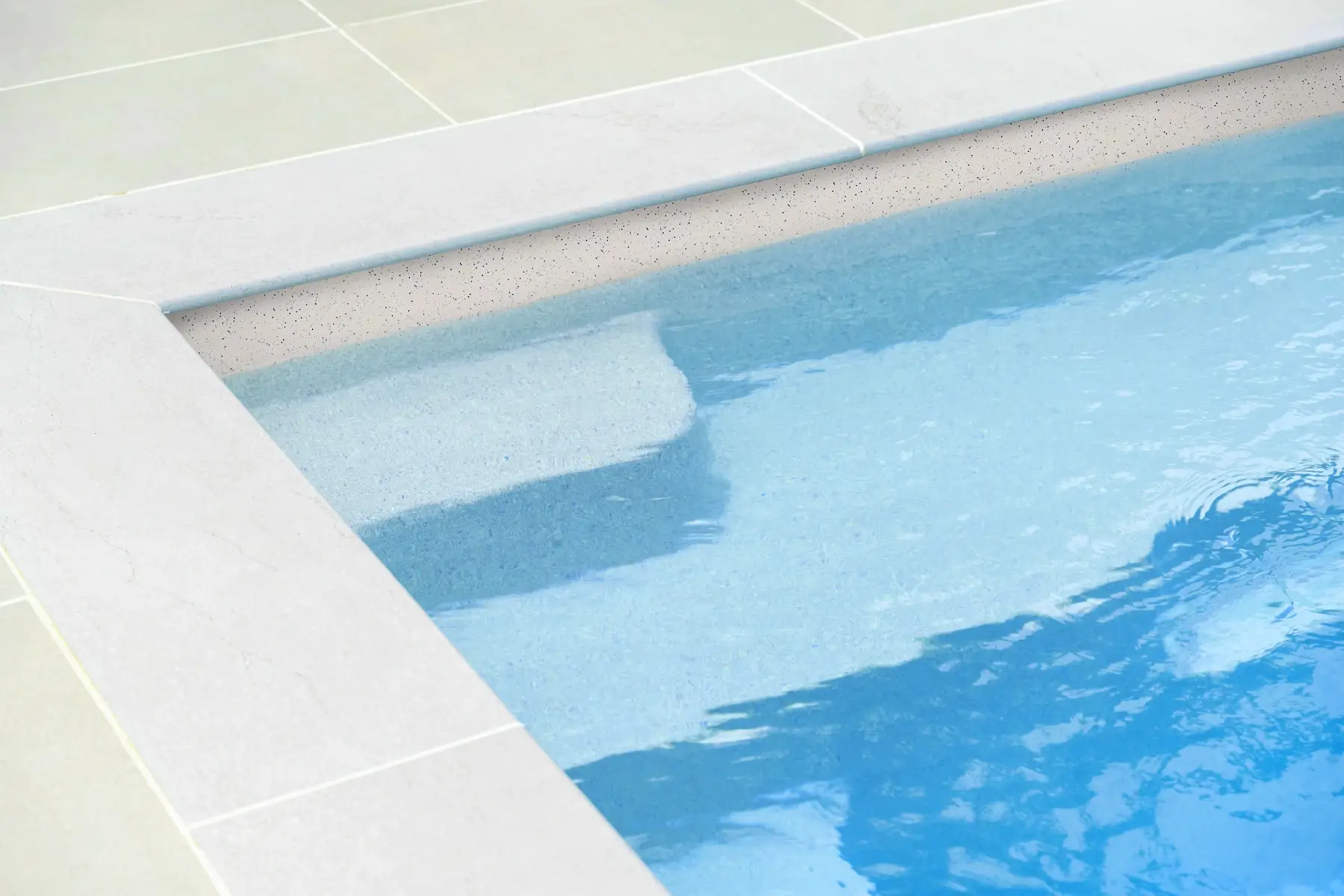
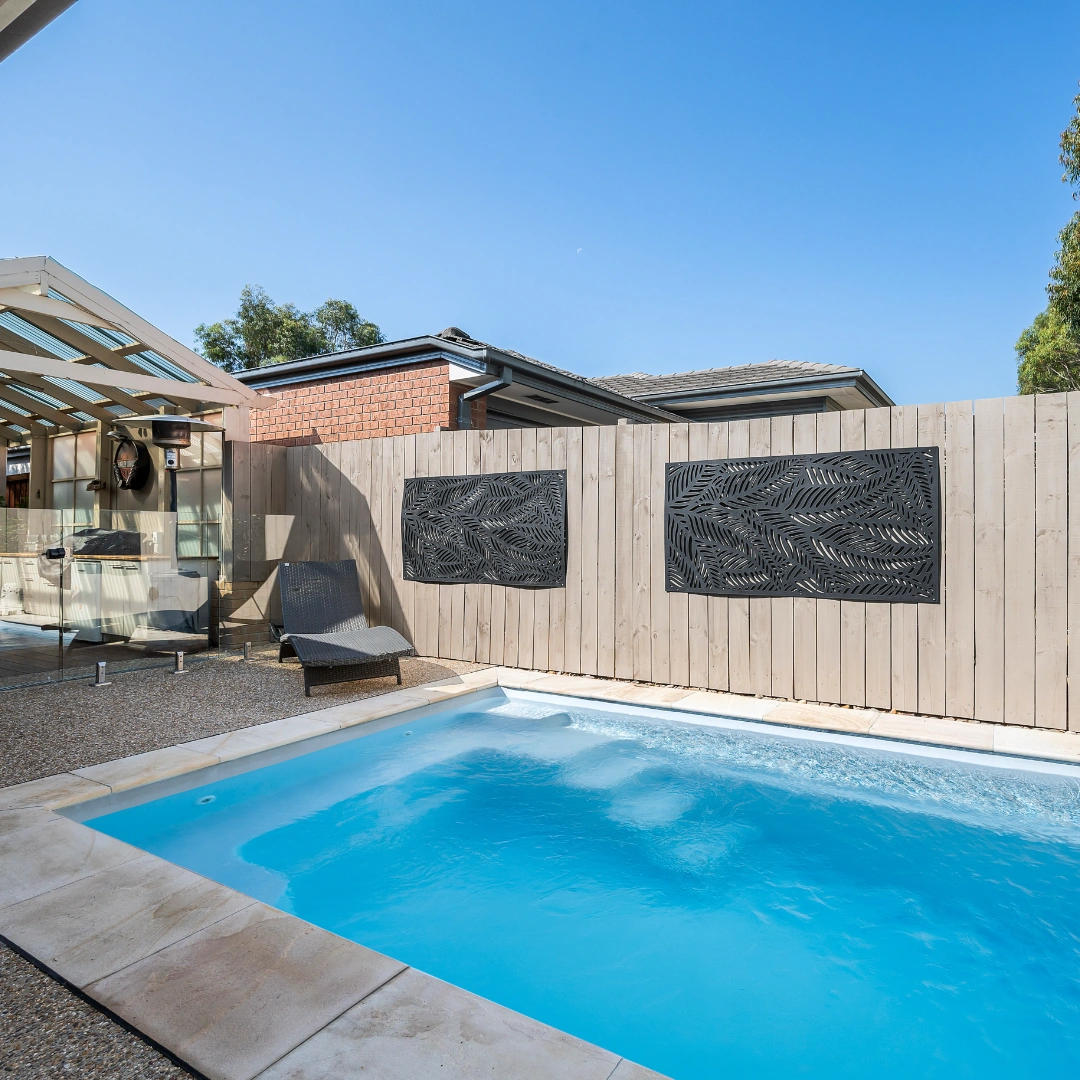
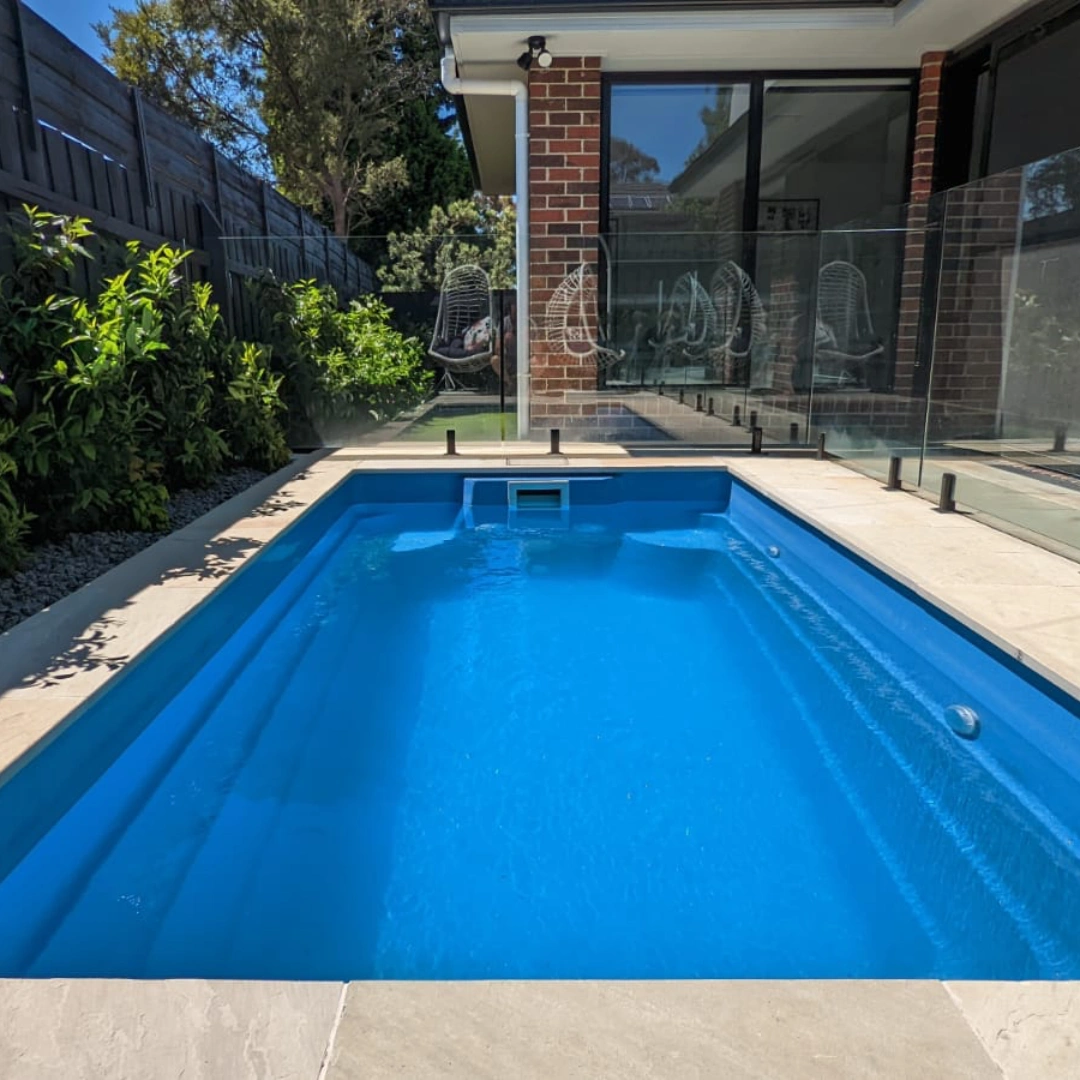
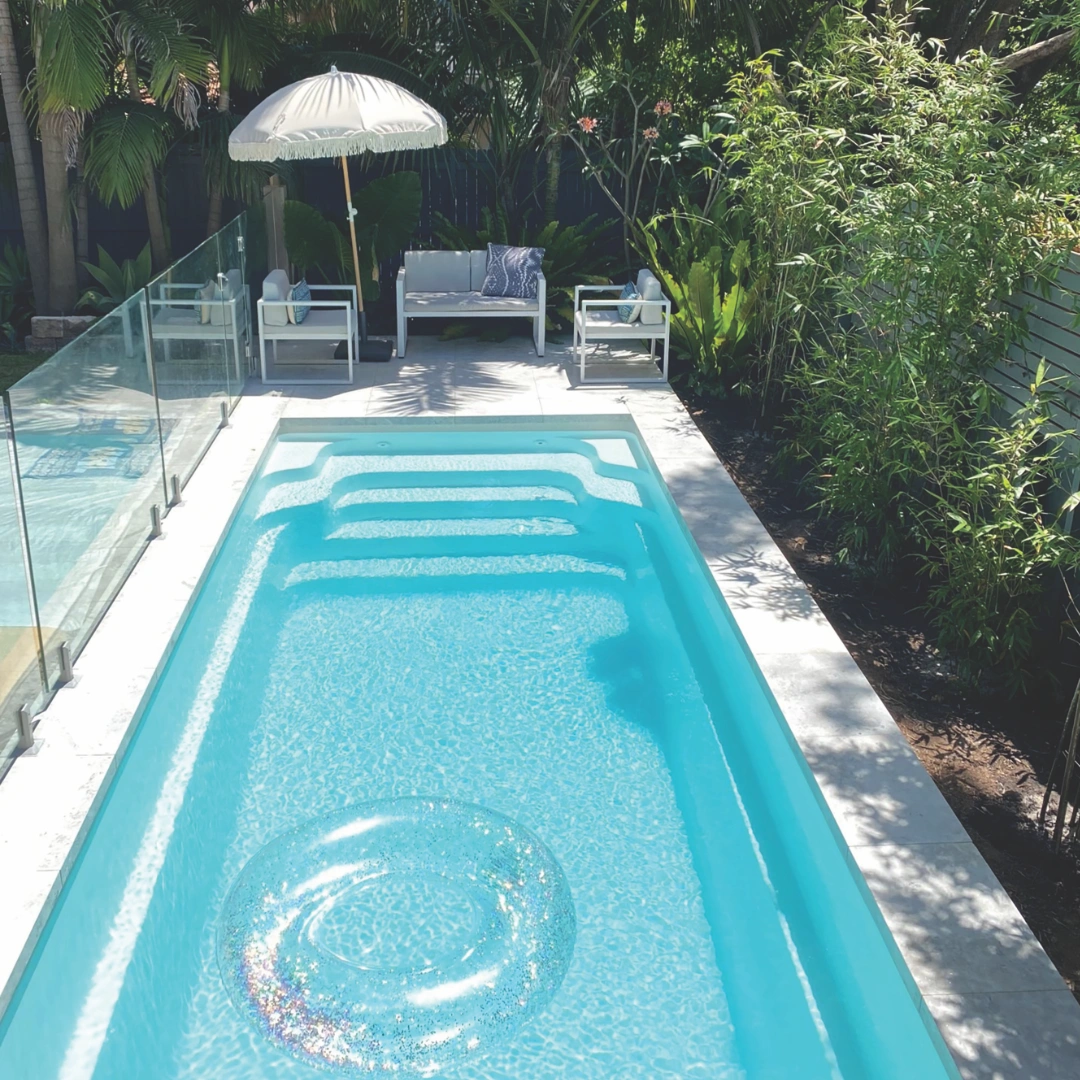
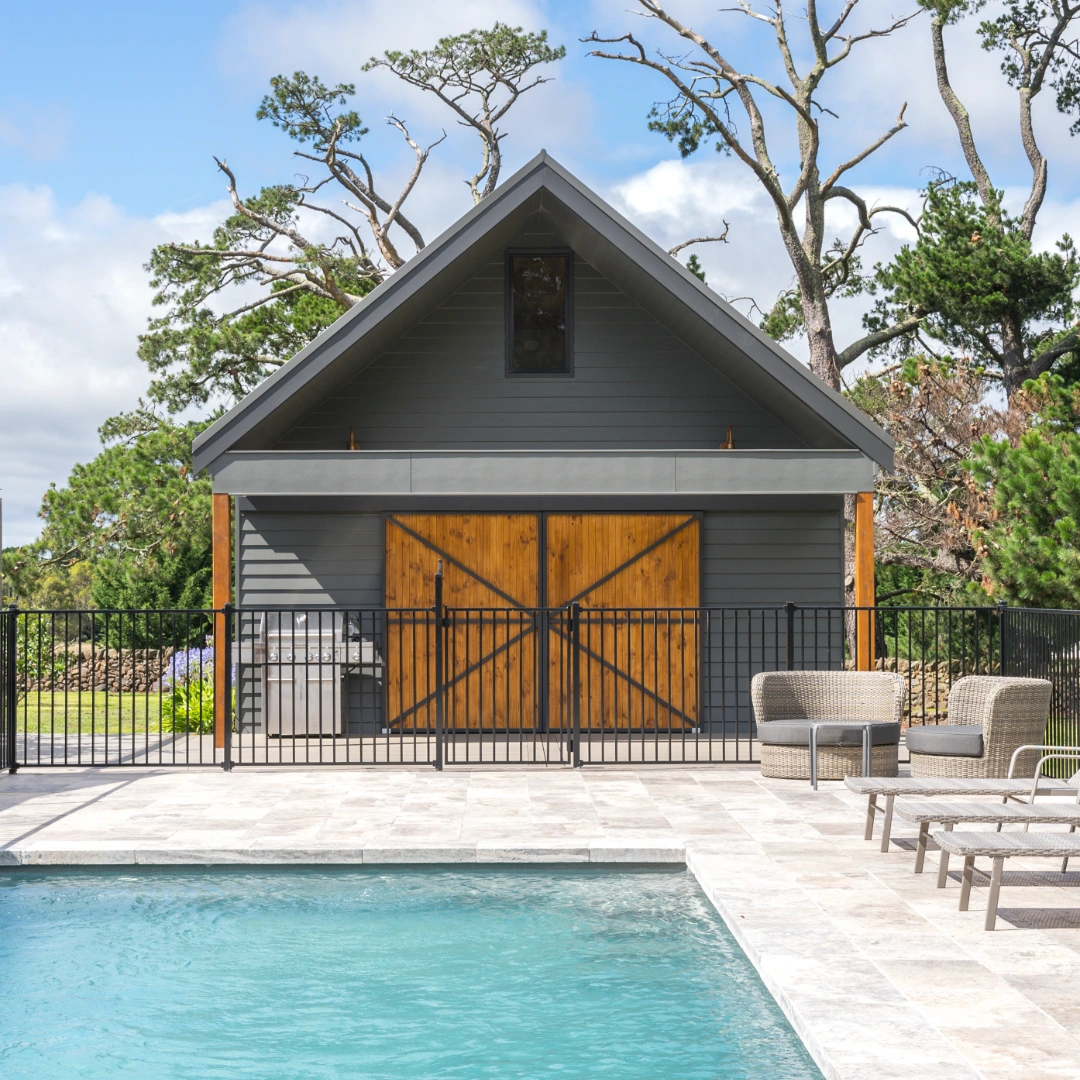
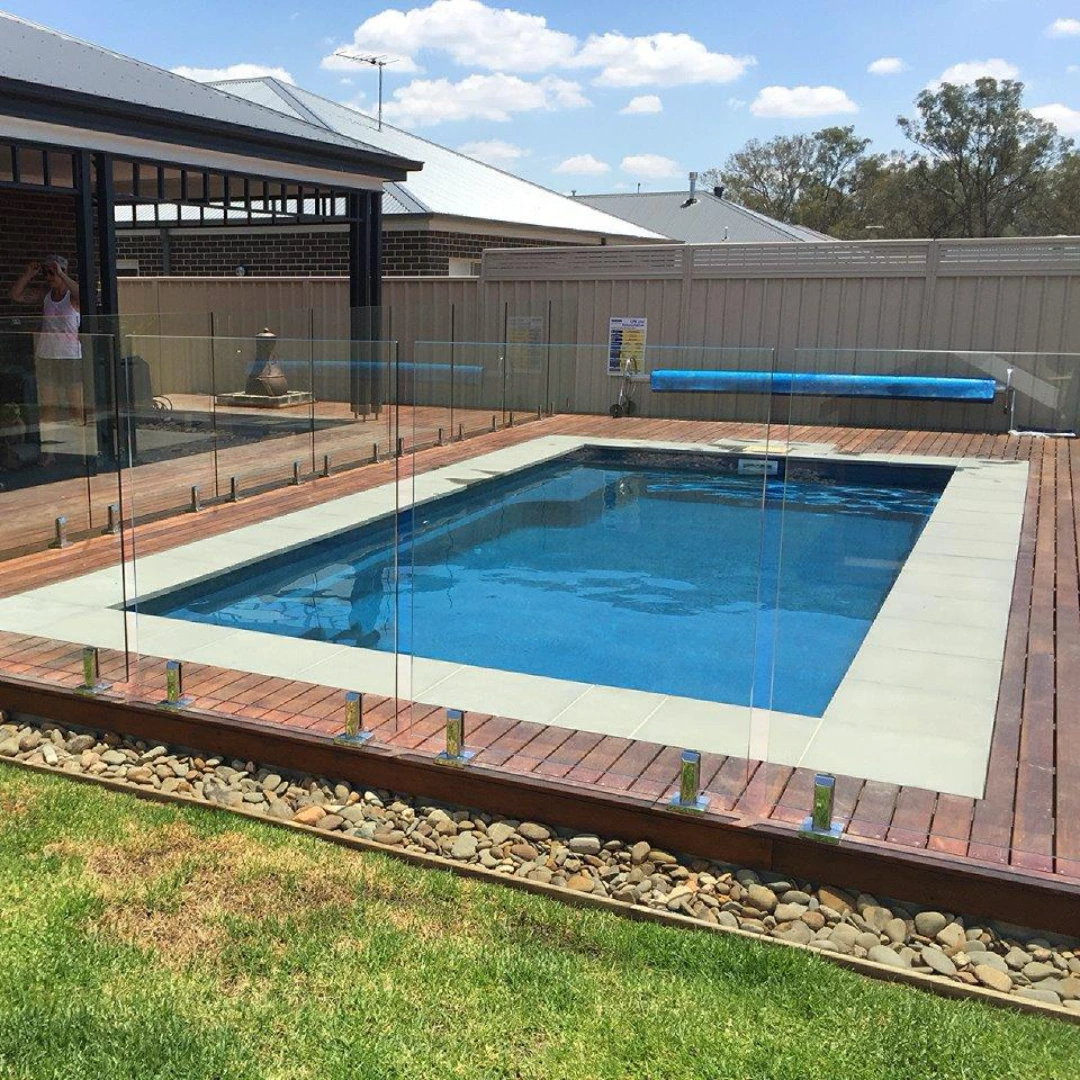
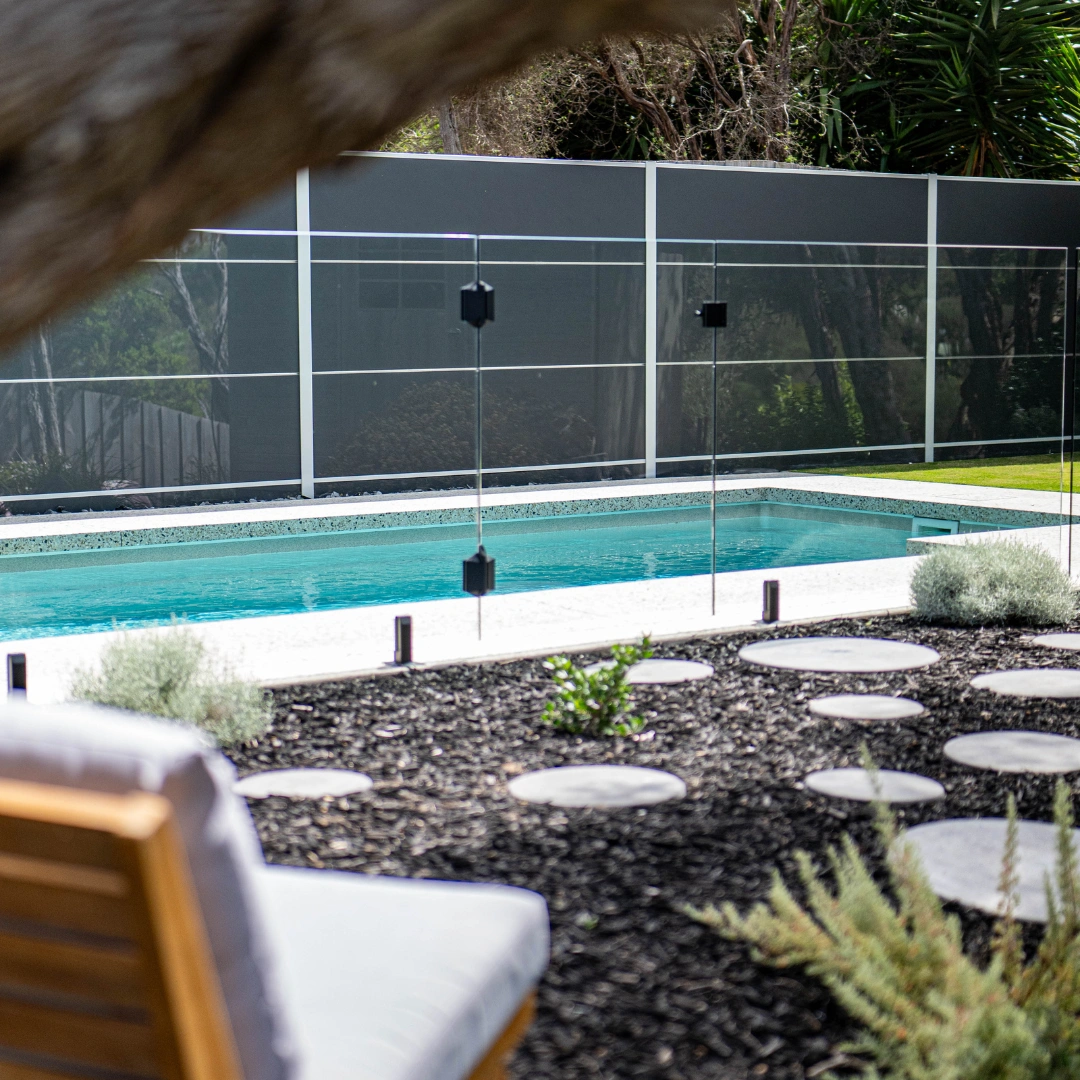
Water colours are a guide only. Sun, depth, sky and surroundings all change the result on the day.
Important:
This component uses Transforms (Move Down 100%) to hide and show modal (on Tablet) so that filters apply once the user hits the apply button (optimal UX). Using the display: hidden will prevent the apply button from working.
To show and hide the modal for editing purposes on Tablet:
- Select the filters2_filters-wrapper inside the parent div filters2_layout div.
- Hit the Hide button and it will show (yes this is counterintuitive).

Thank you! Your submission has been received!
Oops! Something went wrong while submitting the form.











No results found.
There are no results with this criteria. Try changing your search.